Active and Inactive Items
2 min
Once an Item is created, it can be made active or inactive at any point.
To change the status of your Item, there are 2 ways:
Item Setup
When setting up the Item initially (Add a Concessions Item ), you can select Active or Inactive in the top right corner. As soon as the setup is finished that will be saved.
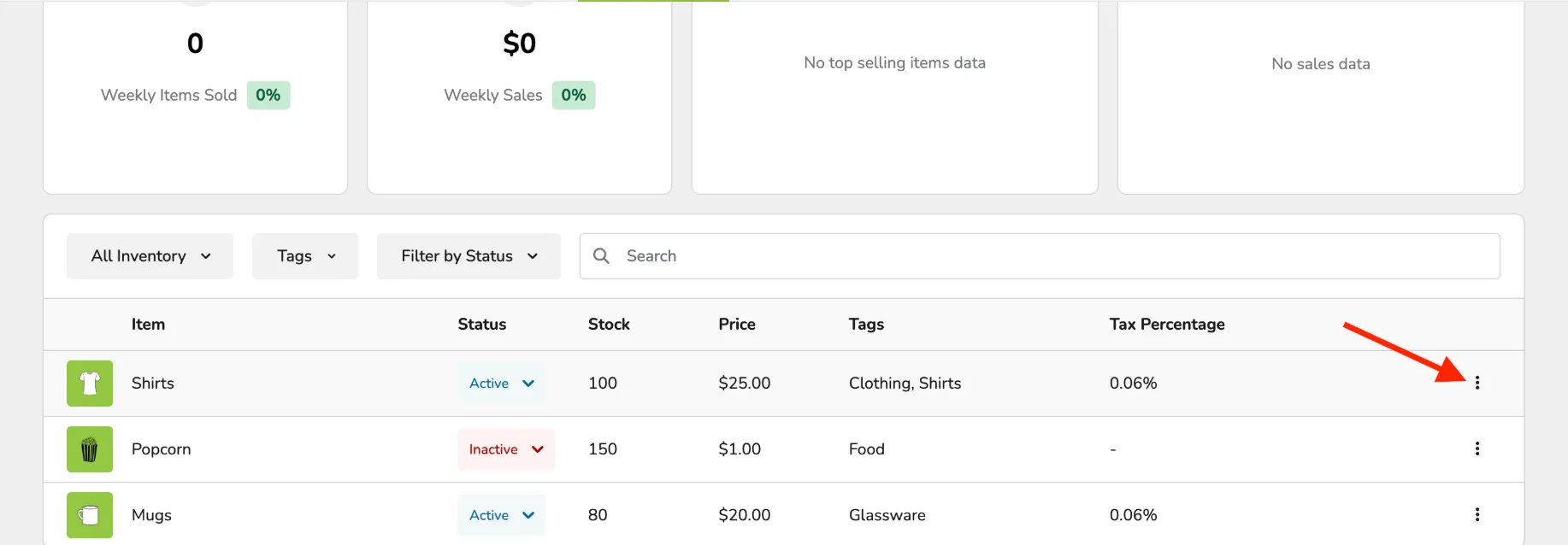
From the Dashboard
Go to Concessions (at the top of your screen) -> Dashboard.
Scroll down to your list of Items.
Go to the Status column next to the item.
Then select either Active or Inactive for your item.
As soon as you select it, it will take effect immediately.