Add a Class Time
Within Classes, there are two types of class times. Singular and recurring. Singular class times are great for classes that do not repeat week after week. Conversely, recurring class times are ideal for a class that meets regularly over time.
To start setting up your class time, navigate to Collections --> Classes. Then, next to the desired Class, click Add Class Times.
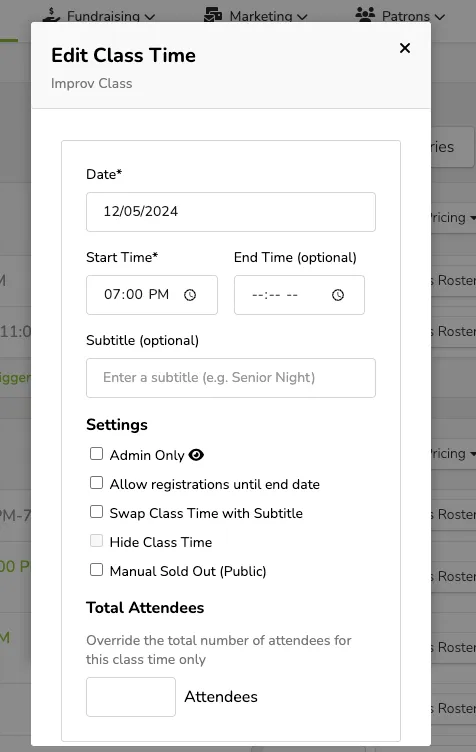
For singular class times
Click the Date section and choose from the calendar view. Then, click the time and insert the start time. To add multiple one-off class times, click the green + Add Another text. Once finished, click Done.
For recurring class times
Click the grey Set Up Recurring Class Times text and then insert a beginning and end date/time. To add multiple recurring class times, click the green + Add Another text. Once finished, click Done.
To learn about additional methods for customizing how class time is displayed, check out this article.
Suggested Article: Customize how a Class Time is displayed