Add a Donor Level
2 min
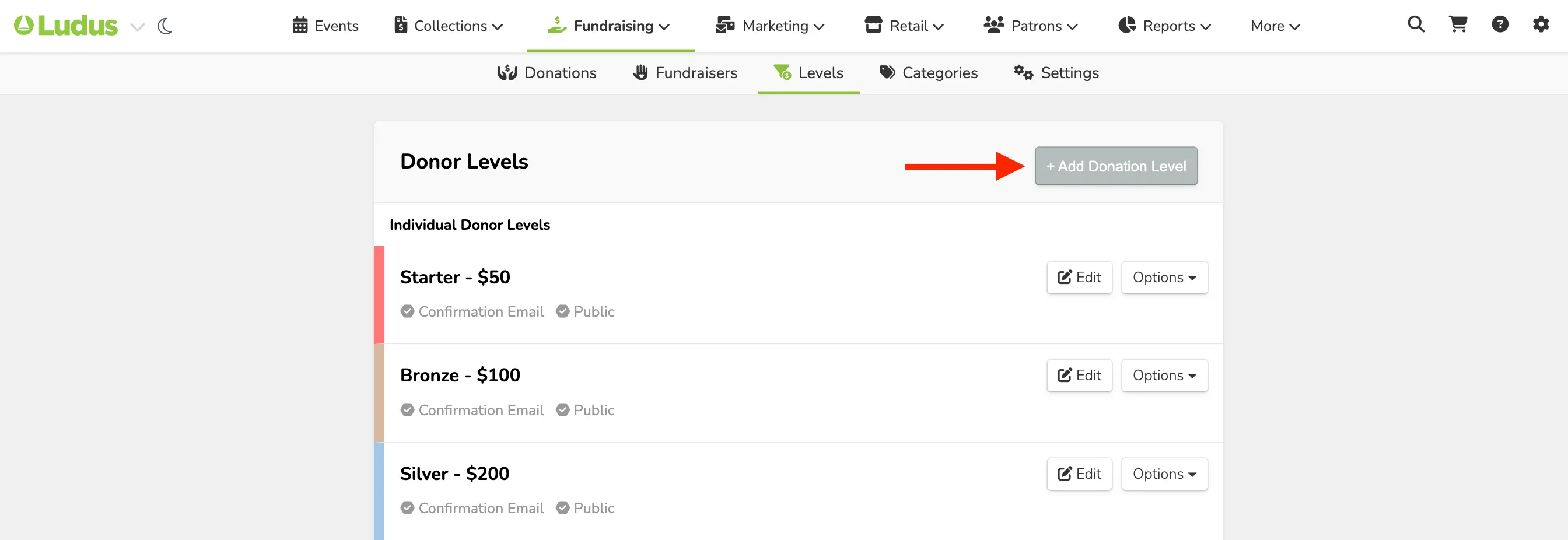
To create a new Donor Level, navigate to Fundraising --> Levels --> Add Donation Level. Check out each section below for more information about each field.
Basic Info
- Level Name - Name of your Donation Level
- Starting Amount - The base dollar amount for a patron to qualify for the tier.
- Description - Description of this level and any benefits or perks that are attached (Optional)
Confirmation Email
- Send Confirmation Email - Customize the message sent to a patron who donates at this level.
- Suggested Article: Edit confirmation email for Donor Level
Admin Notifications
- Send Admin Notification - Enable sending notifications when a patron donates to a specific level.
- Admins - Select which admins you want to be notified.
Other Options
- Donor Type - Choose whether this Donor Level is for Individual or Corporate donors. This section will only appear if you have enabled Corporate donations.
- Suggested Article: Enable corporate donations
- Form - Select a custom form you'd like donors to fill out if they fall in this Donor Level.
- Suggested Article: Attach a Form to a Donor Level
- Display to Public - Choose whether this Donor Level is posted publicly for patrons or hidden for admin-only access.
- Suggested Article: Hide Donor Level from the public
- Color - The color used when displaying this Donor Level.