Add a User
1 min
To add a new user to your Ludus account:
From the top navigation bar, click the Settings wheel icon (⚙️) and navigate to the Users tab.
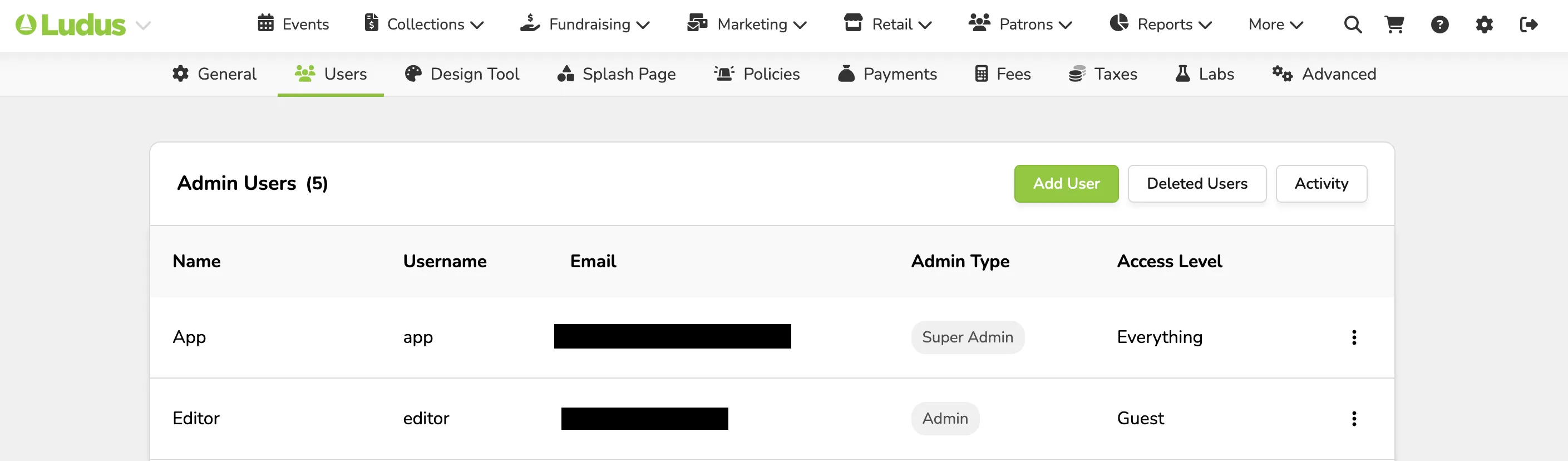
Click +Add New User

Insert the user's name, email, desired username, password, admin level, and Access Level.
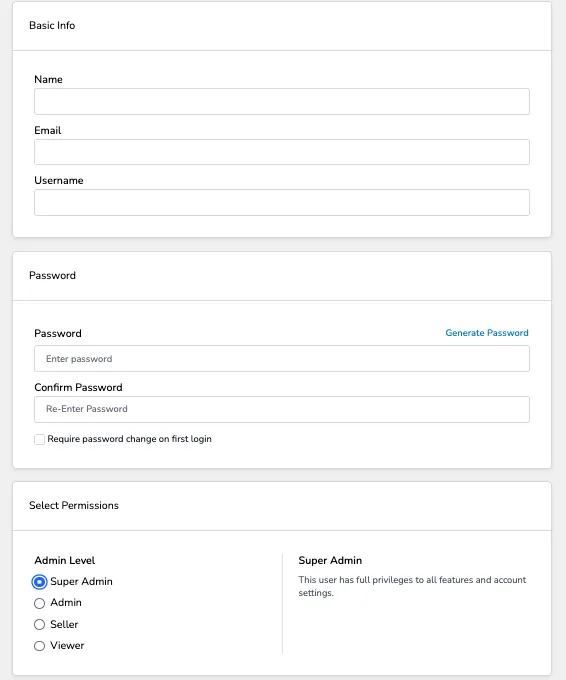
If you check the box for "Require password change on the first login", the user will be prompted to set their own password in the confirmation email.
Click Save. The user will receive an email with login details.
It is recommended that EACH user have their own user profile. If you have multiple volunteers scanning tickets, you can set them up as Scanner1, Scanner2, and so on. The same should go for sellers and other user levels.