Add Global Notices
Add a Global Notice
Global Notices are custom messages that you can directly place throughout the patron experience. You can use these to communicate anything you need with your patrons.
To add a Global Notice:
Go to More (at the top of your admin panel) → Global Notices.
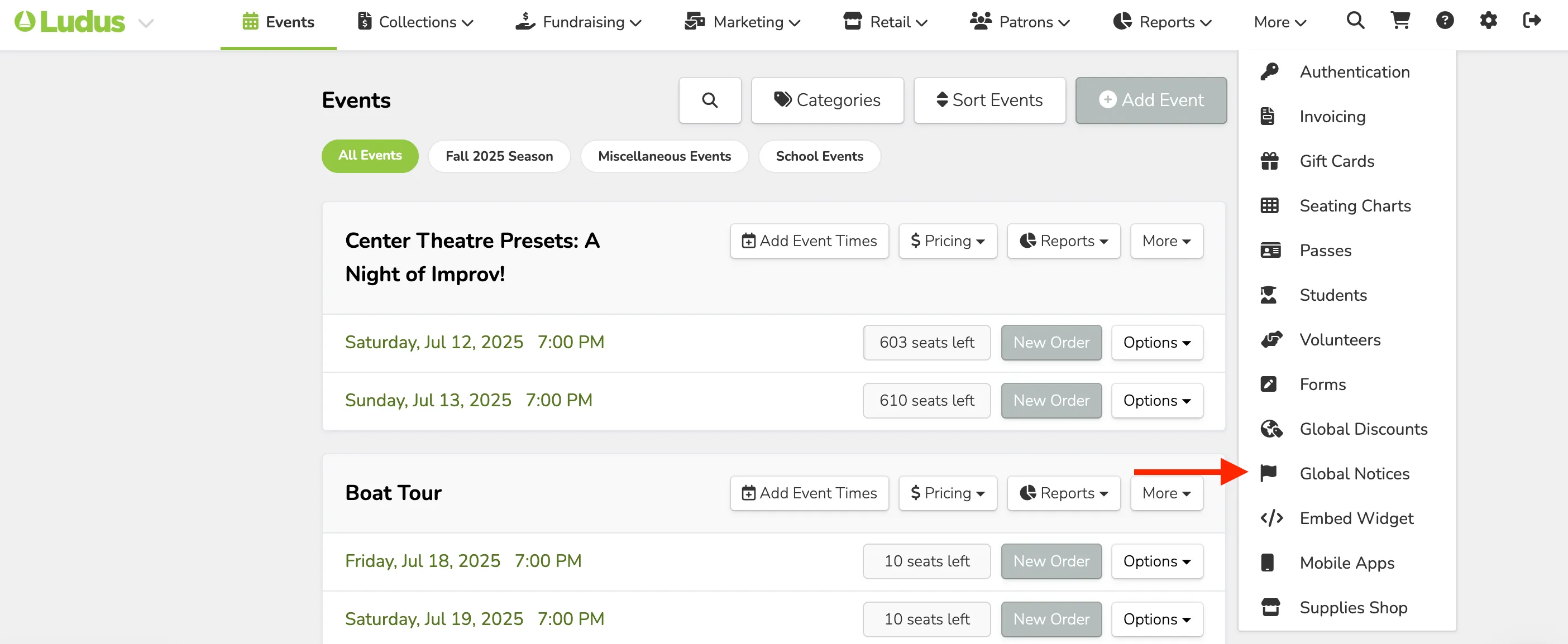
From here, you can select any of the Notices listed to edit or add information to any of the desired Notice options.
Global Notices are account-wide and apply to every item (events, tickets, etc.)
Types of Global Notices
Events
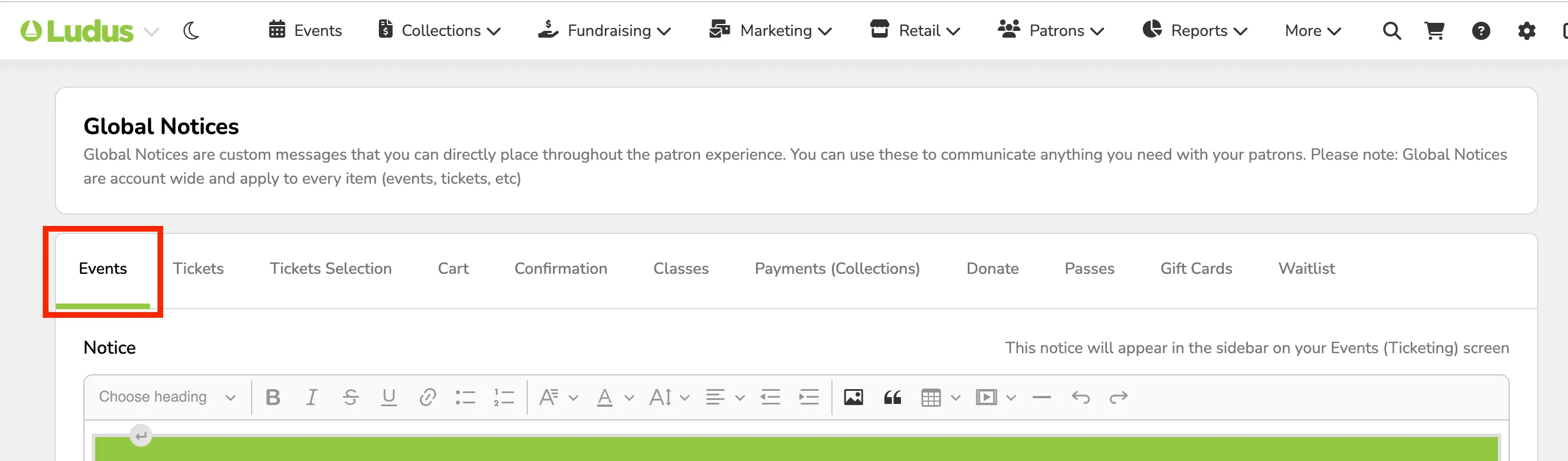
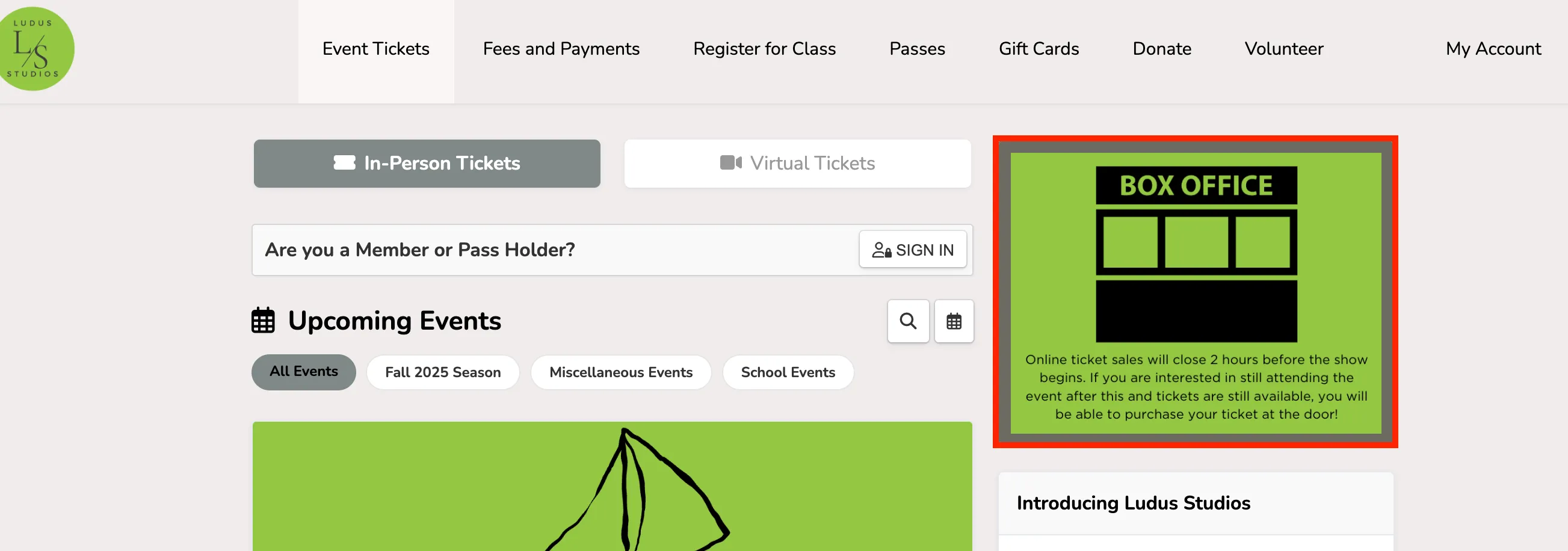
This is a Notice that will show up along with the event listing on your patron site. The Event's Notice is perfect for those situations where you would like to share more information about your events or the season of events ahead.
Admin Panel View
Patron Site View
Tickets
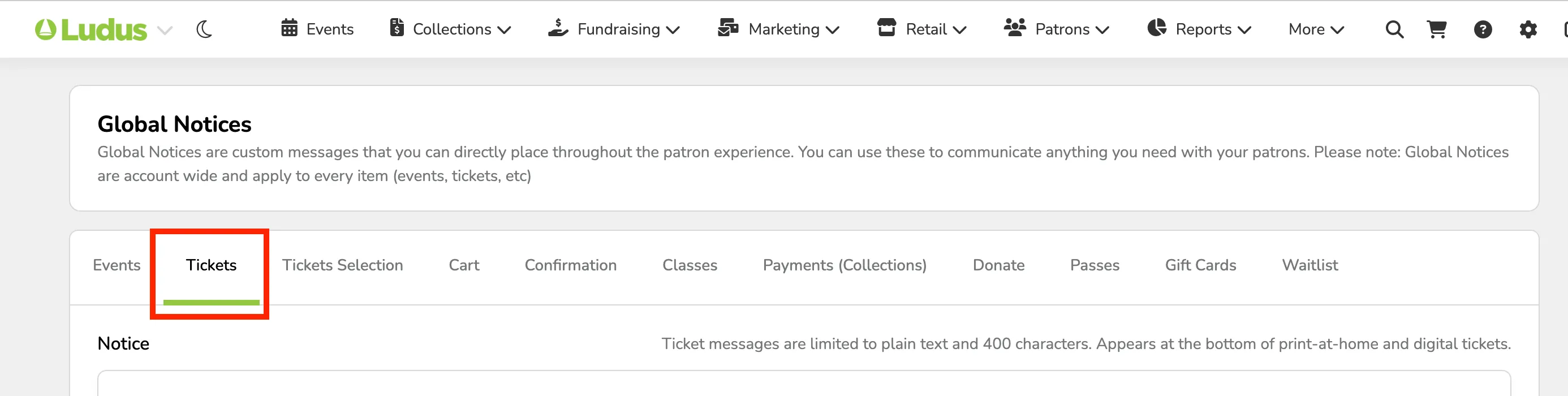
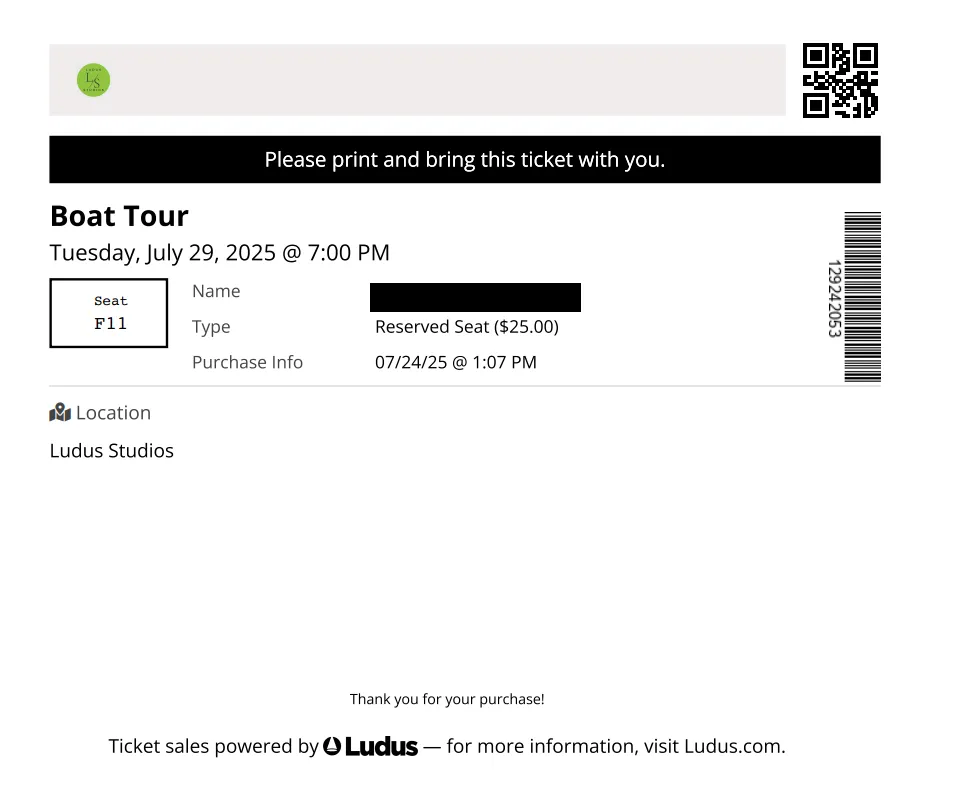
Ticket messages are limited to plain text and 400 characters. Appears at the bottom of print-at-home and digital tickets.
Admin Panel
Patron Site/Ticket View
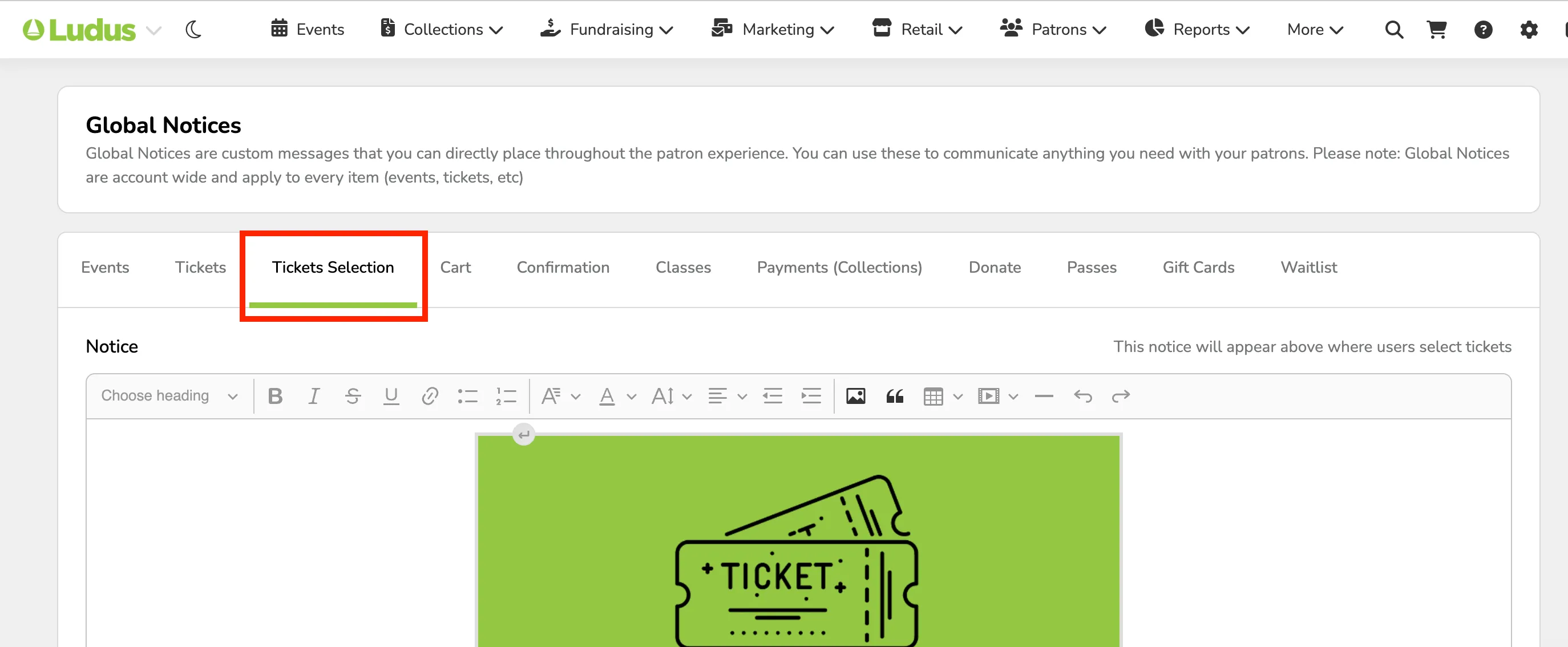
Ticket Selection
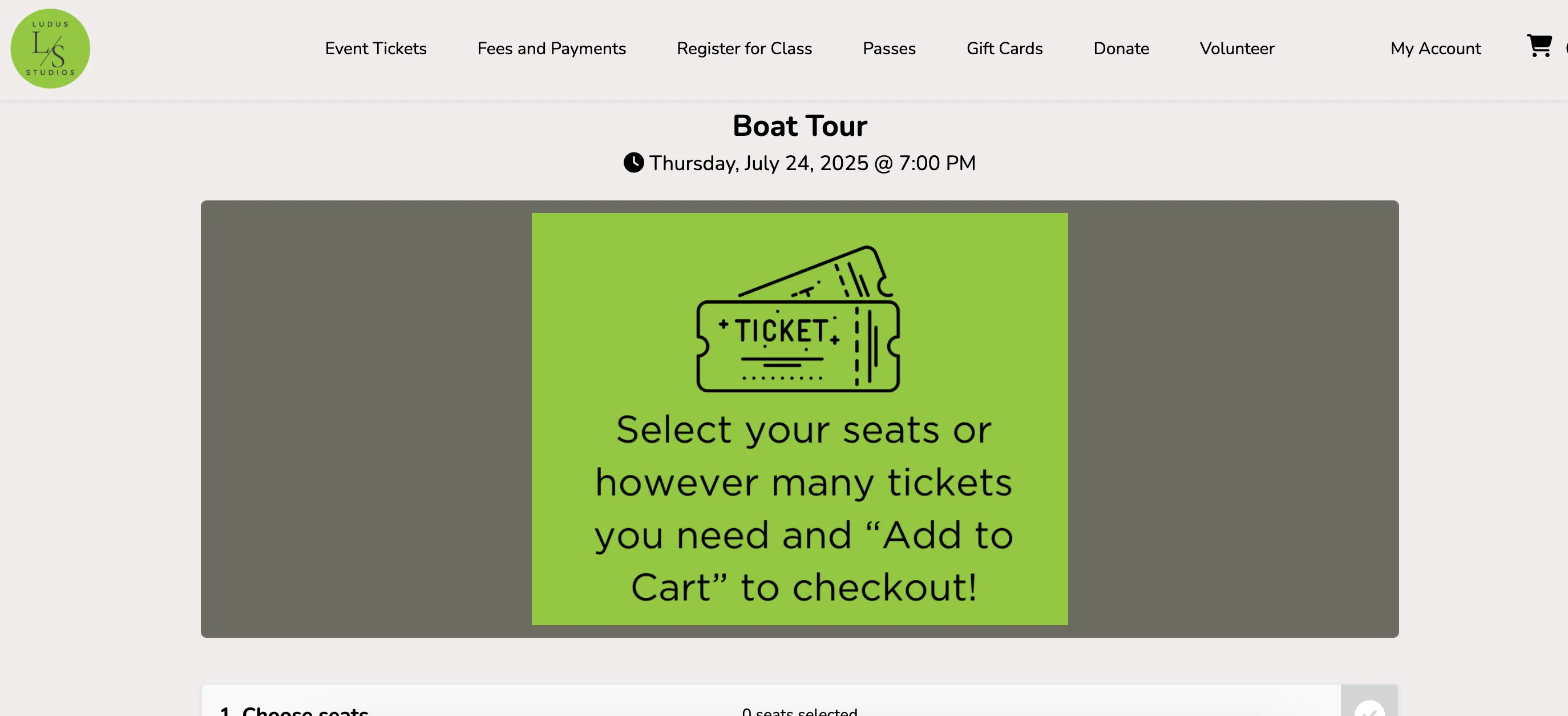
This notice appears when patrons select tickets for an event. This is great if you need to inform your patrons about the ticket selection process as they go through and purchase tickets.
Admin Panel View
Patron Site View
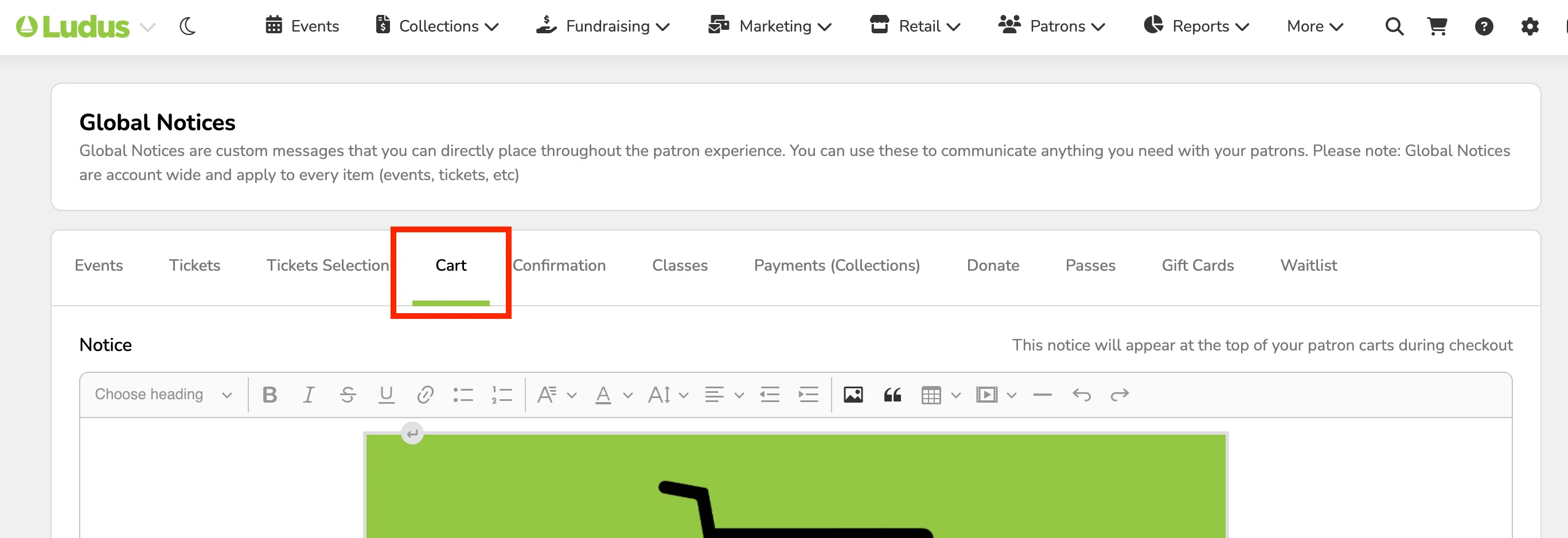
Cart
This is to share any additional information on the Cart page for your patrons. If there are last-minute items or requests, these can be added here to share with your patrons upon checkout!
Admin Panel View
Patron Site View
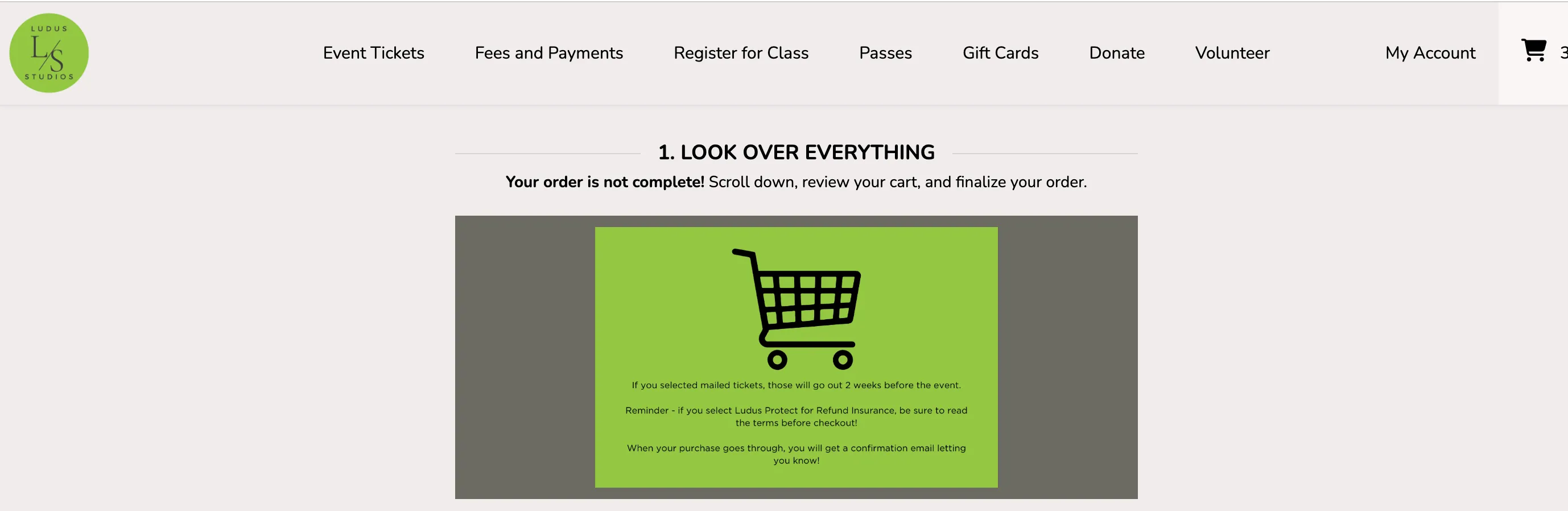
Confirmation
This is a notice that can be attached to the confirmation page patrons are redirected to after they place their order. This can be particularly helpful if you have parking or arrival instructions that you would like your patrons to see.
Admin Panel View
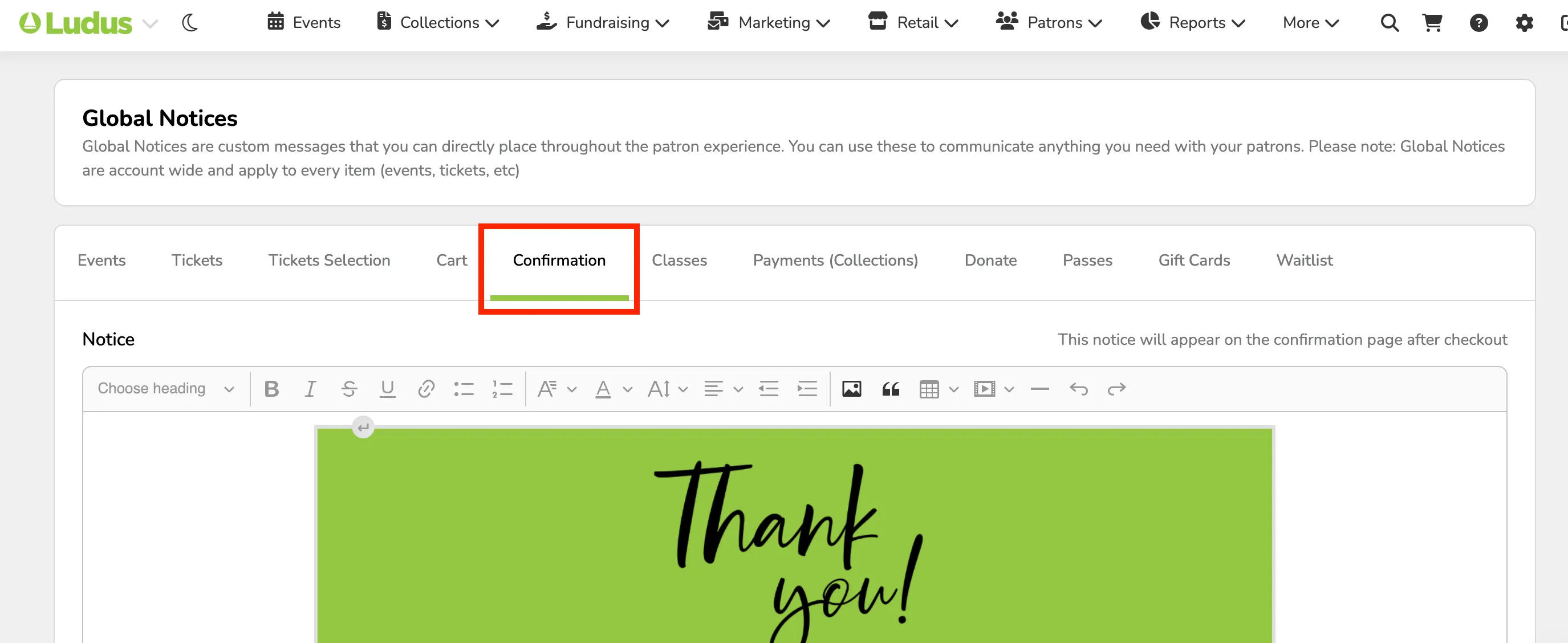
Patron Confirmation View
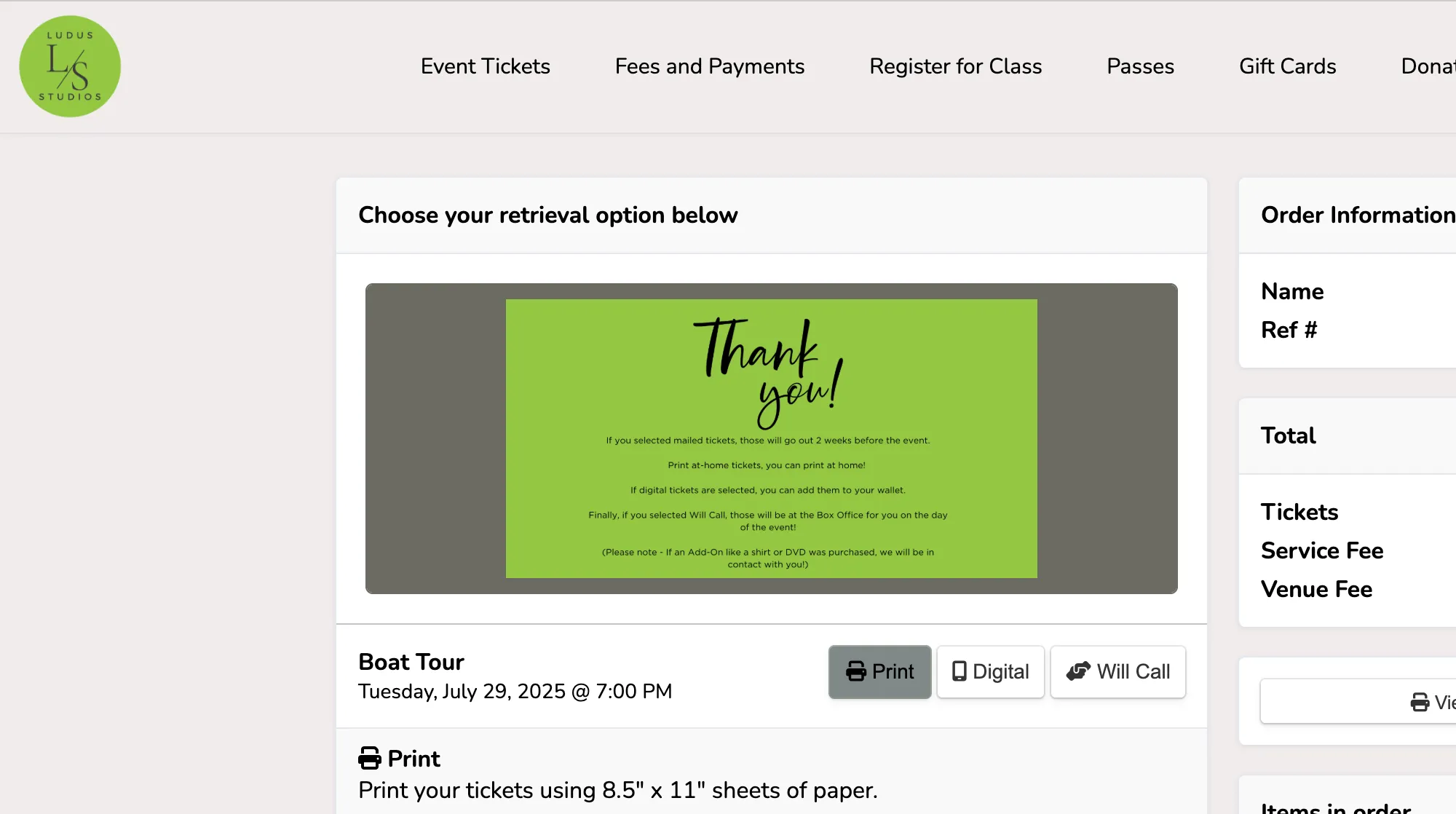
Classes
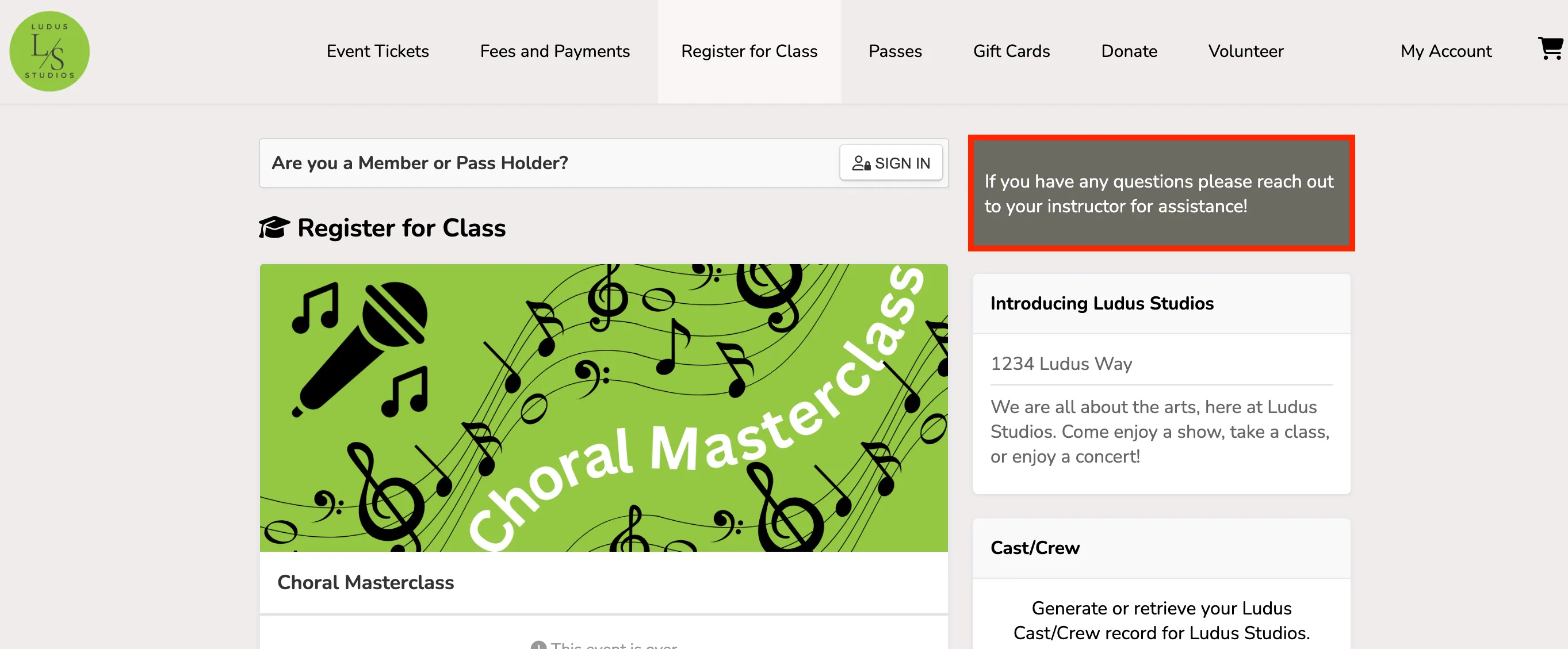
This notice will appear in the sidebar of your Classes page.
Admin Panel View
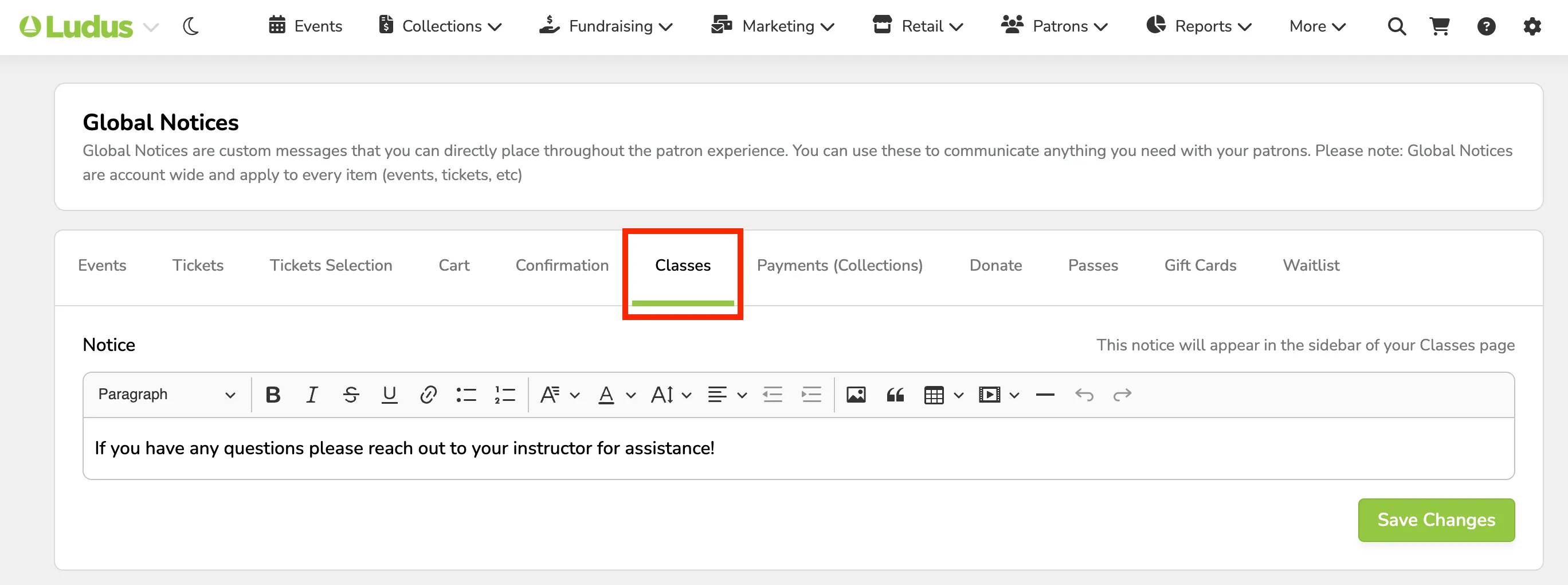
Patron Site View
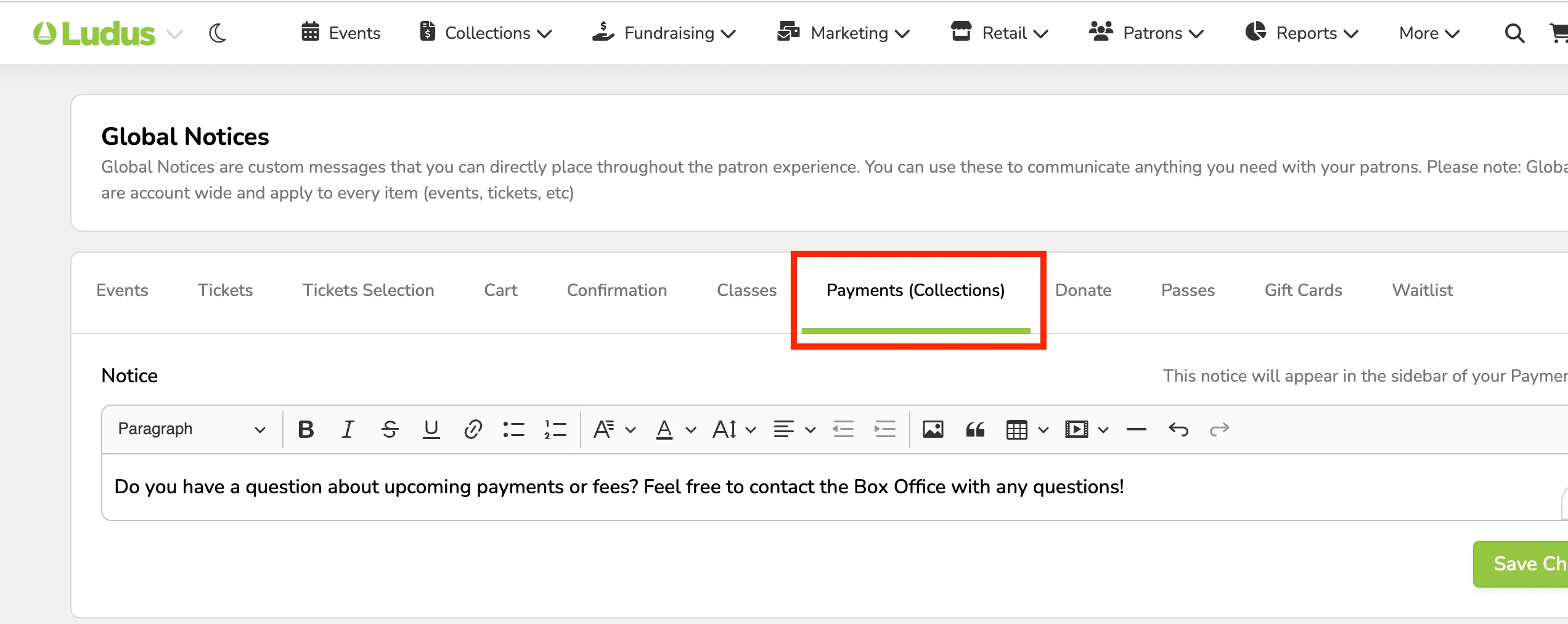
Payments (Standard Collections)
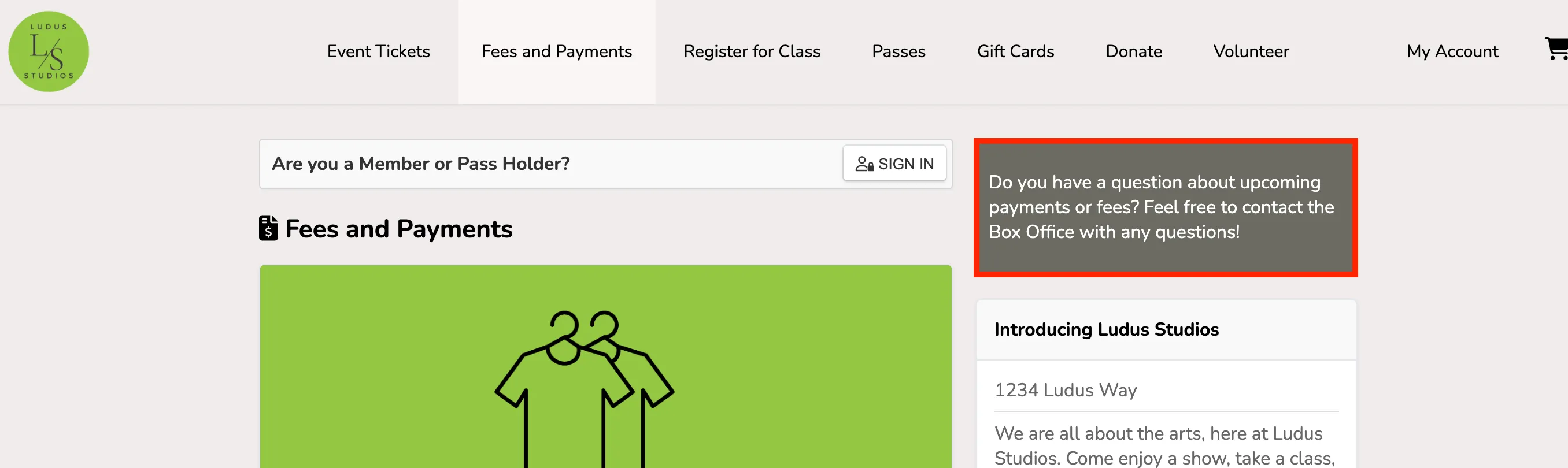
This notice will appear in the sidebar of your Payments screen.
Admin Panel View
Patron Site View
Donations
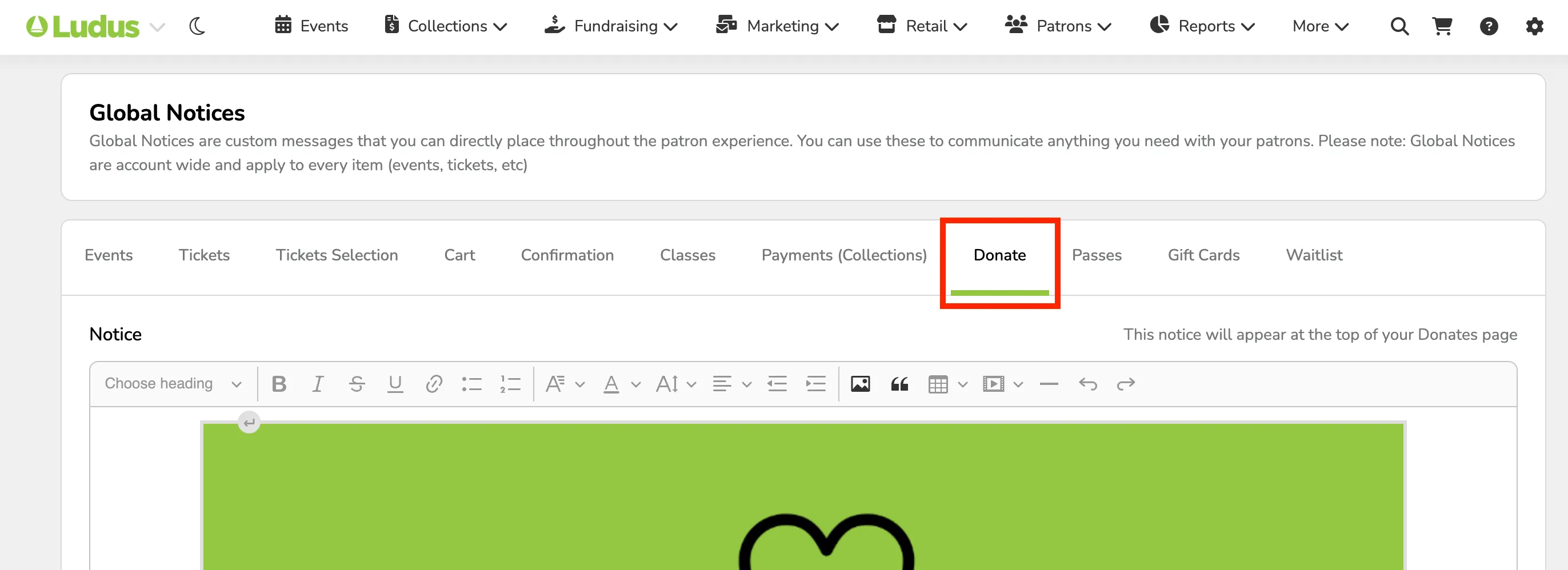
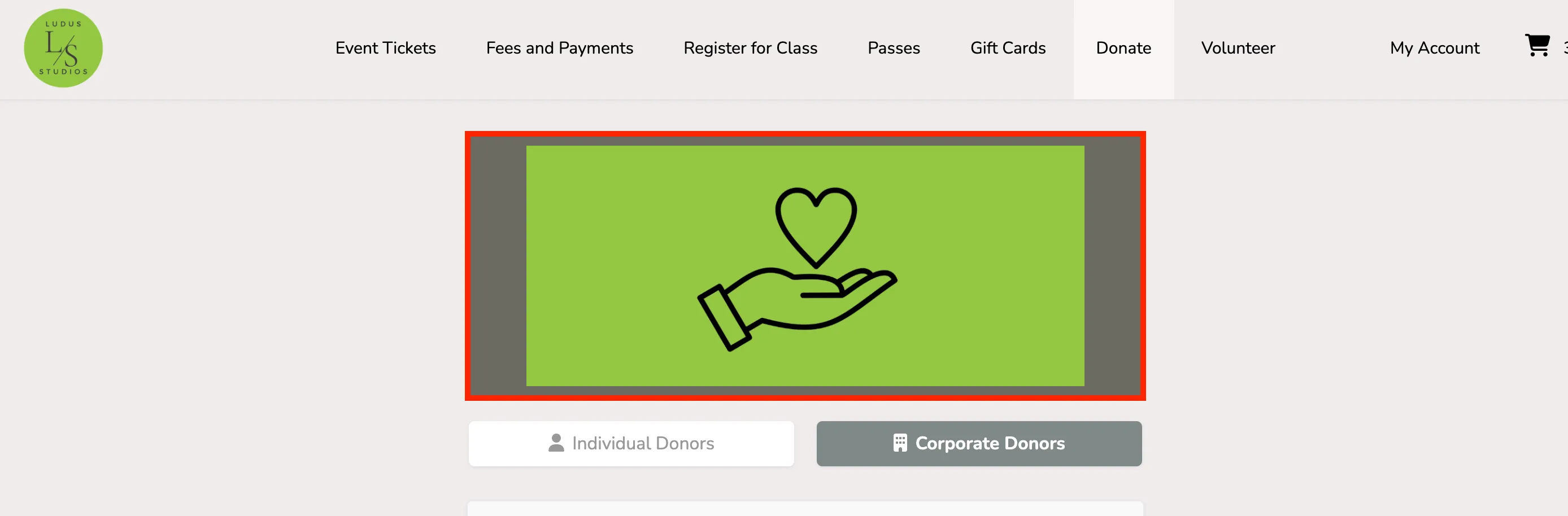
This is to share additional information on your Donations tab. These are incredibly useful to share any extra information about donating or how that might benefit your group!
Admin Panel View
Patron Site View
Passes
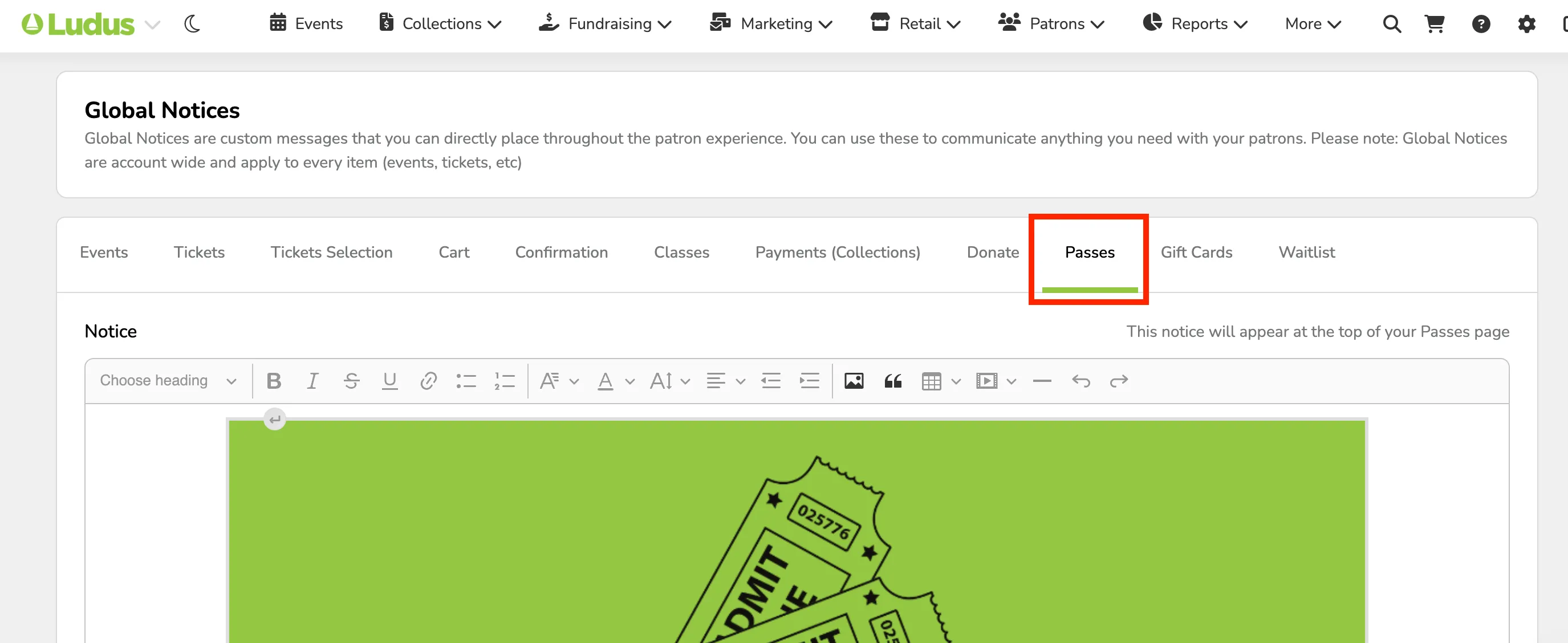
This is to share any additional information with patrons on the Passes tab. If you are creating and offering passes for your season or events, this would be a great place to share additional information with your patrons about those passes or memberships.
Admin Panel View
Patron Site View
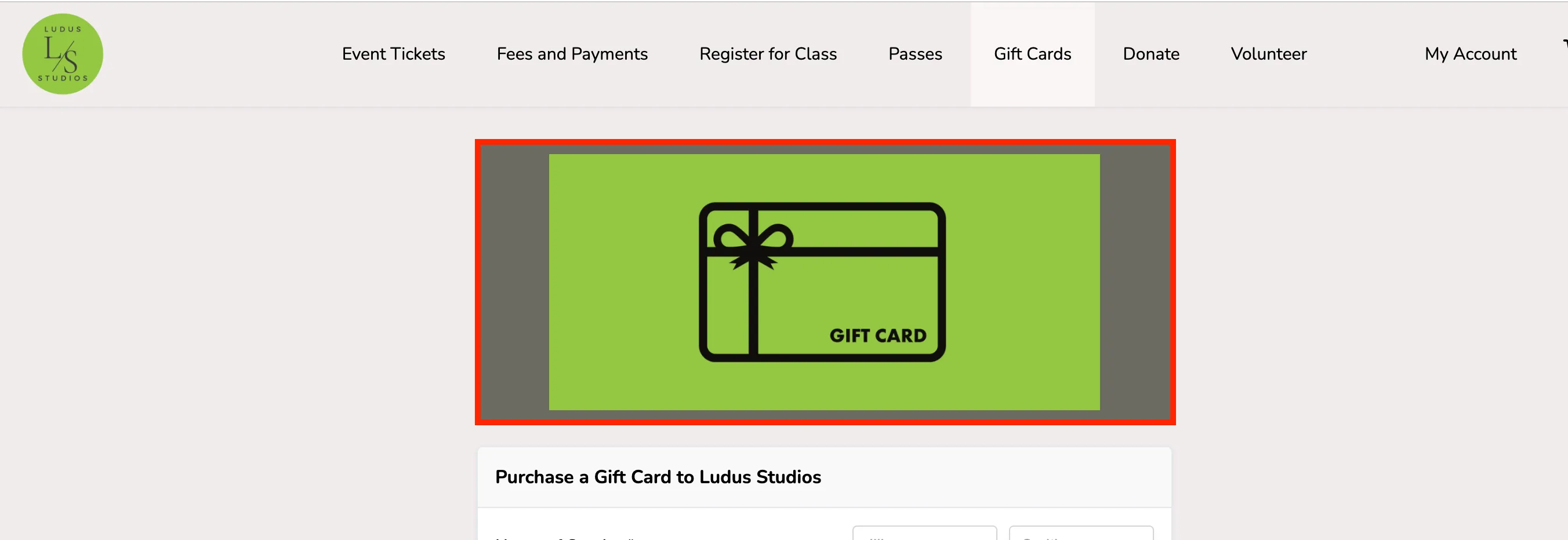
Gift Cards
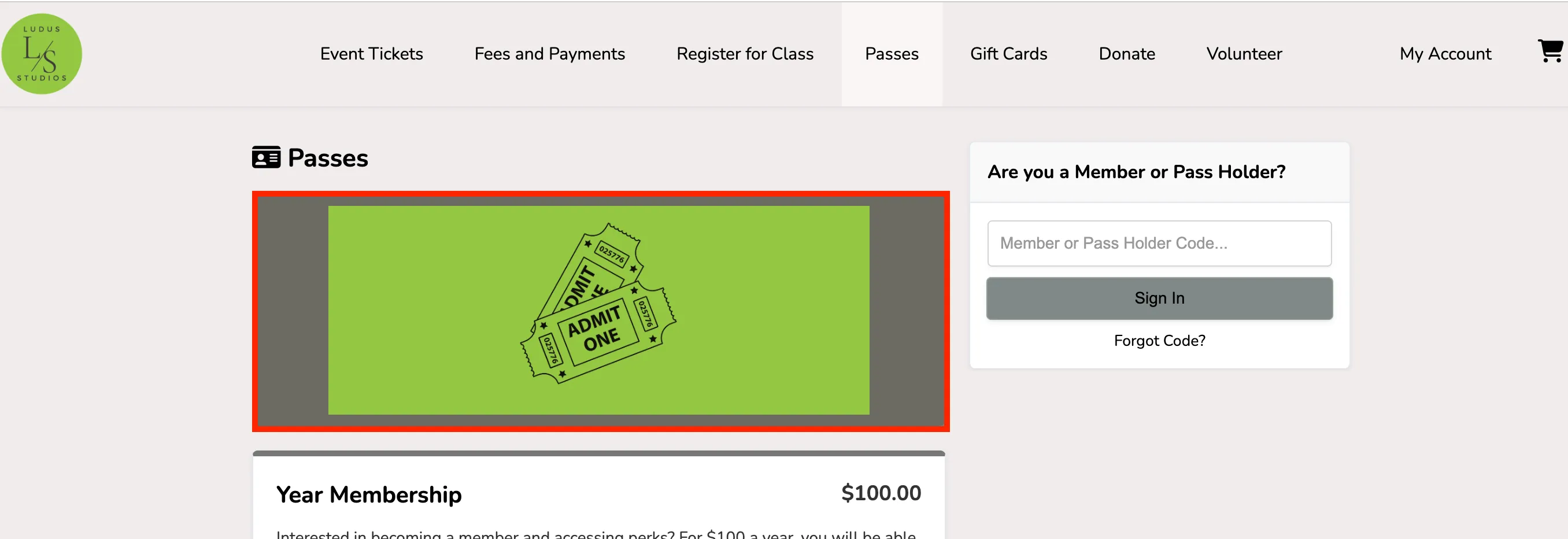
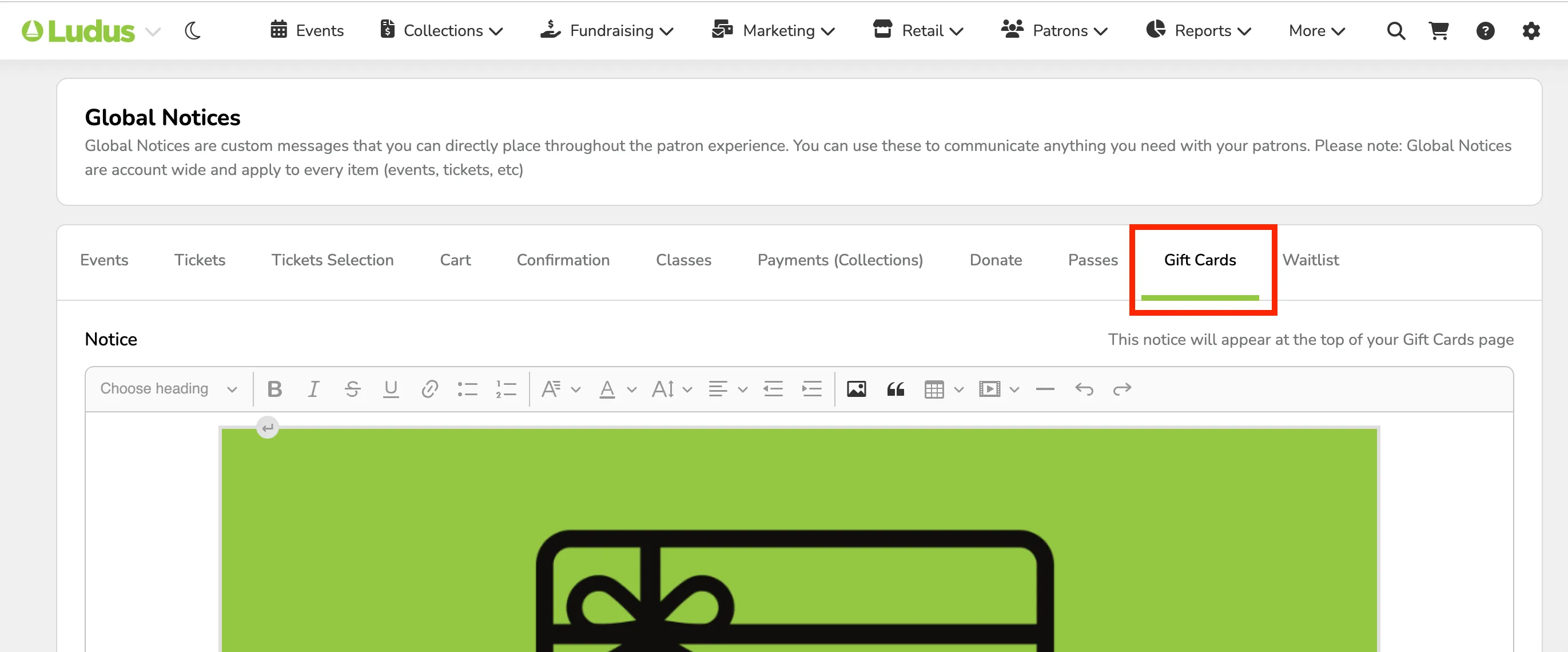
This is to share additional information for patrons on the Gift Cards tab. If this is something you would like, feel free to write to customer support to have this enabled!
Suggested Article: Enable the Gift Cards feature
Admin Panel View
Patron Site View
Waitlist
This notice will appear during the Waitlist sign-up process.
Admin Panel View
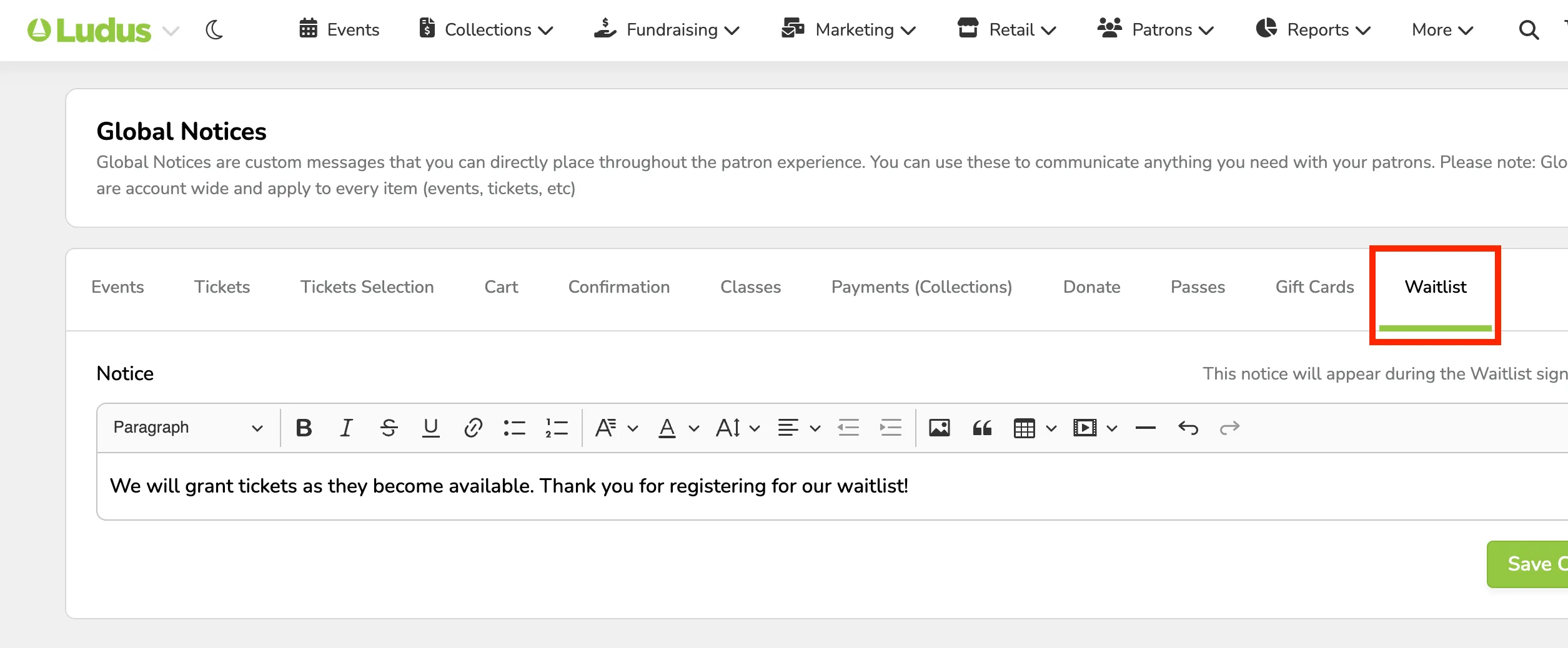
Patron Site View
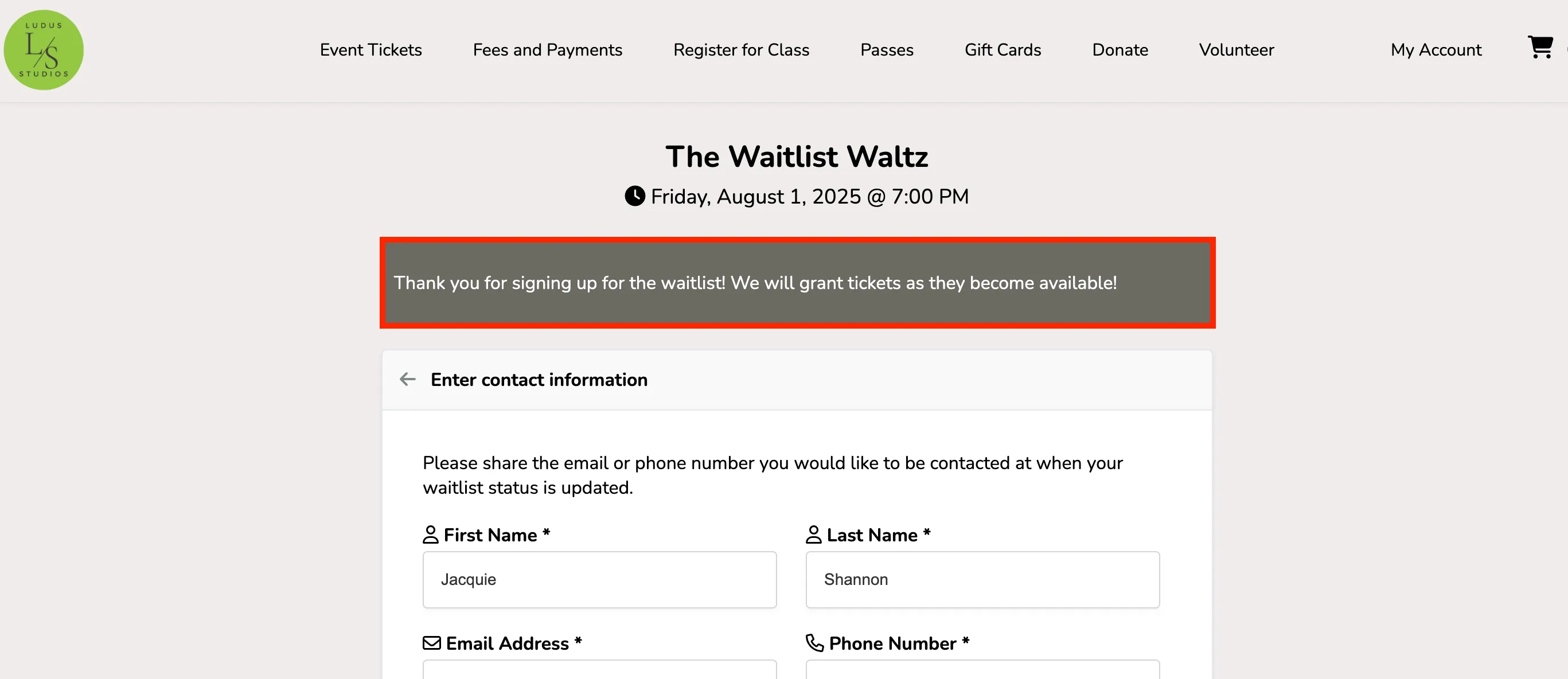
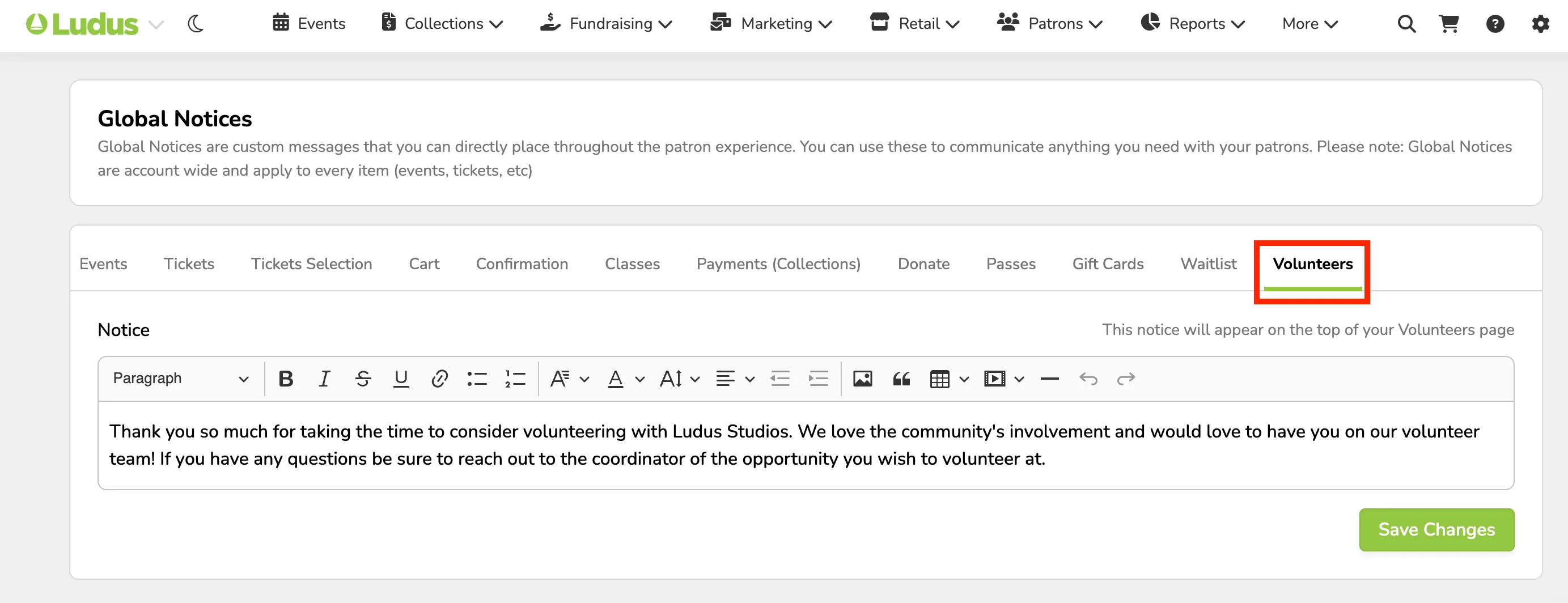
Volunteers
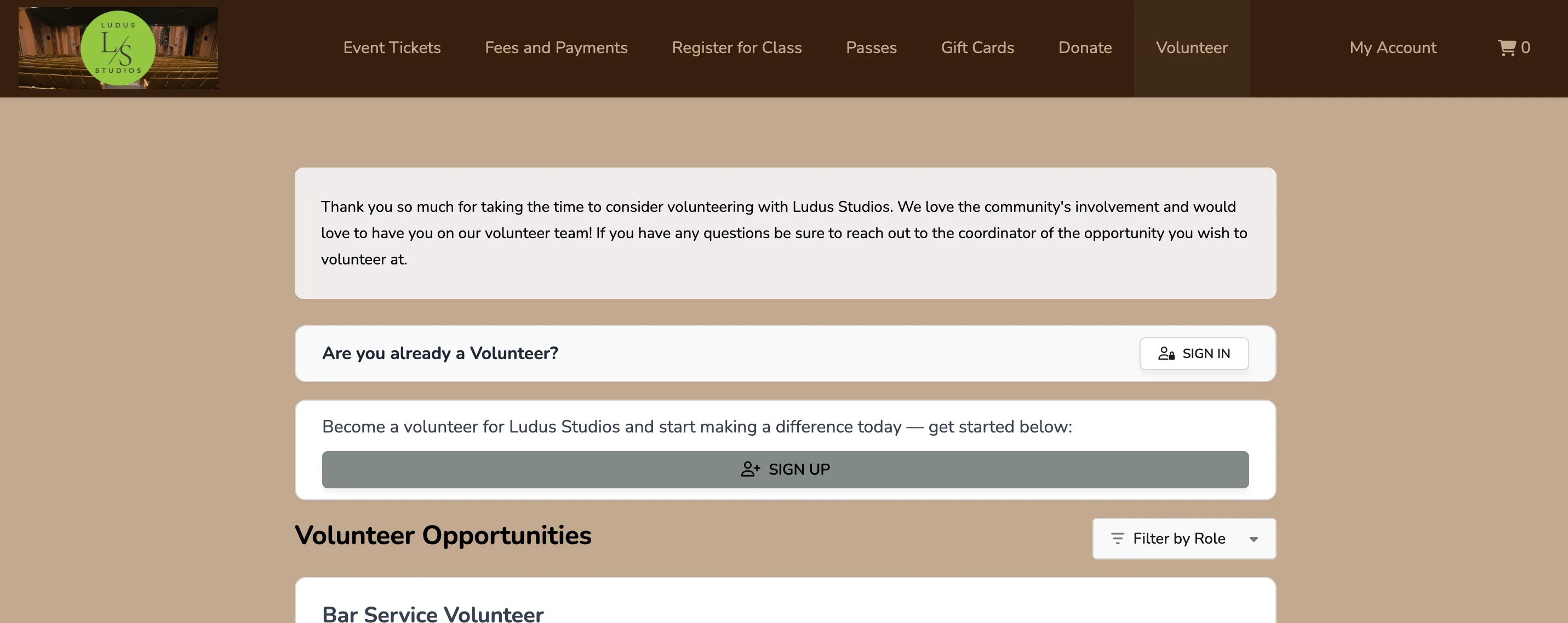
This Notice will appear at the top of the Volunteers page on your Ludus patron site.
Admin Panel View
Patron Site View
By default, the background color of the Notices page is a light yellow — to change this, go to Settings (⚙️ in your top navigation) -> Design Tool -> Notices.
Suggested Article: Design Tool