Adjust a Specific Payment Plan
When you View a Specific Payment Plan , you might need to edit or adjust that plan.
There are several options available:
Collect Payment
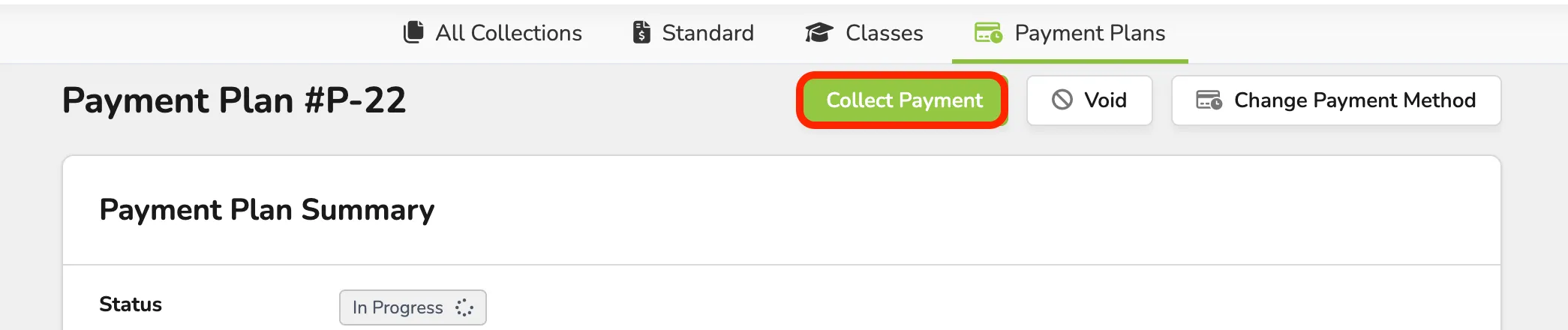
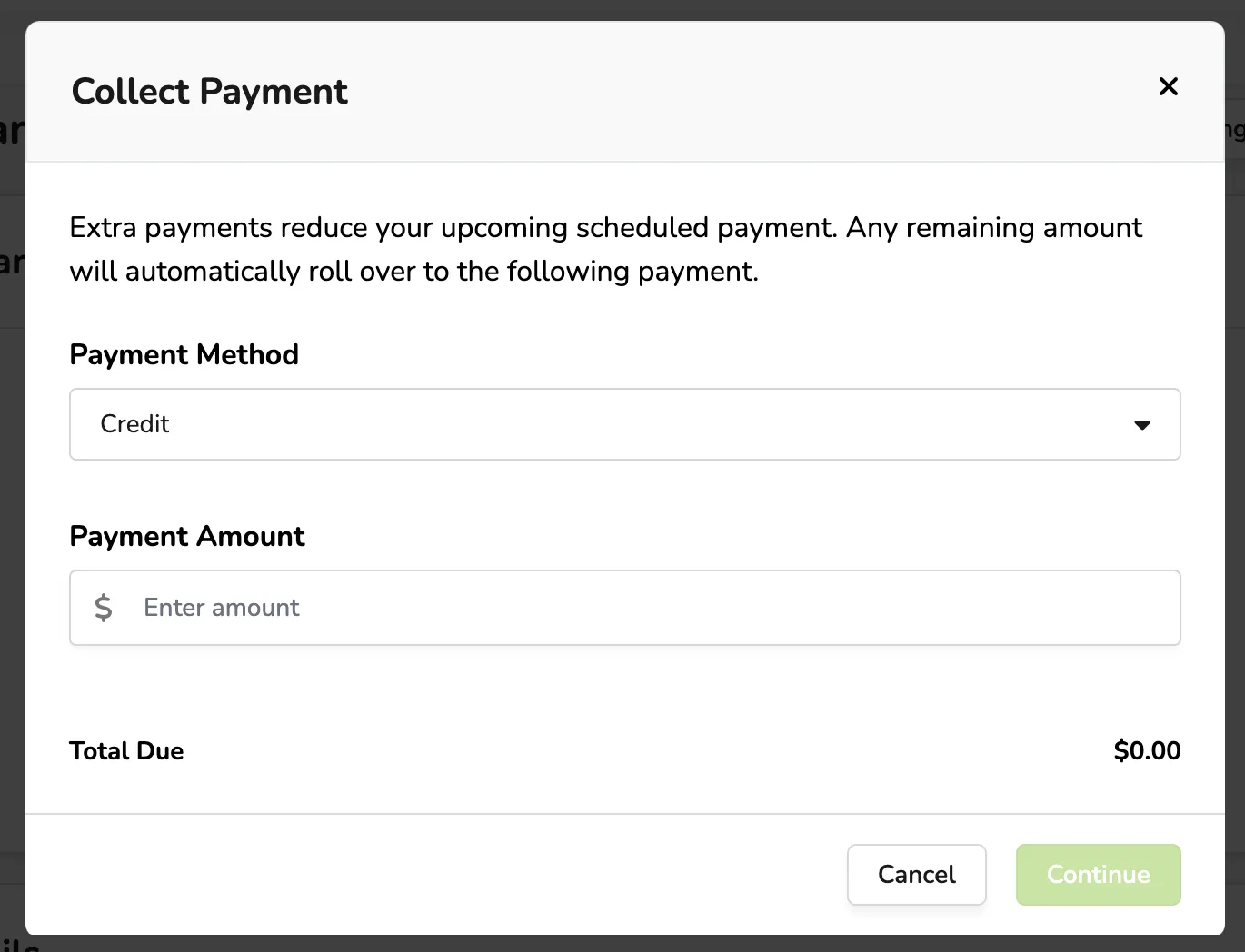
From here, you can collect payment in credit, cash, or other forms for the plan.
Void the Payment Plan
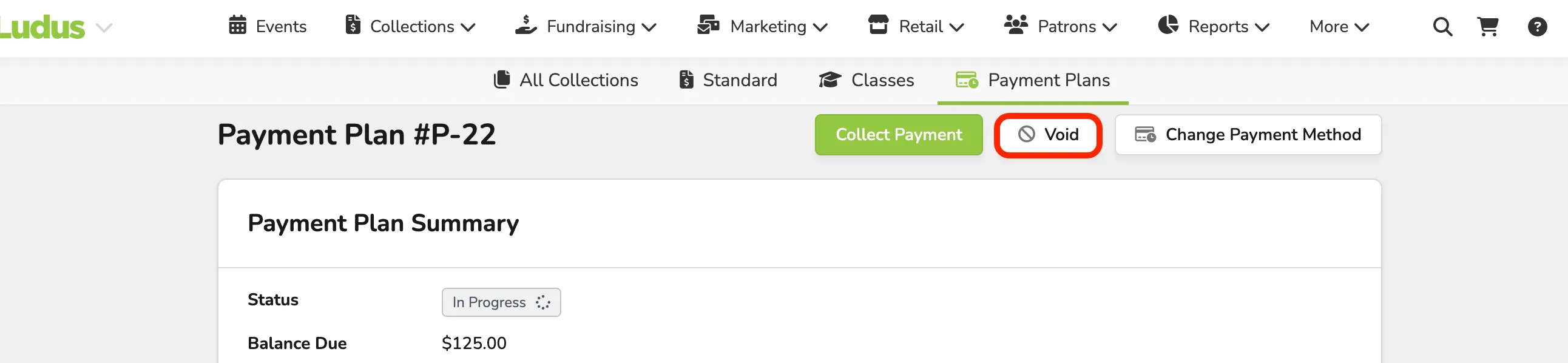
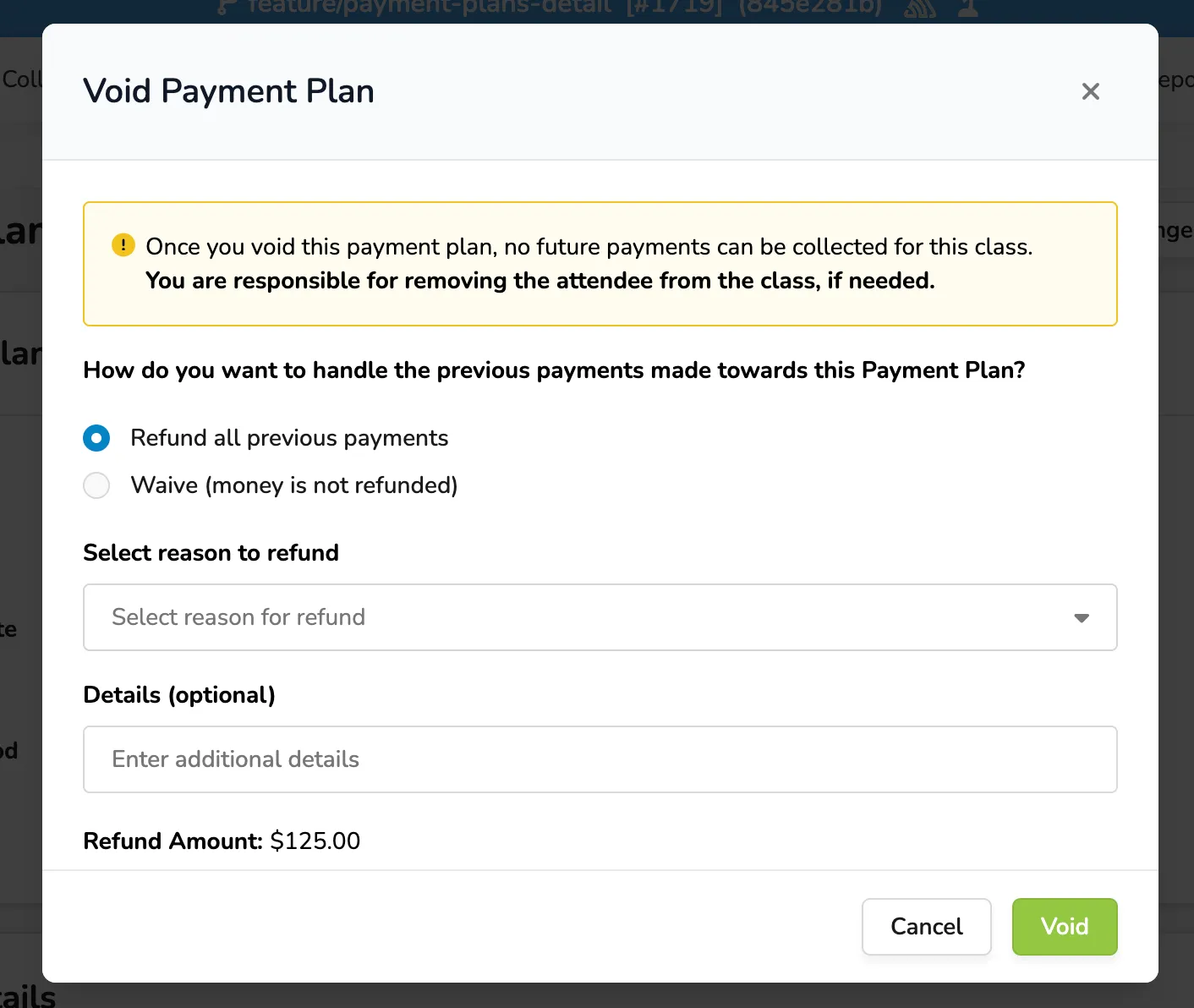
Once Void is selected, you can then choose to refund or waive (not refund) the payments.
Once you void this payment plan, no future payments can be collected for this class. Please remove the attendee from the class if needed.
Change Payment Method
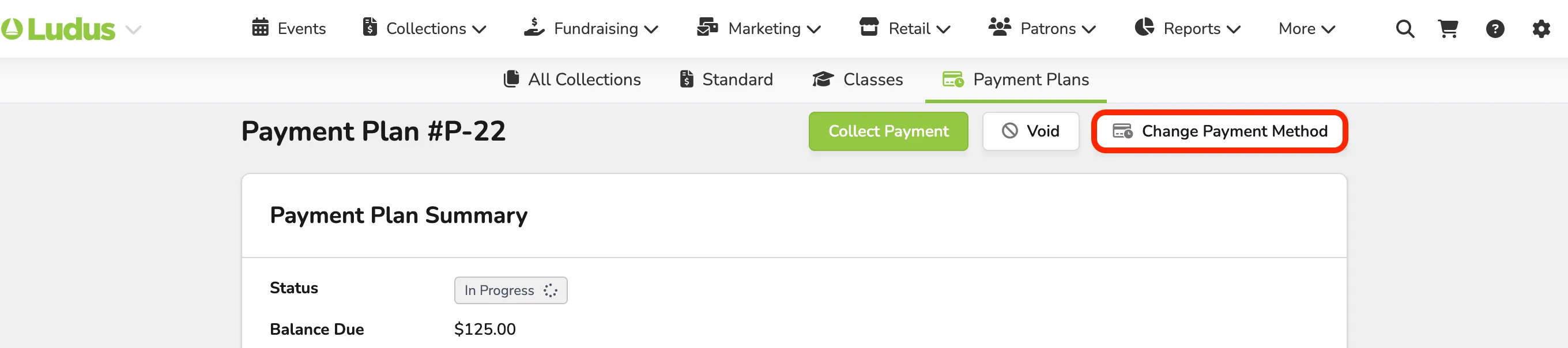
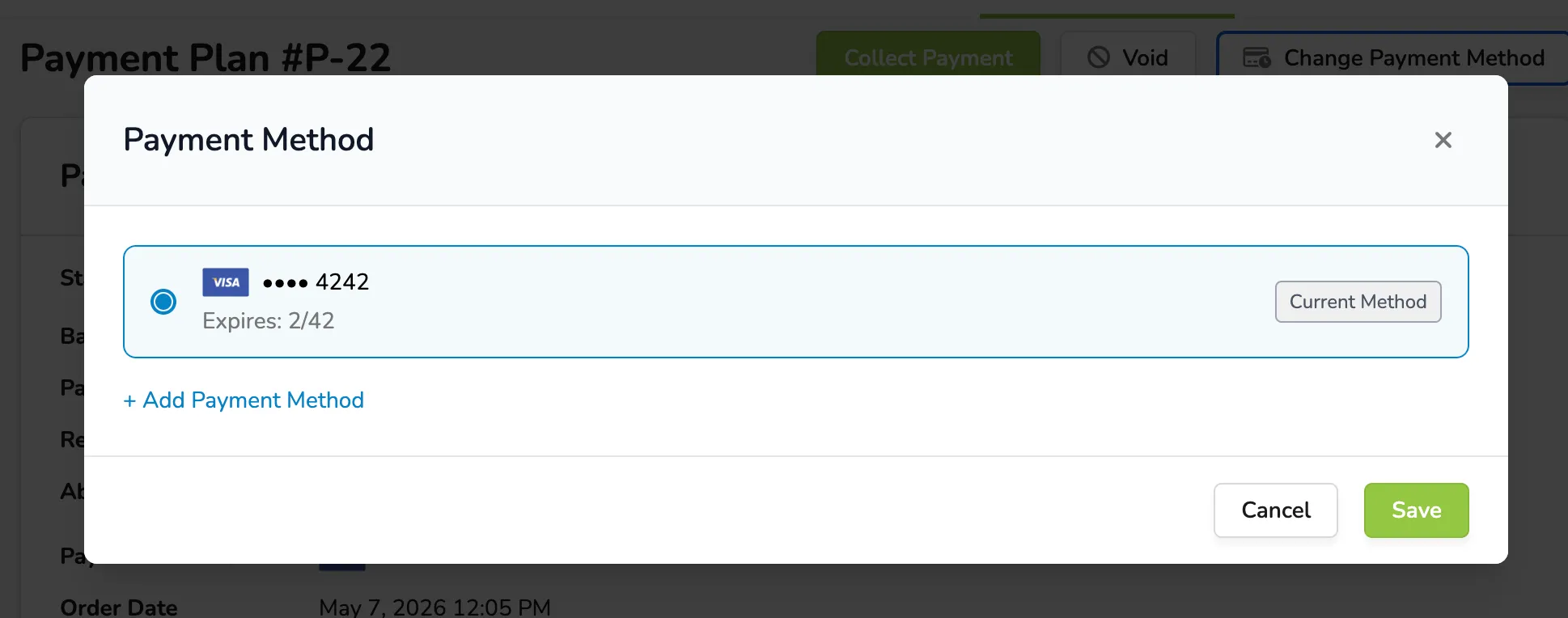
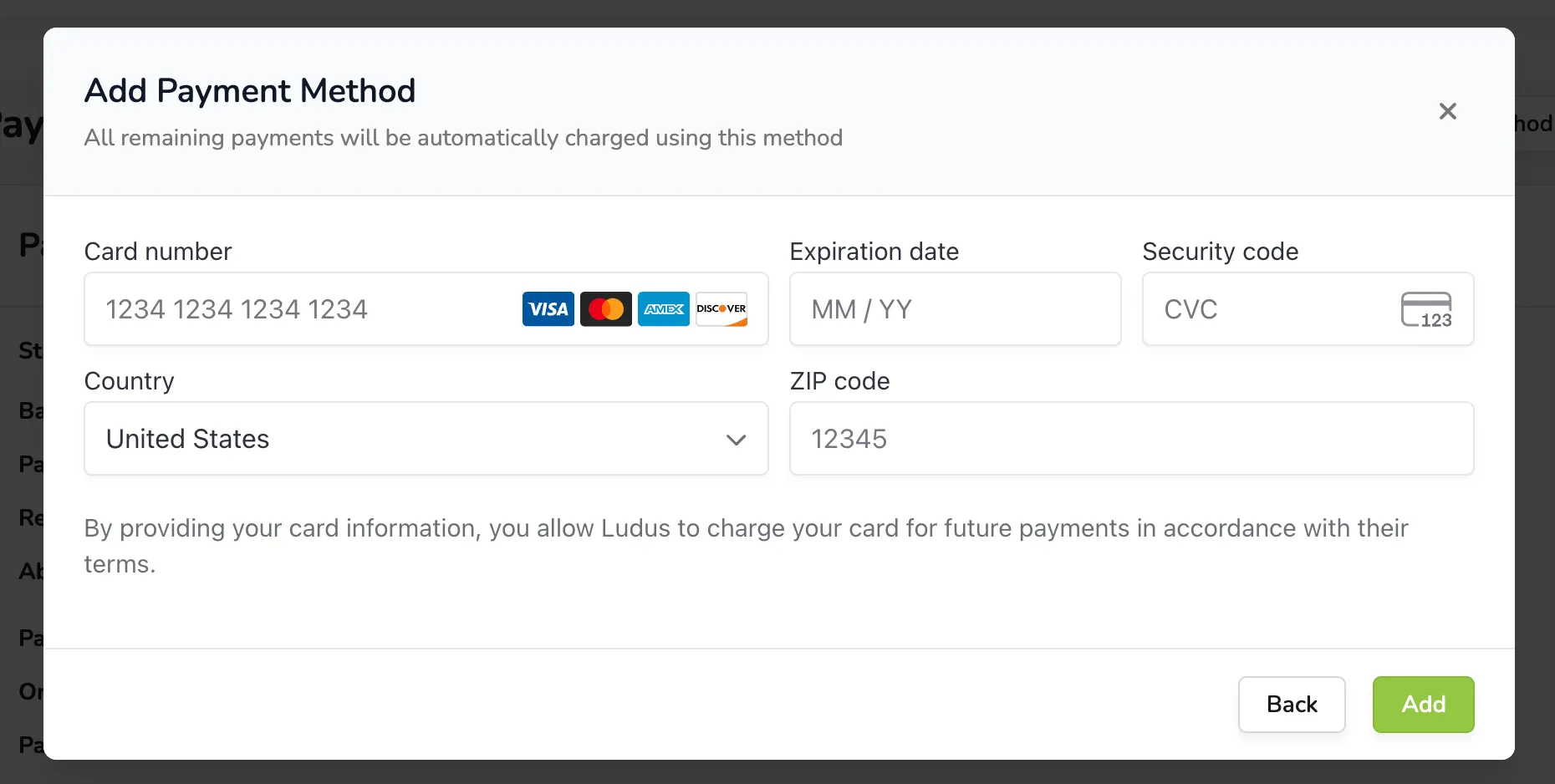
If a patron wishes to change their payment method and requests assistance, you can easily update it by clicking + Add Payment Method and saving the new credit card payment.
Process a Refund
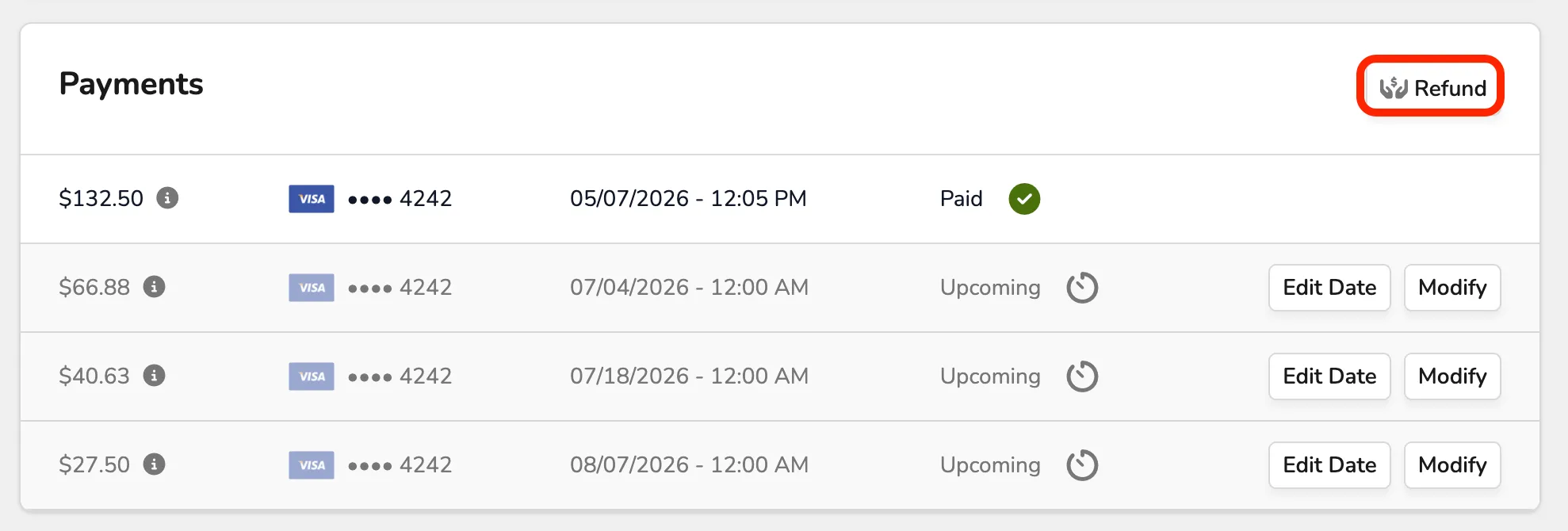
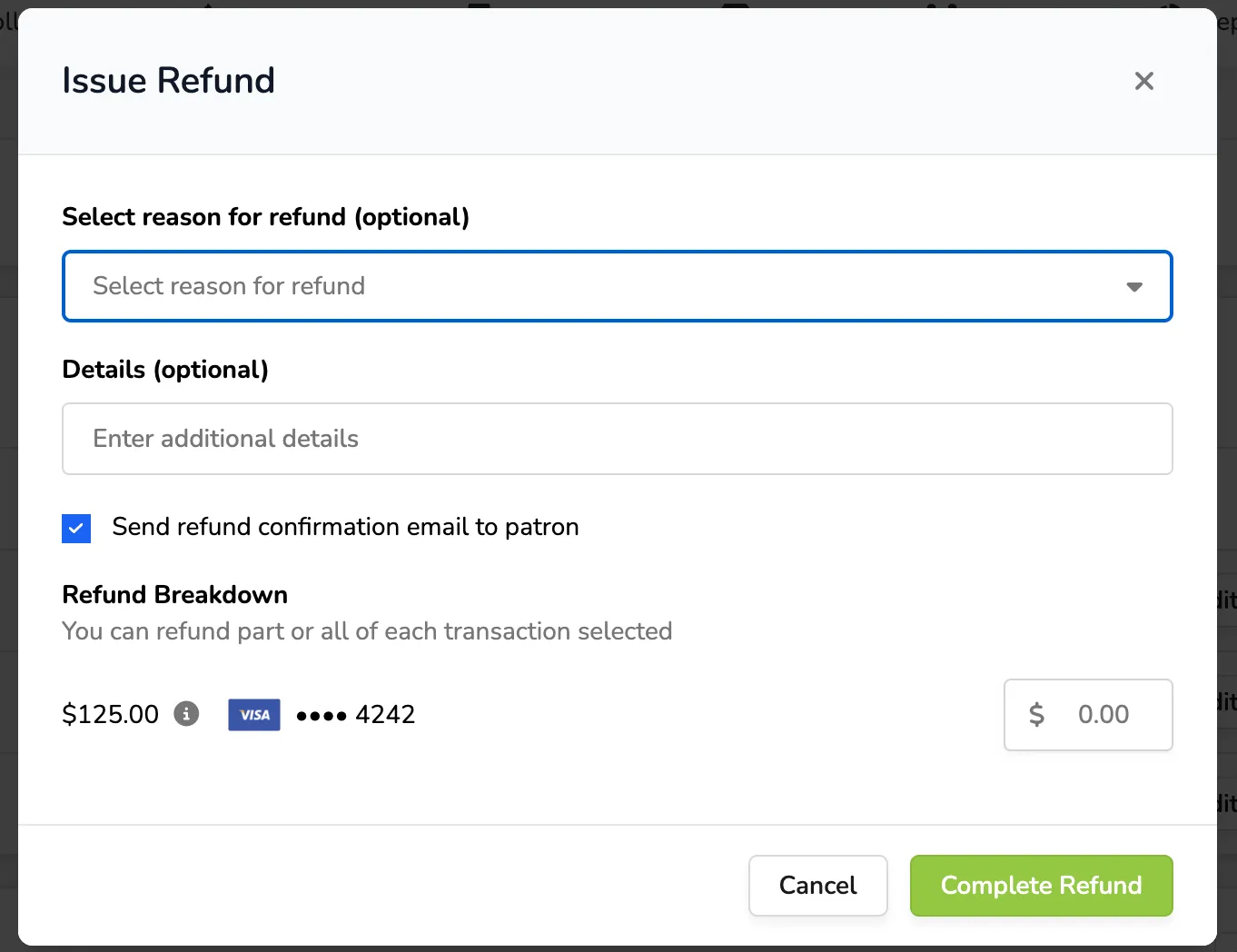
If you need to refund all or part of a payment, you can do so in the Payments section by selecting Refund.
Edit the Payment Date
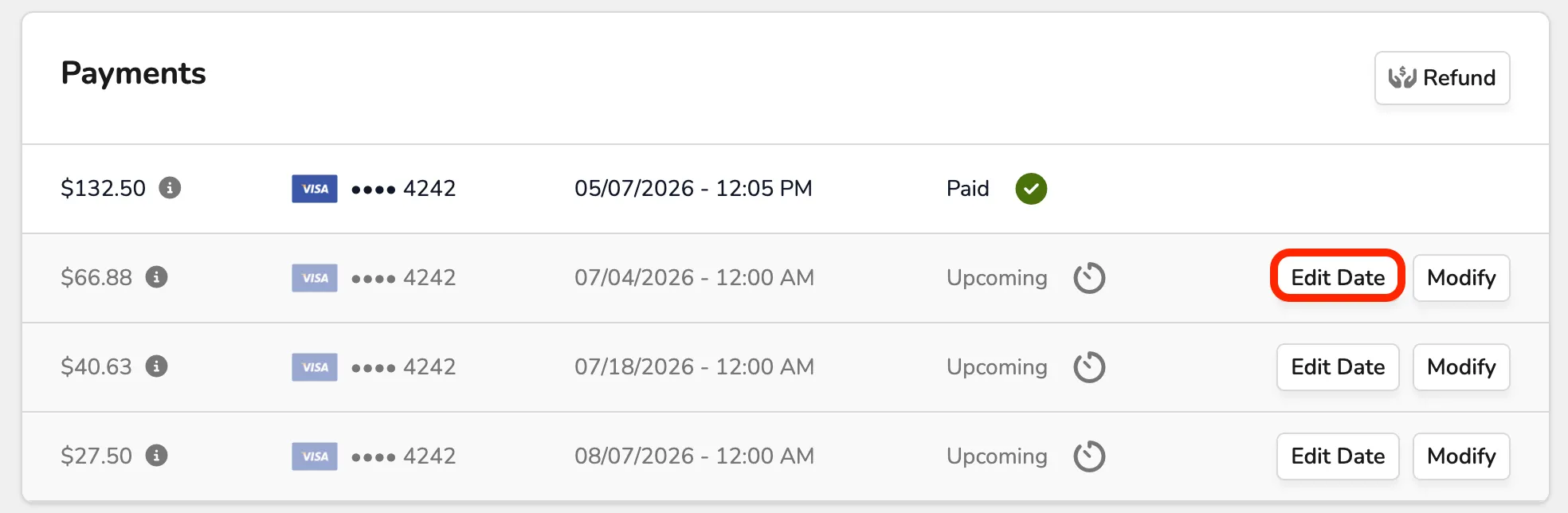
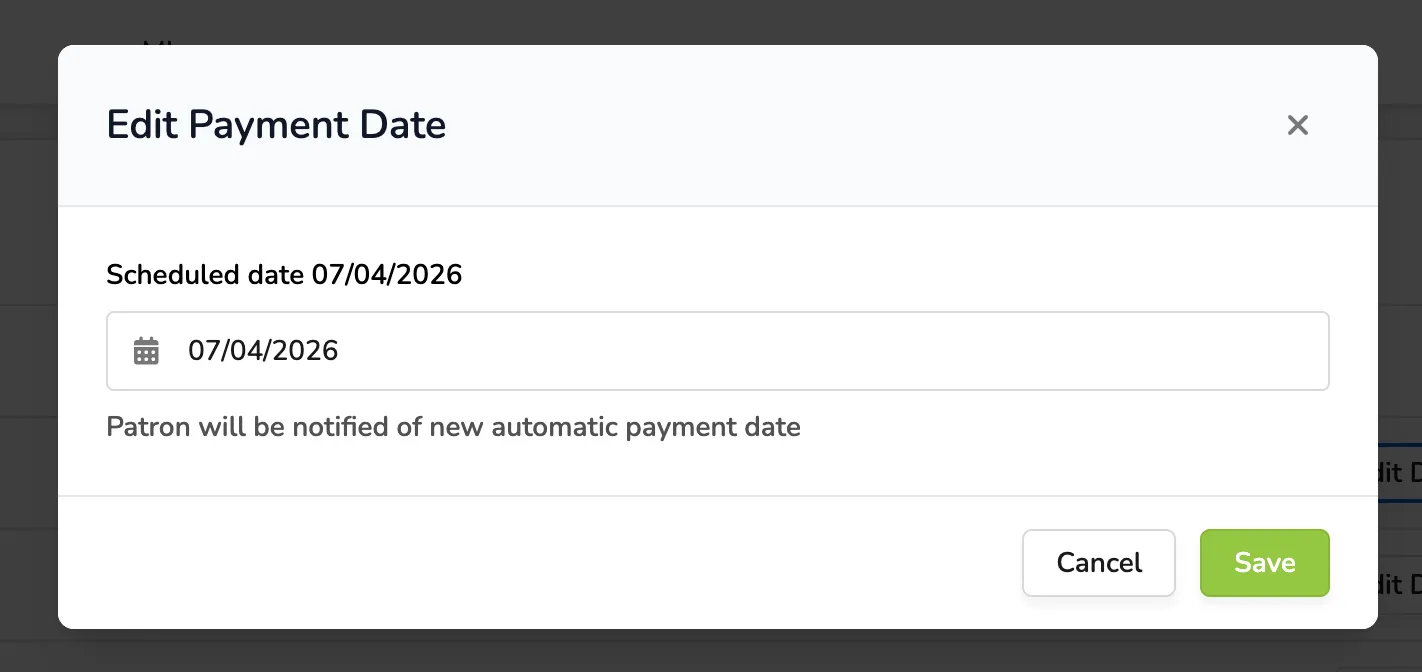
If you need to edit the payment date for any or all patrons, select Edit Date.
This will affect only this patron's plan, not any other plans.
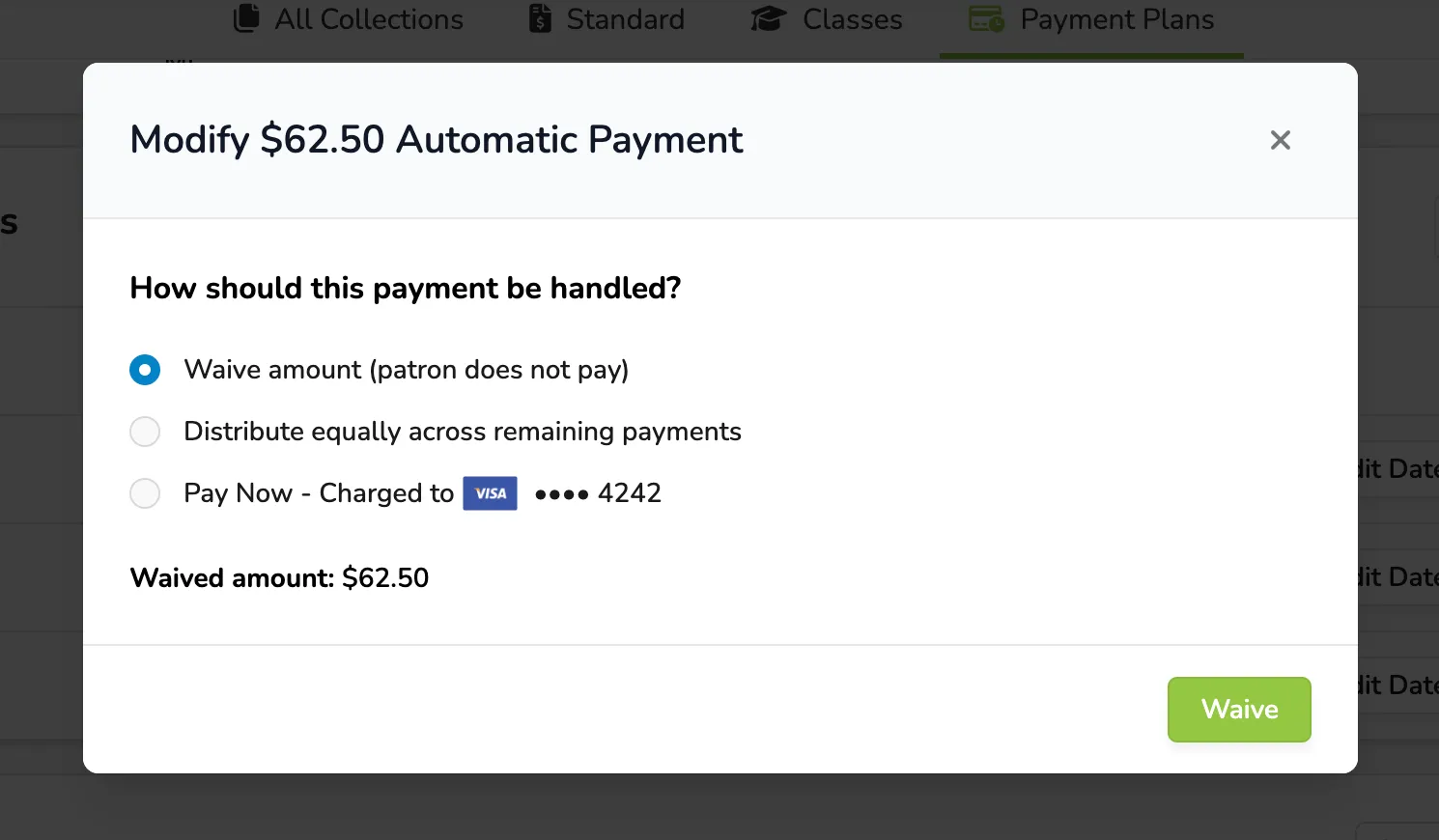
Modify a Payment
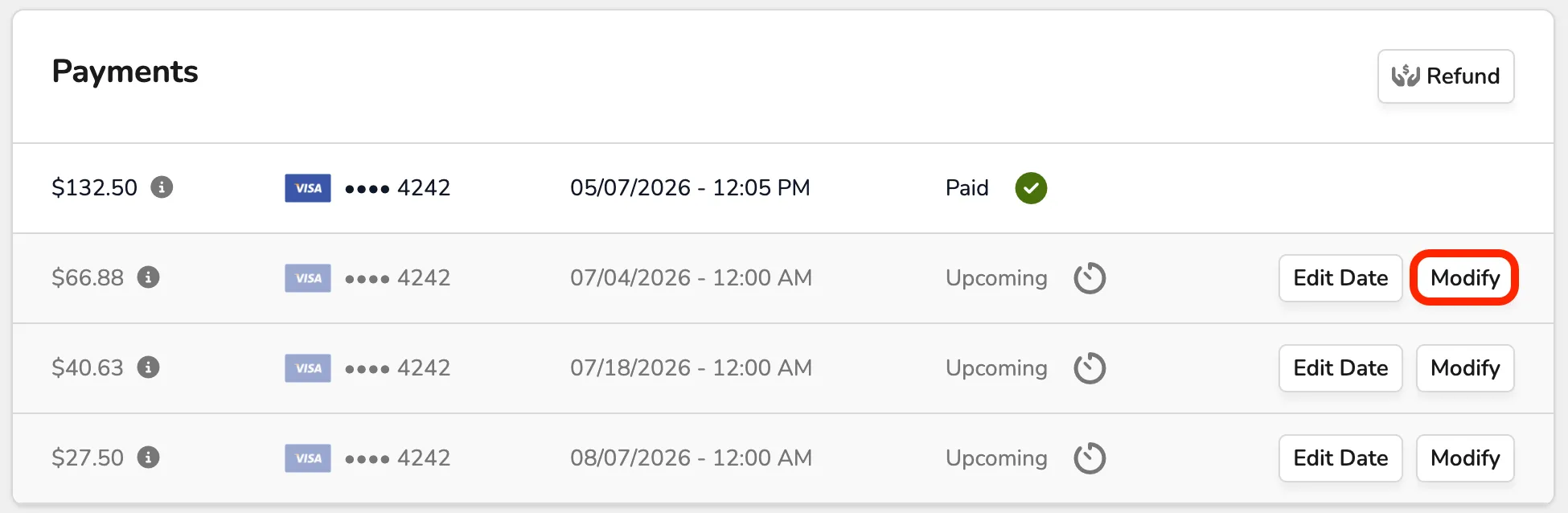
If you select Modify for a specific payment, you will be able to:
- Waive that specific amount.
- Distribute that amount equally among the remaining payments.
- Pay that amount now, with the card on file.
Remove Items from the Plan
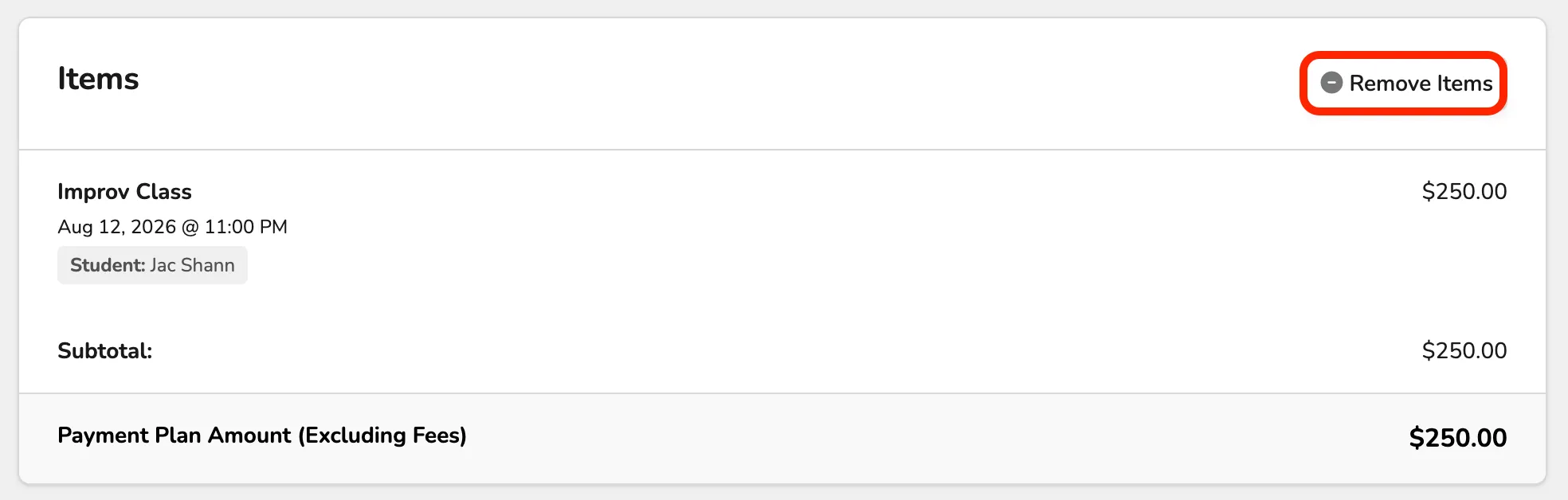
If you wish to remove items from the patron's plan, simply scroll down to the Items section and select Remove Items.
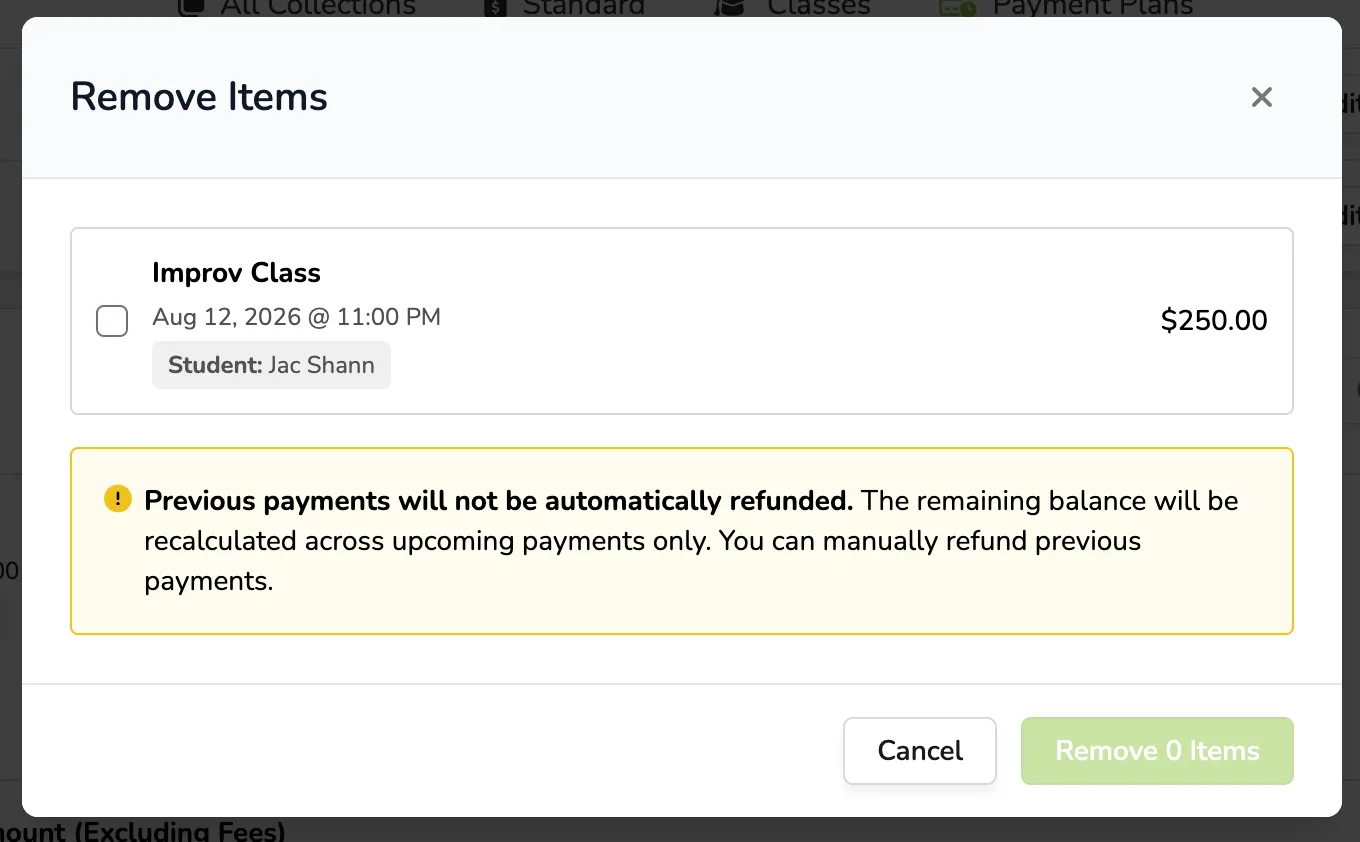
Previous payments will not be automatically refunded. The remaining balance will be recalculated only across upcoming payments. You can manually refund previous payments.