Apply a reservation template to an event
2 min
Reservation templates are a powerful tool that allows you to reserve a section of seats across different event times. This is particularly helpful if you have the same seats on a chart reserved for many events.
Suggested Article: Reservation Templates
Attach a Reservation Template to an Event
To attach a Reservation Template to an event, go to More (next to the event) -> Settings -> make sure you are set up for Reserved Seating and select the desired template below that selection. Be sure to Save Settings!

Attach a Reservation Template to an Event Time
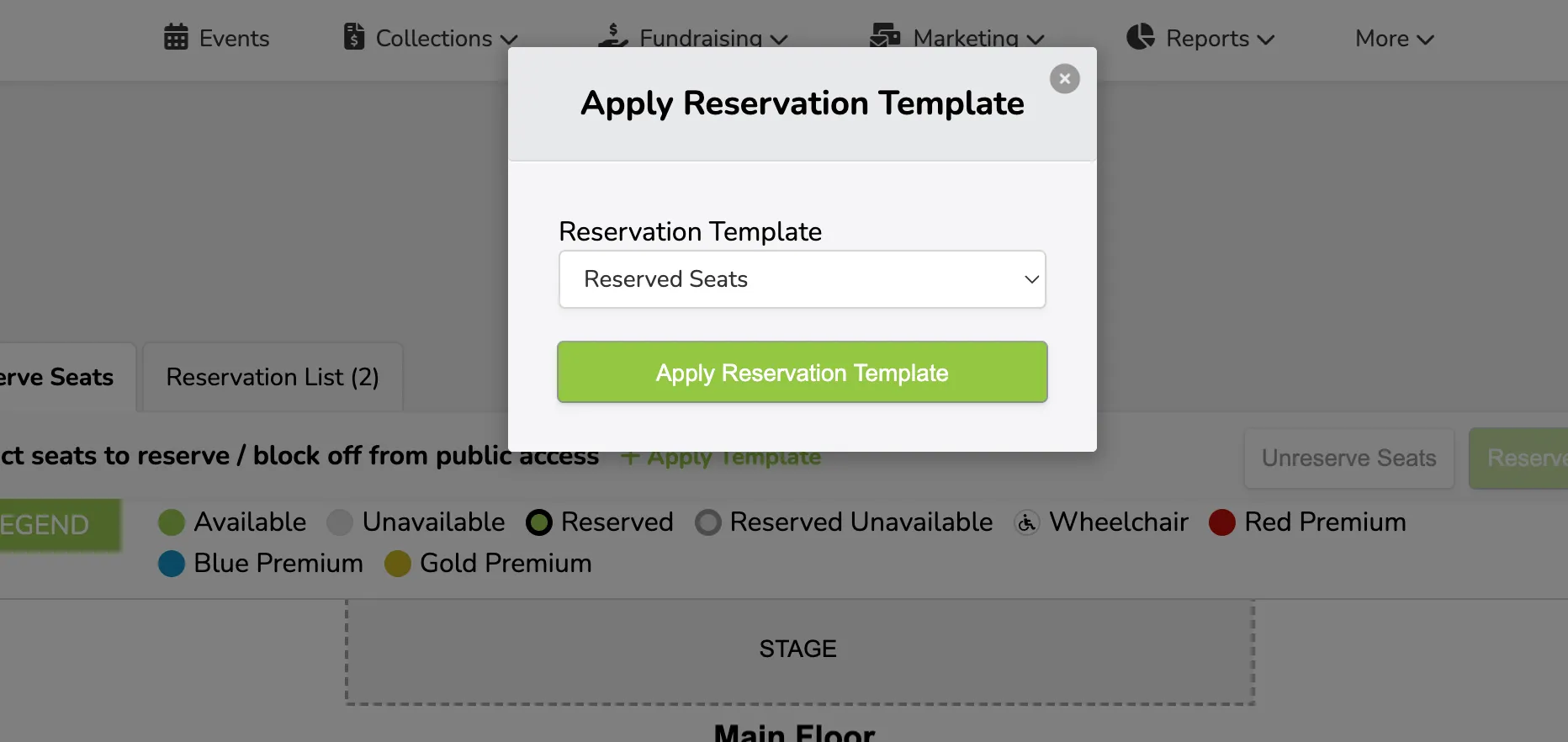
To attach a Reservation Template to an event, go to Options (next to the event time) -> Reservations -> and select the +Apply Template on the edit time pop-up.