Archive an Automation
1 min
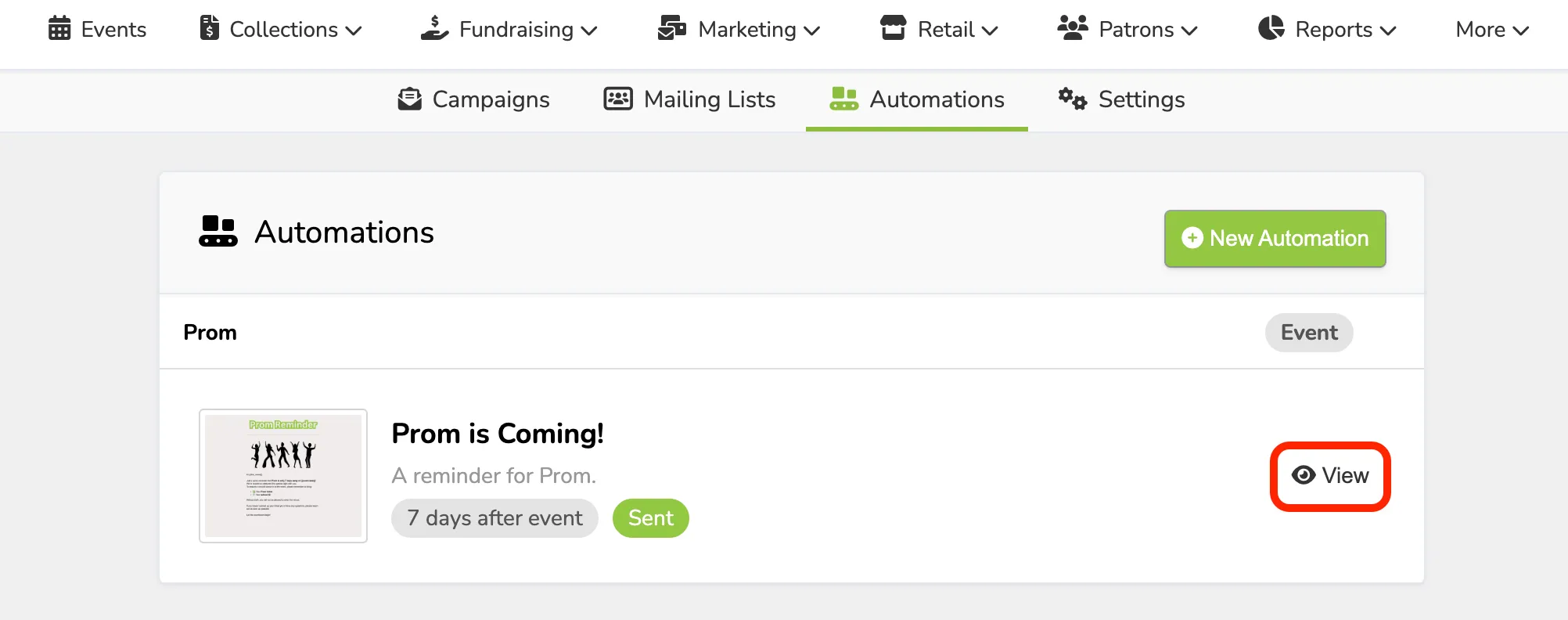
To Archive an Automation, navigate to Marketing --> Automations. Then, click the View button next to the automation you wish to archive.
From here you can select to Archive the Automation.
To Archive an Automation, navigate to Marketing --> Automations. Then, click the View button next to the automation you wish to archive.
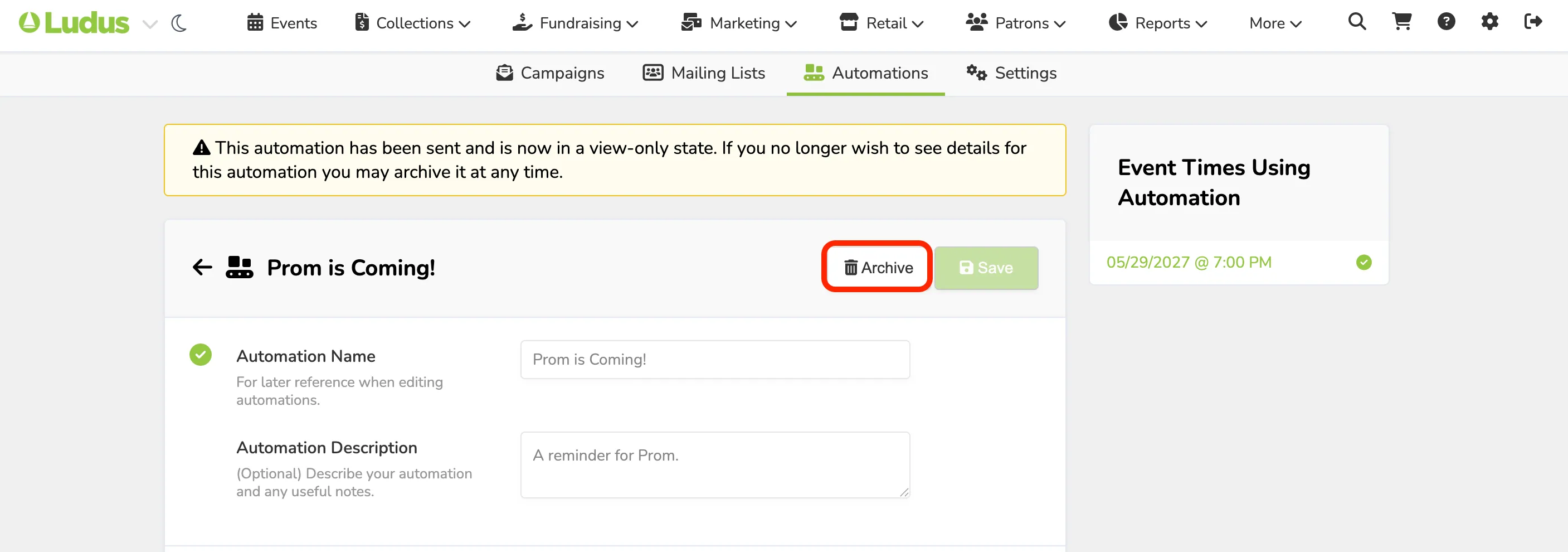
From here you can select to Archive the Automation.