Attach a Form to a Class
1 min
There are multiple ways to ask questions of your class registrants. While Student profiles are great for information that will live with the student year after year, Form submissions are great for questions that are only relevant to the Class at hand. Suggested Article: Ask questions of Class registrants (Student profiles vs. Form submissions)
Create the Form you want to use. To learn how to do this, check out this article. Suggested Article: Create a Form
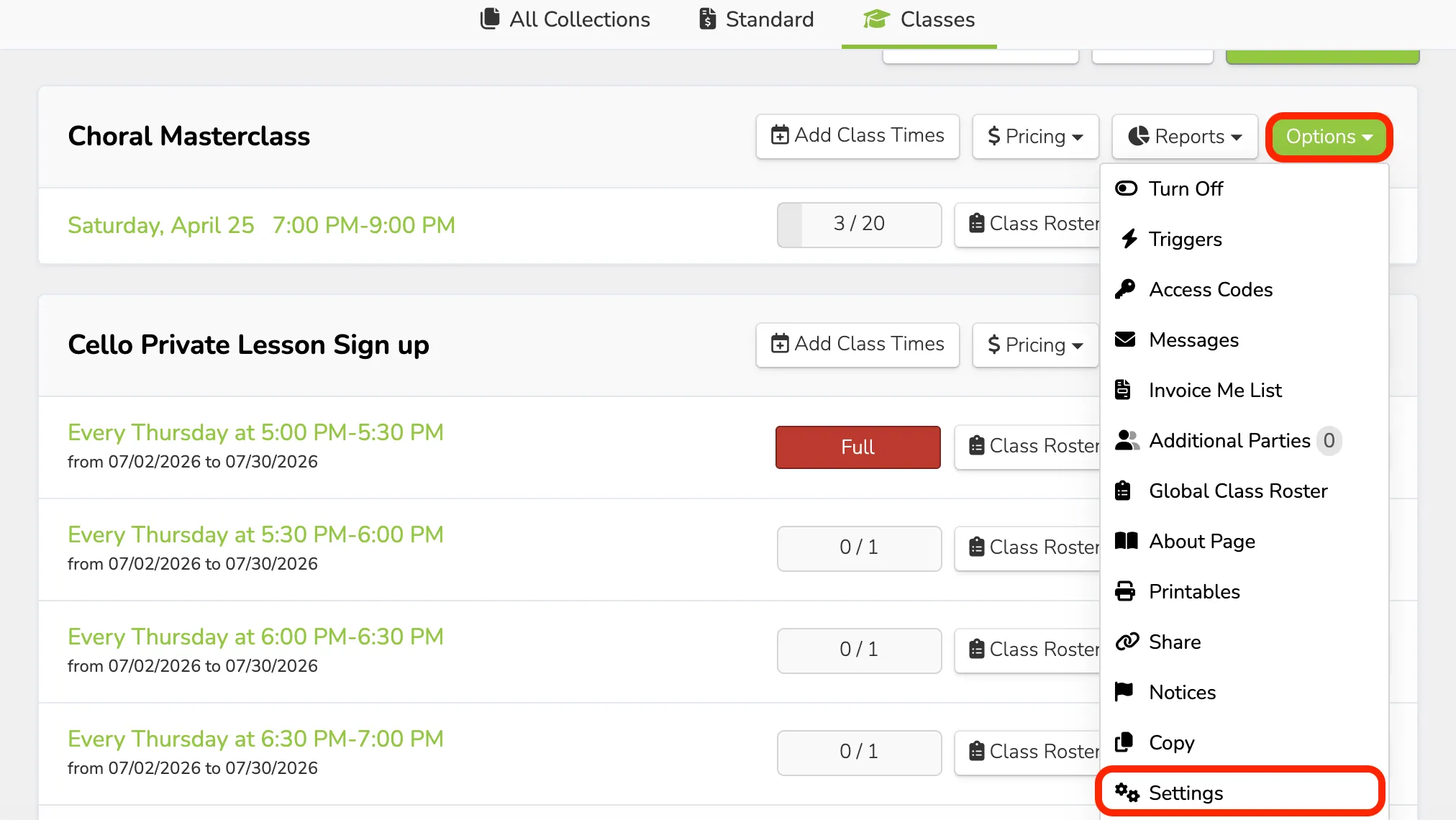
Navigate to Collections --> Classes.
Next to the name of the desired Class, click Options --> Settings.
Scroll to the "Form" section and choose the Form you created in Step 1 from the dropdown menu.
Click Save Changes at the bottom of the page.