Concessions in Global Reports
1 min
Summary, Revenue, and Sellers Reports
Within the Summary, Revenue, and Sellers Reports, you can select Type (at the top) -> and select Concessions in the dropdown.
Once selected, you can click Generate to view that report.
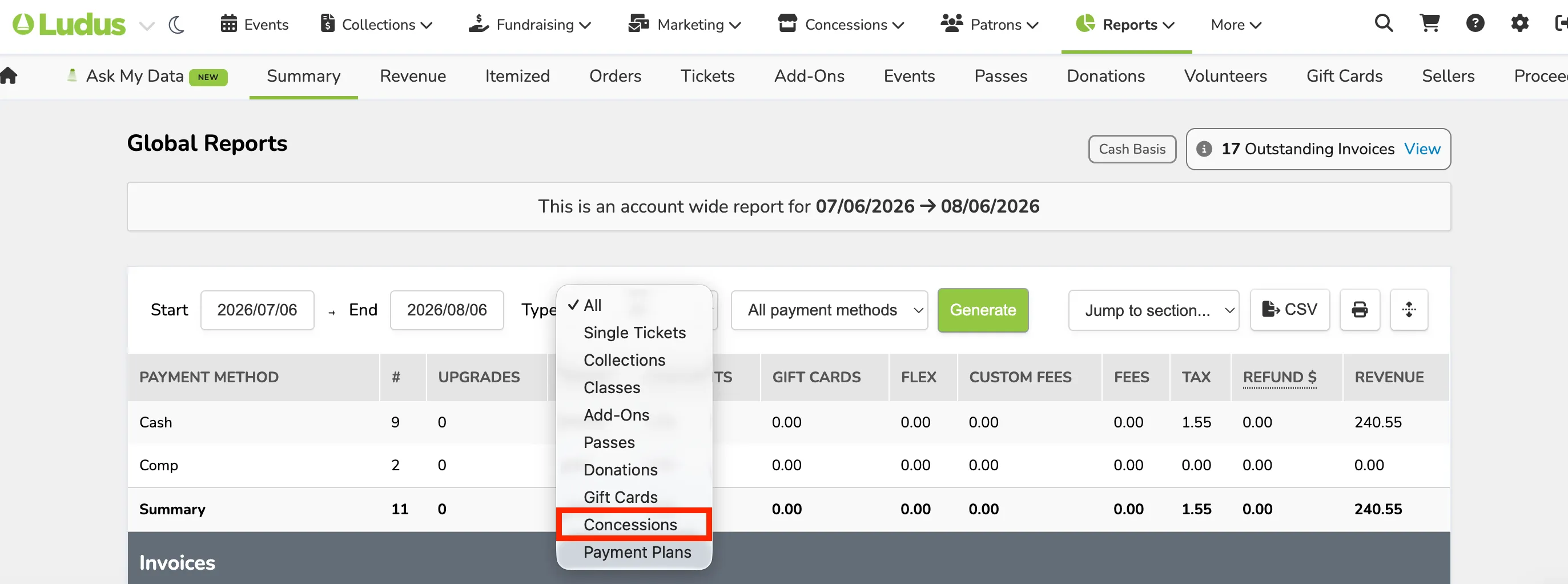
When Concessions is selected (in the above image), you can see a breakdown of that Type.