Concessions Reports
When you use Concessions, you may need specific reports and assistance in tracking sales on your account. This can easily be managed and monitored by going to Concessions -> Reports.
When you select Reports, you will see a few options available for Concessions Reports.
Overview
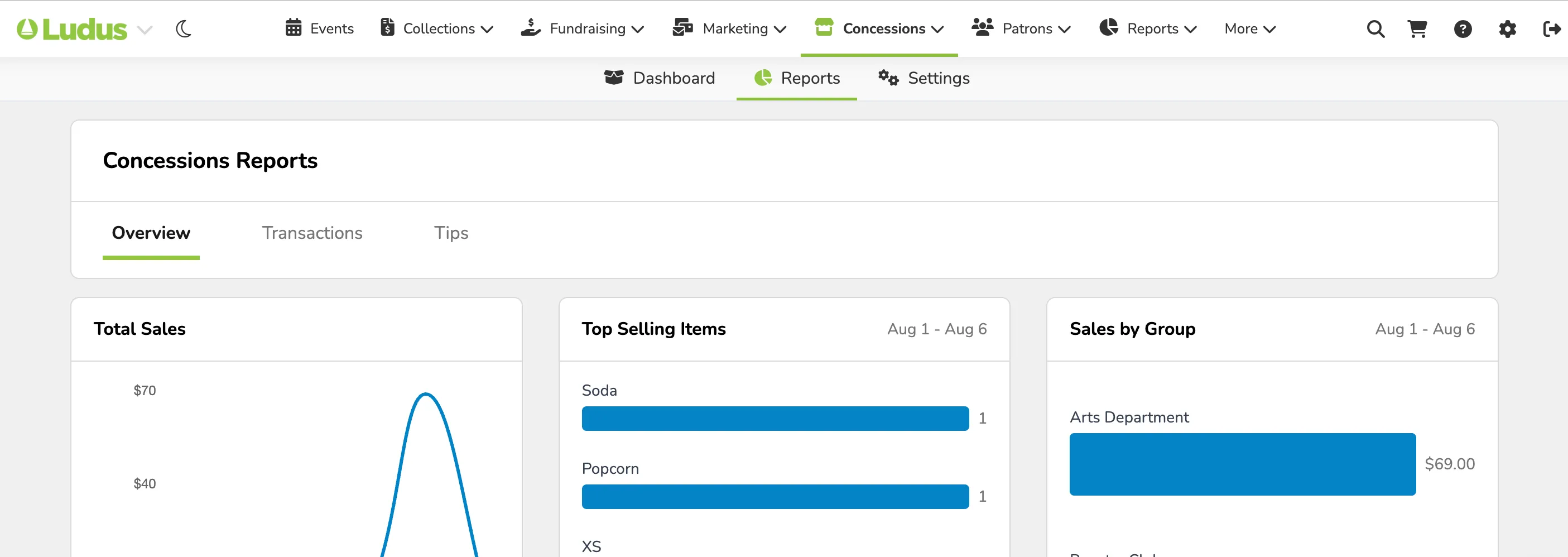
The Overview section will give you a quick look at Total Sales, Top Selling Items, Sales by Group, and Transactions. This is meant to be a quick glimpse into your reporting.
Transactions
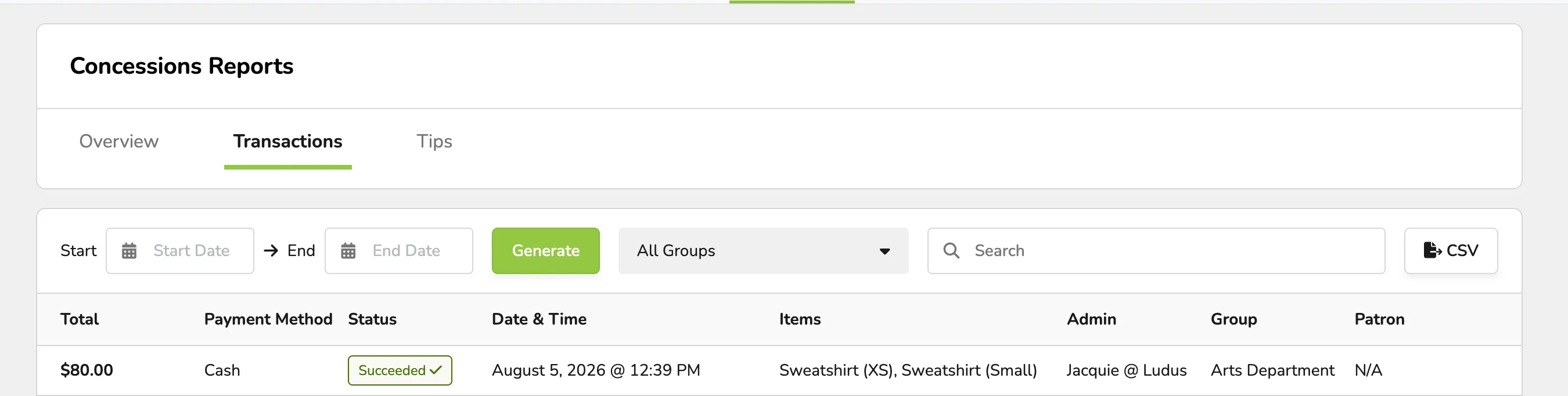
The Transactions report will show:
- The total of a payment
- The payment method
- The status of the purchase (paid/refunded/partially refunded)
- The time the purchase was made
- The items purchased
- The Admin who sold the item
- The Group that receives credit (if applicable)
- The Patron name
When viewing transactions, you can select the start and end date of the report, search by group, and search by individual patrons.
This report can be exported via CSV as needed.
Tips
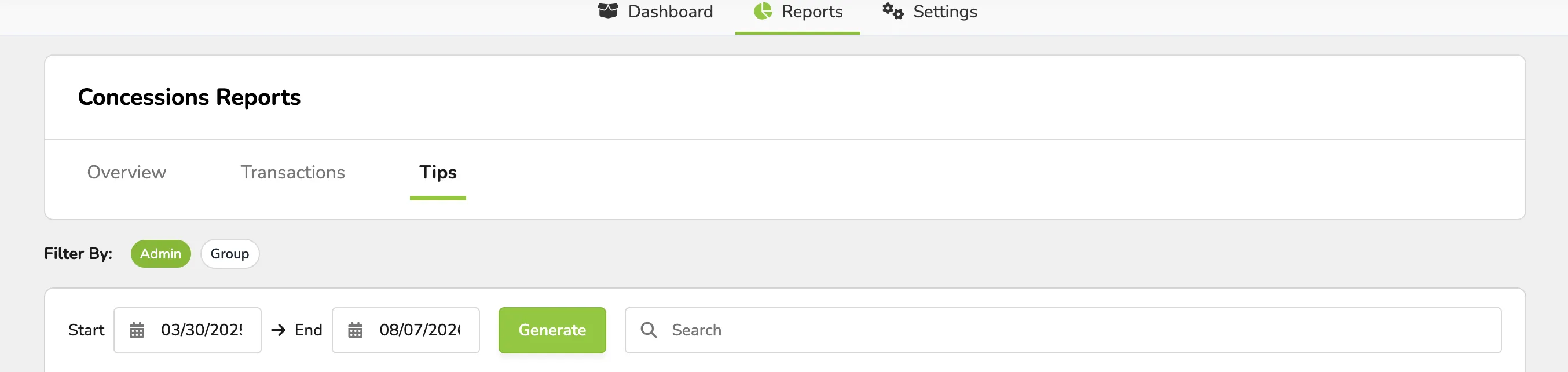
If tipping is enabled under Concessions -> Settings -> General Settings, data will populate here.
This report will show:
- Who (which admin) received the tip
- How many tips they have received
- When their last tip was
- Their total tip amount
Each admin and their tip information can be viewed via the report next to their line. Simply select View Report to see that information in more detail.
As with other reports, you can sort and search by date and by specific admin names.
Additionally, you can export this report via CSV.