Concessions Settings
5 min
You can access Retail Settings under Concessions (at the top of the account) -> Settings. Additionally, these can be reached through the Concessions Dashboard as well!
Settings Options
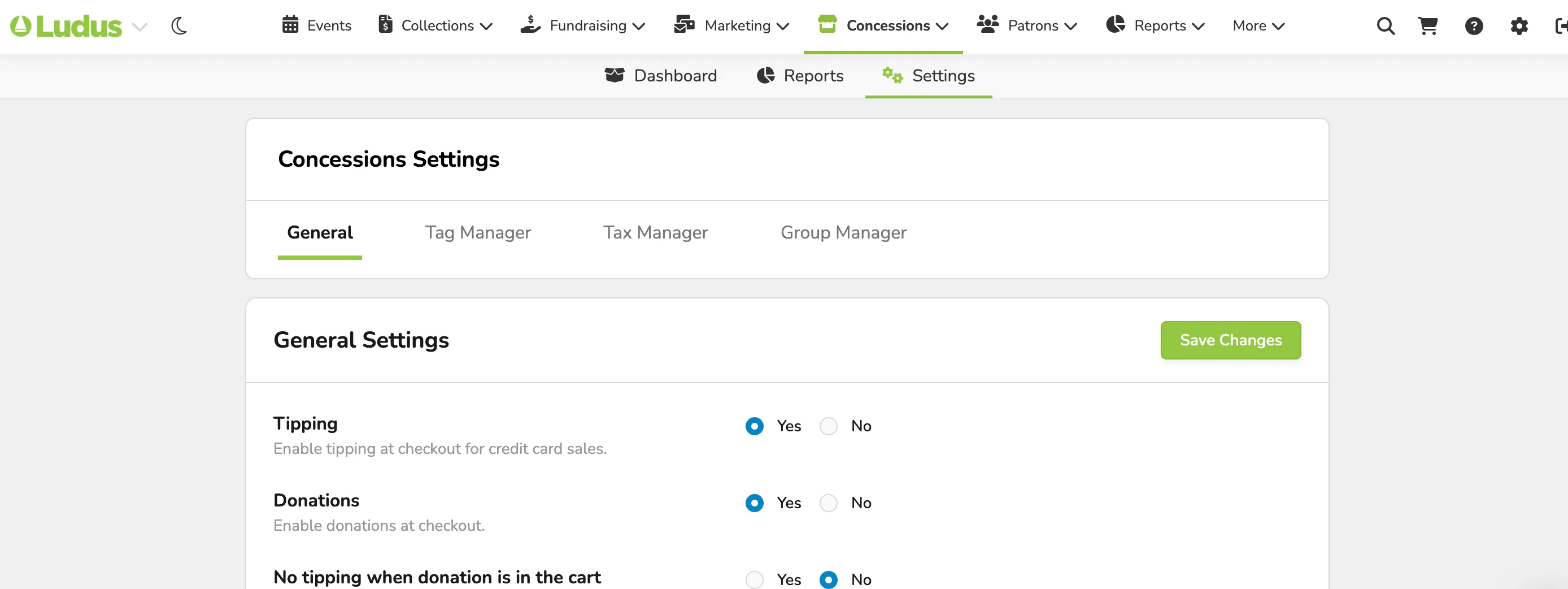
General Settings
- Enable tipping at checkout for credit card sales
- Enable donations at checkout.
- Hide the tip screen if there is a donation in the cart.
- Set the Concessions Fees to be absorbed or passed on to the patron.
Tag Manager
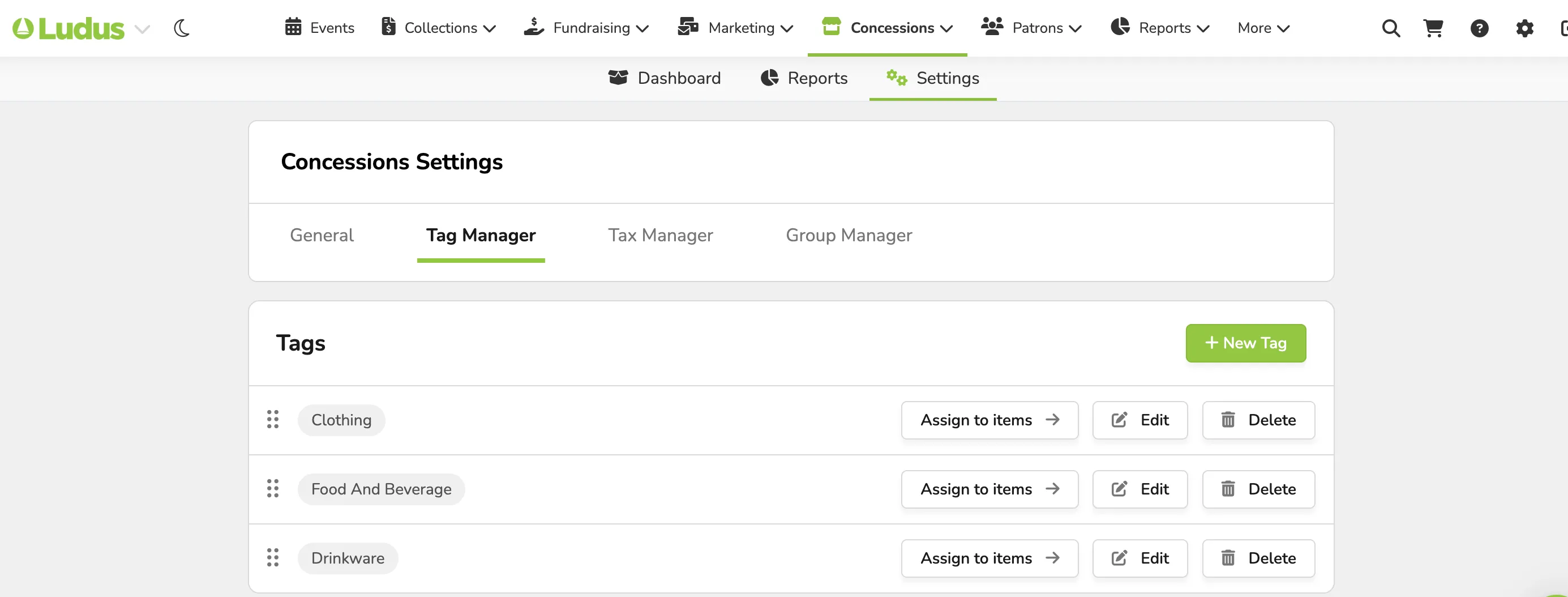
- Create Tags (to manage and track different products, like clothing vs. food).
- Delete unneeded or unused tags.
Tax Manager
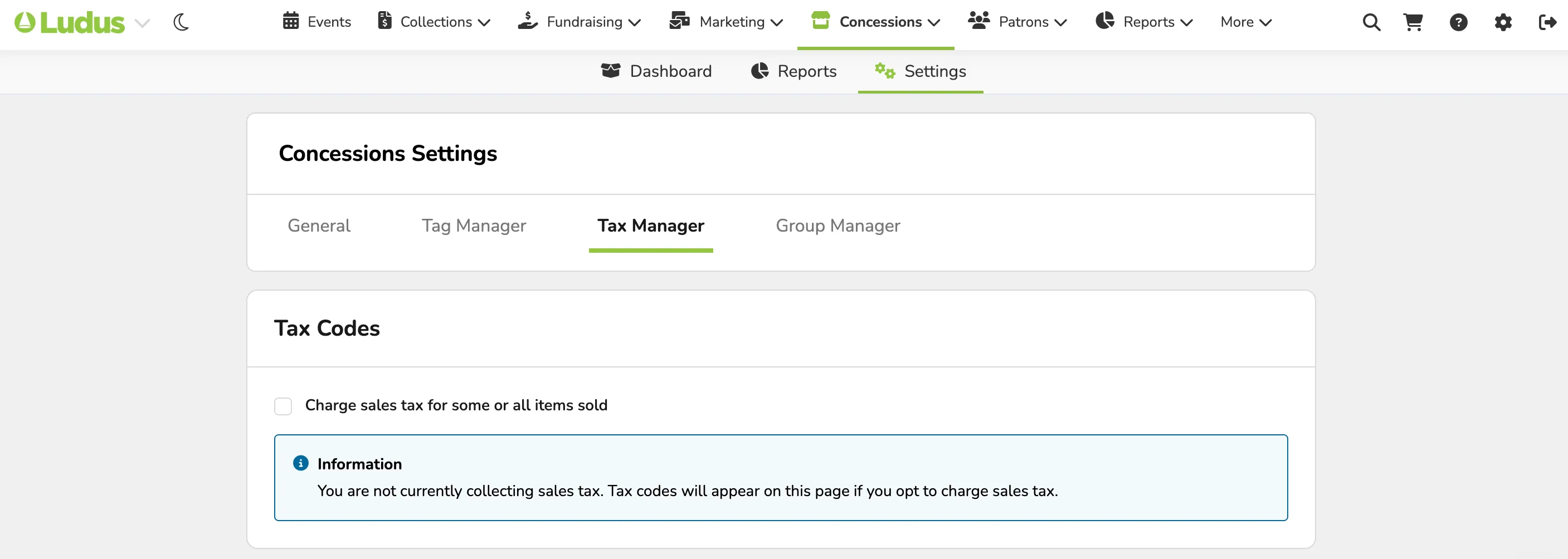
Note - Tax Manager can only be used on accounts with direct deposit.
- Opt to charge or not to charge sales tax.
- Create new tax codes for items in Concessions.
It's your responsibility to verify that your product's tax categories are correct. Applying inaccurate tax categories can result in collecting too much or too little tax when those categories are used to calculate taxes. If you're not sure that your tax categories are correct, then contact a tax expert.
Group Manager
- Create separate groups within your organization.
- These can also be removed if not needed.
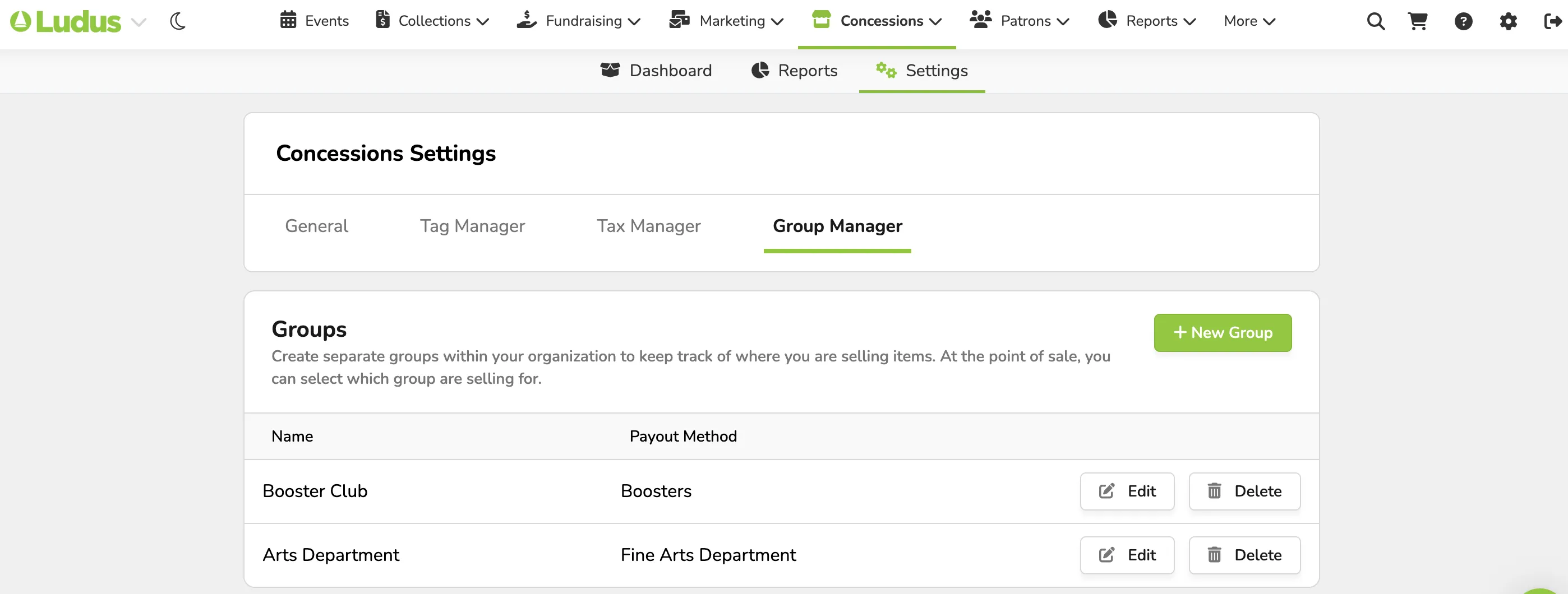
This is a great feature if you have several groups within your organization that use the same Ludus account (IE - orchestra, band, choir, etc...).