Copy a Fundraiser
1 min
If you wish to copy an already created Fundraiser, you will want to go through the following steps:
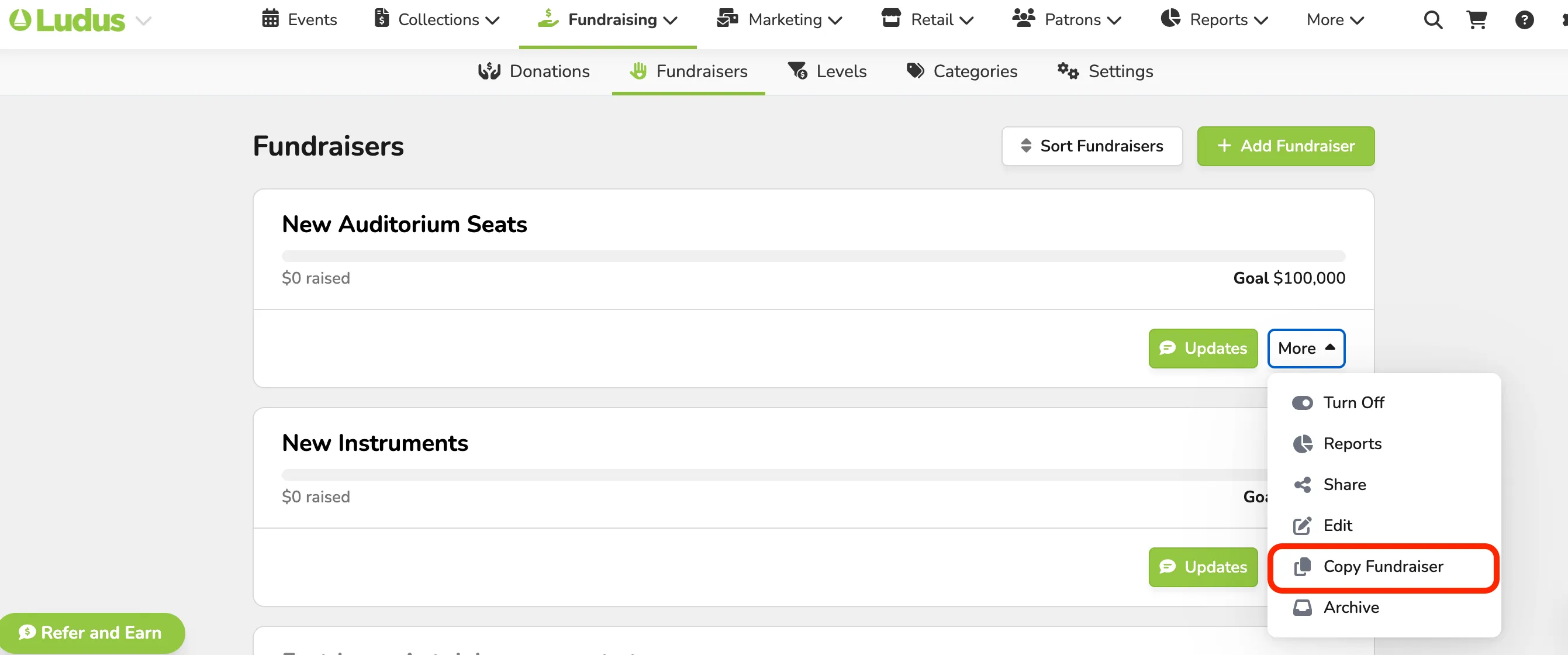
Go to Fundraising (at the top of your account) -> Fundraisers.
From here, go to the Fundraiser you wish to copy and select the More dropdown.
In this dropdown, you will select Copy Fundraiser.
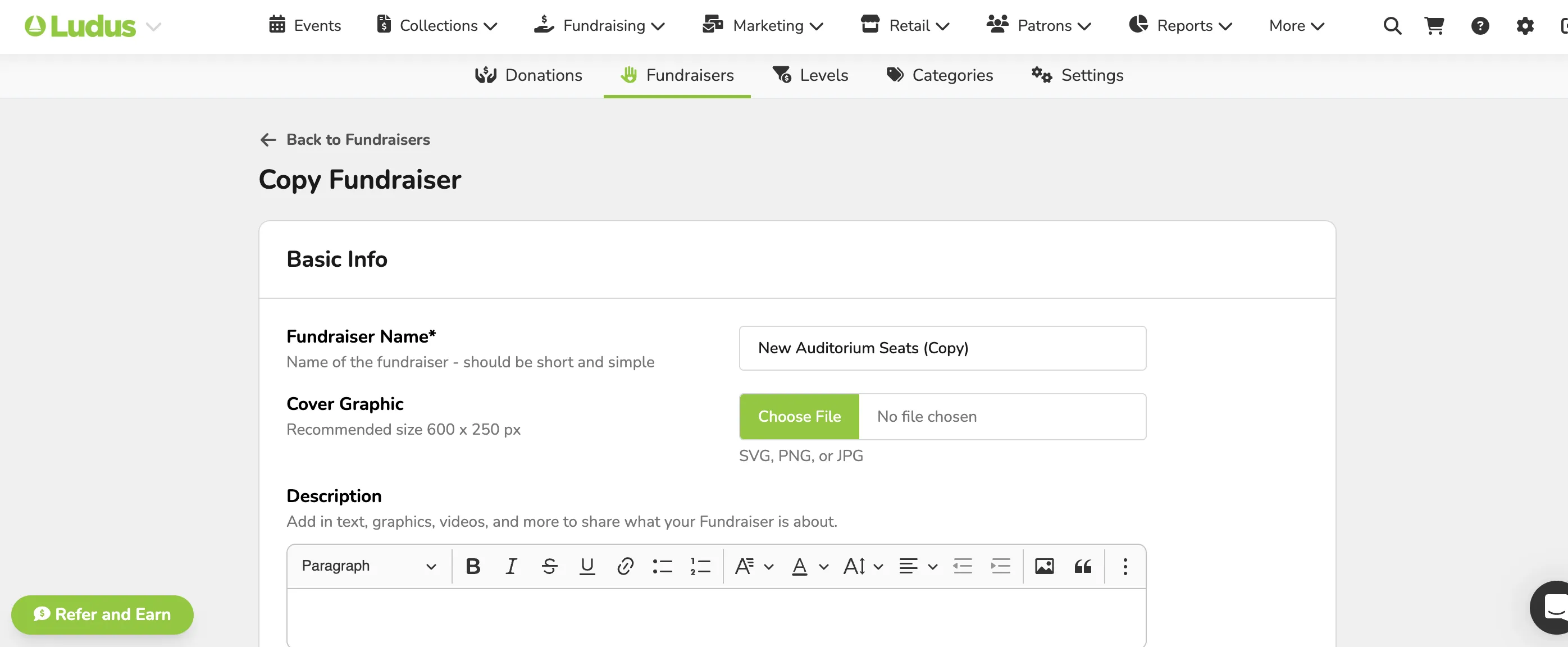
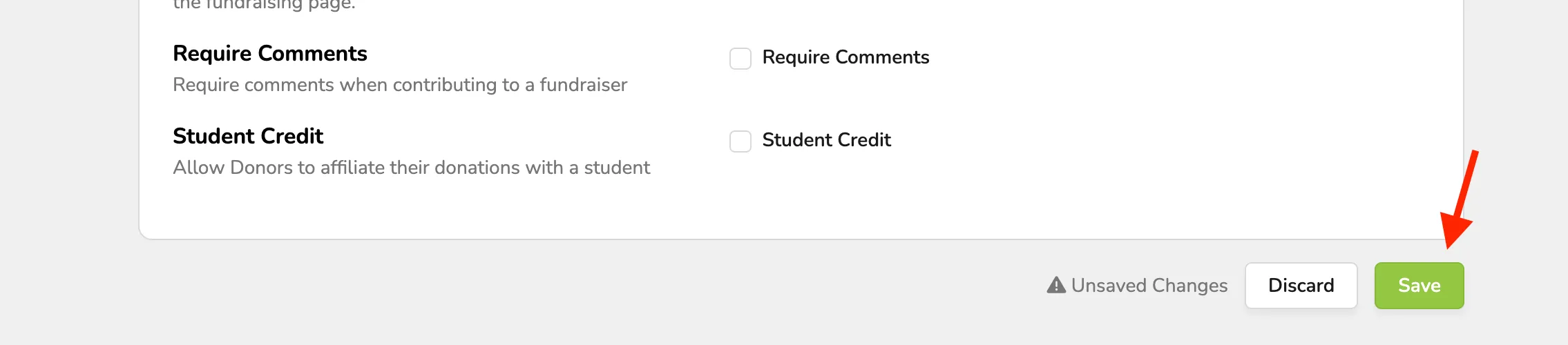
Once opened, you will be able to update any needed information for the Fundraiser and then save.