Create links to your social media accounts
1 min
On your main events page, a box will display general information about your program/organization. If you'd like, you can also set a direct link to your Facebook, X (Twitter), Instagram, and/or TikTok Pages.
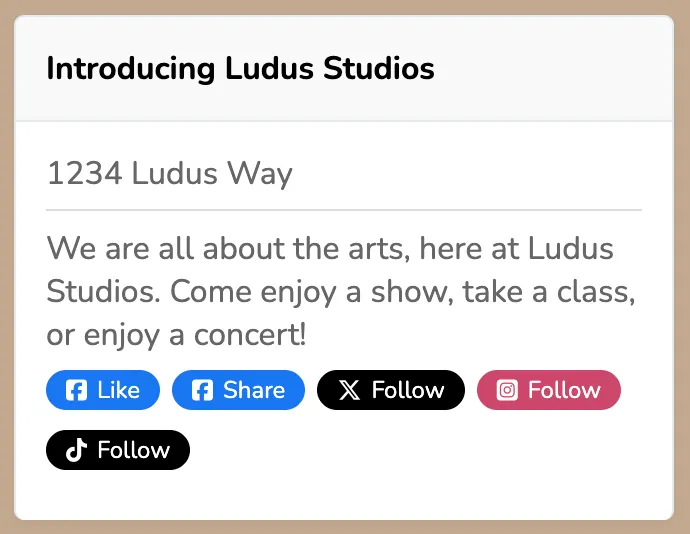
To do so:
Click the Settings wheel icon (⚙️) in the upper right-hand corner of your admin panel.
Under the General tab, enter the rest of your URL for your Facebook or Twitter page in the appropriate sections.
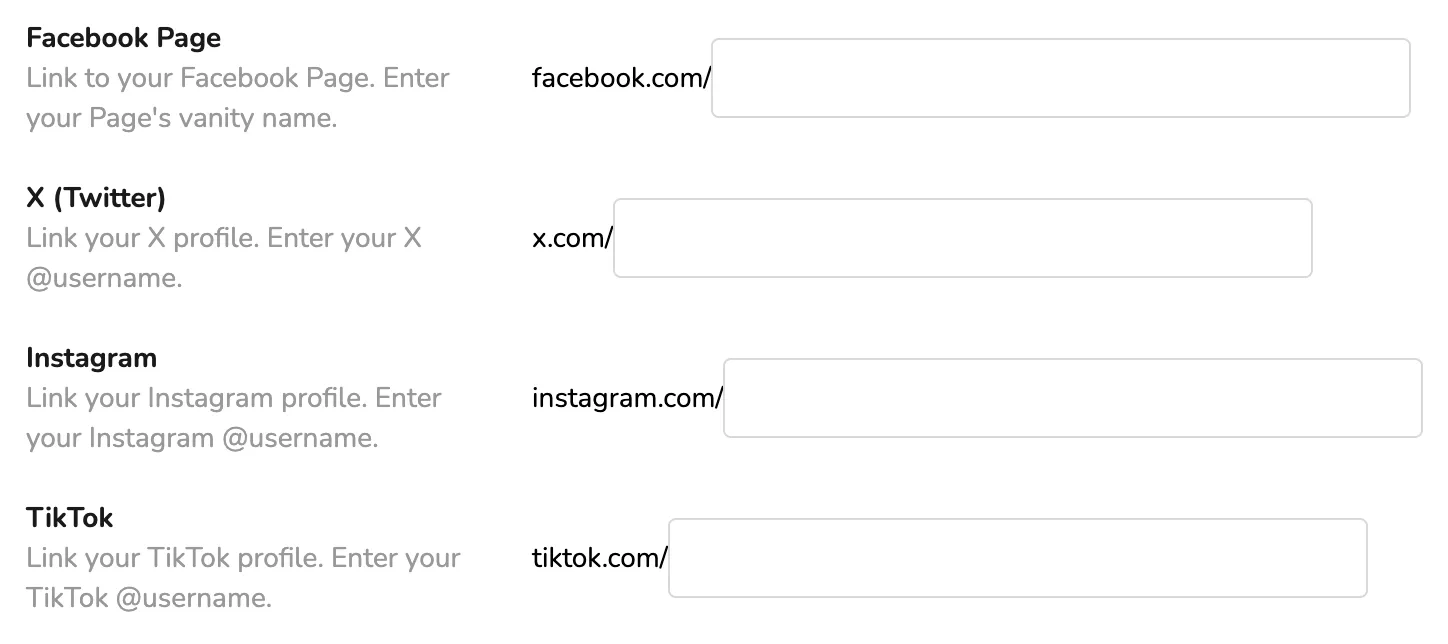
Click Save Settings at the bottom of the page.