Edit a Student Profile
1 min
If you need to edit any information on a Student's Profile, simply go to More (at the top of your account) -> Students.
From there, select View Ledger to access the student's information.

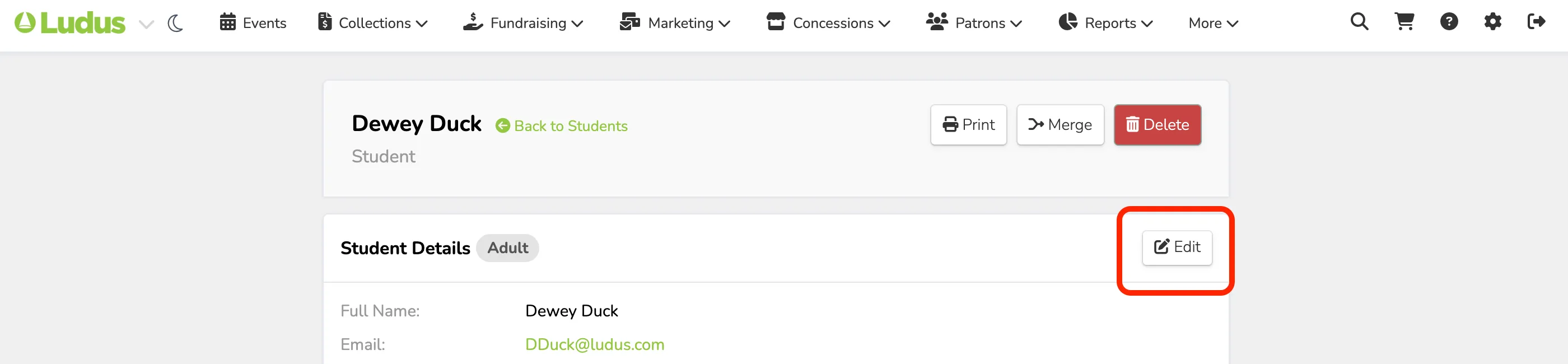
On the profile, select Edit to begin editing the student's information.
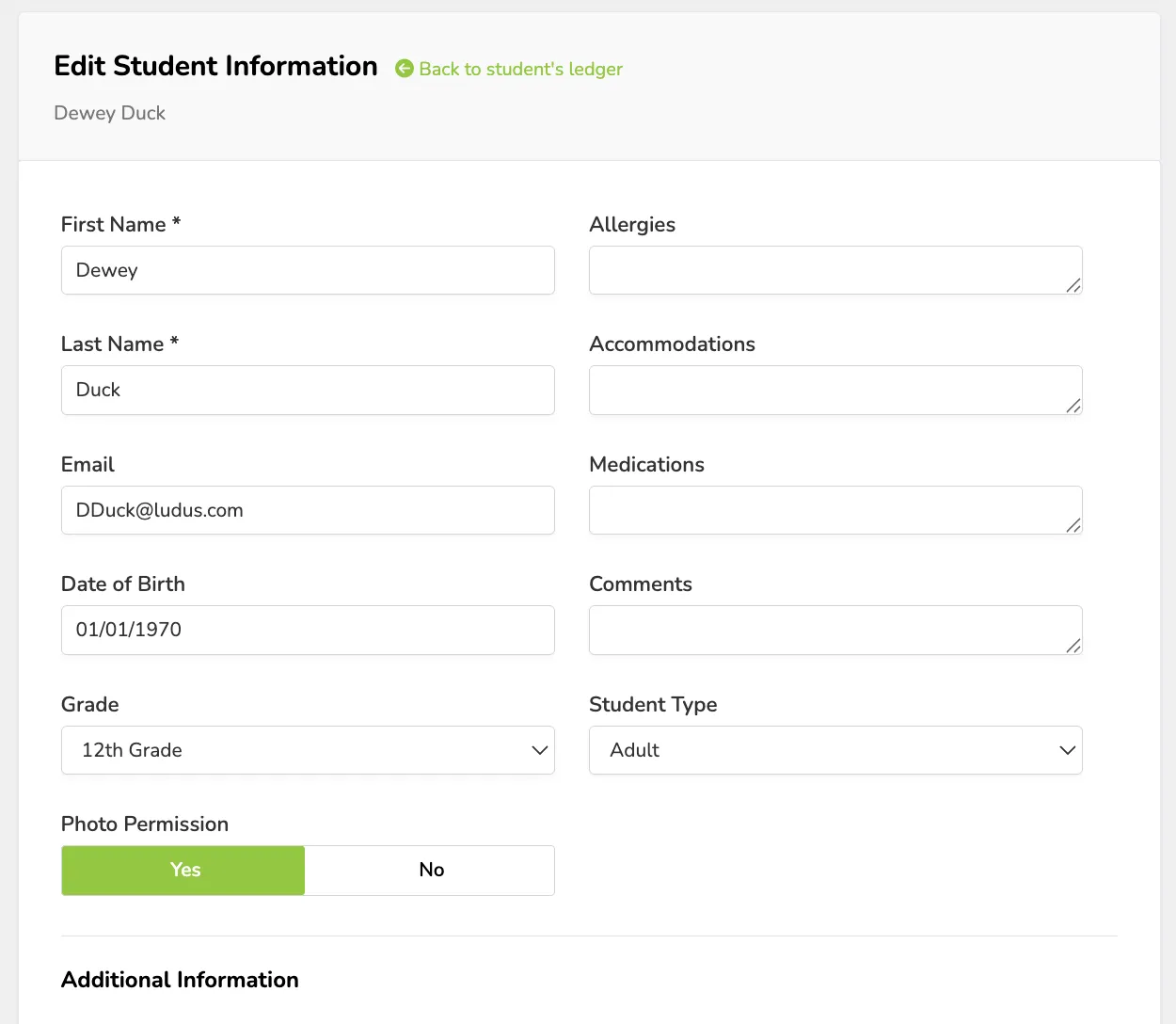
Items you can edit include:
- Student's Name
- Allergies
- Accomodations
- Medications
- Date of Birth
- Comments
- Grade
- Student Type (Adult or Under 18)
- Photo Permission
- Emergency Contact
- Any Additional Information
- Parents
- Additional Parties