Edit confirmation email for donations
1 min
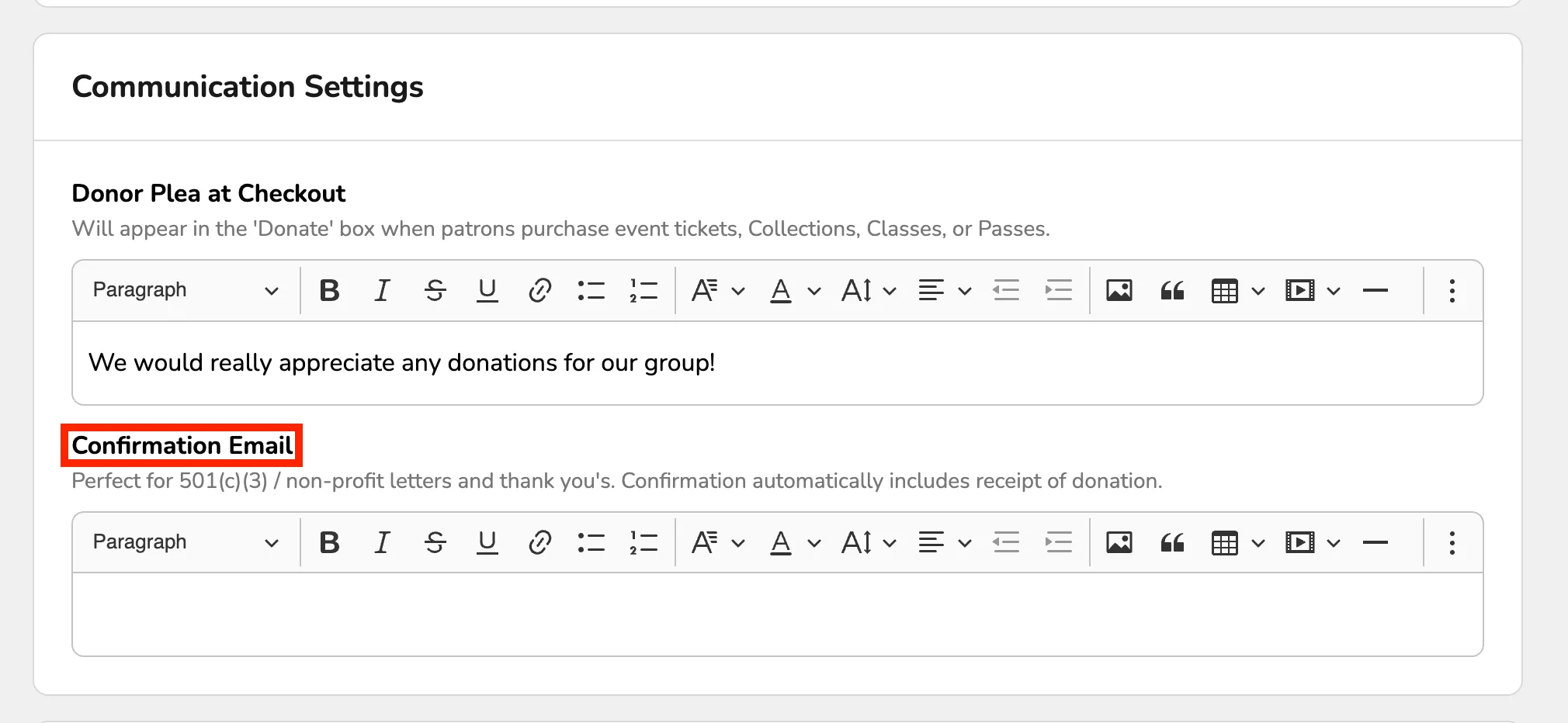
When a donation is made, the patron will automatically receive a receipt of the donation via the email entered at the time of checkout. You may wish to insert some additional text into these emails. To set up this messaging, navigate to Fundraising --> Settings. Scroll to the section titled "Confirmation Email".
Then, use the open field to insert any text, links, or photos you'd like. When you are done, make sure to click Save Changes.
If you are using Donor Levels, you can customize the confirmation email based on the donation level.
Suggested Article: Edit confirmation email for Donor Level