Embed Widget
Video Overview:
The Embed Widget is one of the Premium Features within Ludus. This will add .05 to your base Ludus fee. There are no monthly fees or per-widget fees associated. To learn more about the cost of Ludus, check out our Pricing Table.
Suggested Article: Ludus Pricing Table
Here are a few examples of the Embed Widget:
The main thing you'll notice is that their websites are fully designed, and the Widget is placed within their existing websites. If you do not have an existing website designed, we recommend not using the Embed Widget and instead directing people to your Ludus site.
You can always share a direct link to your Ludus page if you don't want to use the Embed Widget.
What can this feature help with?
The Embed Widget is meant to be embedded on existing websites as a sales widget that adopts the site's design/feel.
Why use this feature?
If your organization/group has its own website, you may be interested in our Embed Widget feature. This will allow you to add a ticket-selling Widget directly to your website, so patrons can select and purchase without ever leaving your site.
What makes this feature so special?
Ludus was built for the performing arts by people who care about them, and we want to make your life easier. The Embed Widget is the perfect tool for incorporating Ludus into your current site. When you choose to use the Widget, you will get:
- Custom Code for your Ludus site
- The ability to continue to customize your Ludus site (outside of the Widget)
- Custom Code to share individual Events, Collections, Classes, Passes, and more
So how does this feature work?
Once you elect to use this premium feature, you will be directed to a page with custom code. From here, you can add that code to your existing website.
How do I use the Embed Widget?
First, you'll need to enable the Embed Widget for your account.
To do so, navigate to More (in your top navigation) -> Embed Widget -> and click the Get Started button.
You'll be prompted to verify the additional cost of the Embed Widget and then click Choose to upgrade to the Embed Widget.
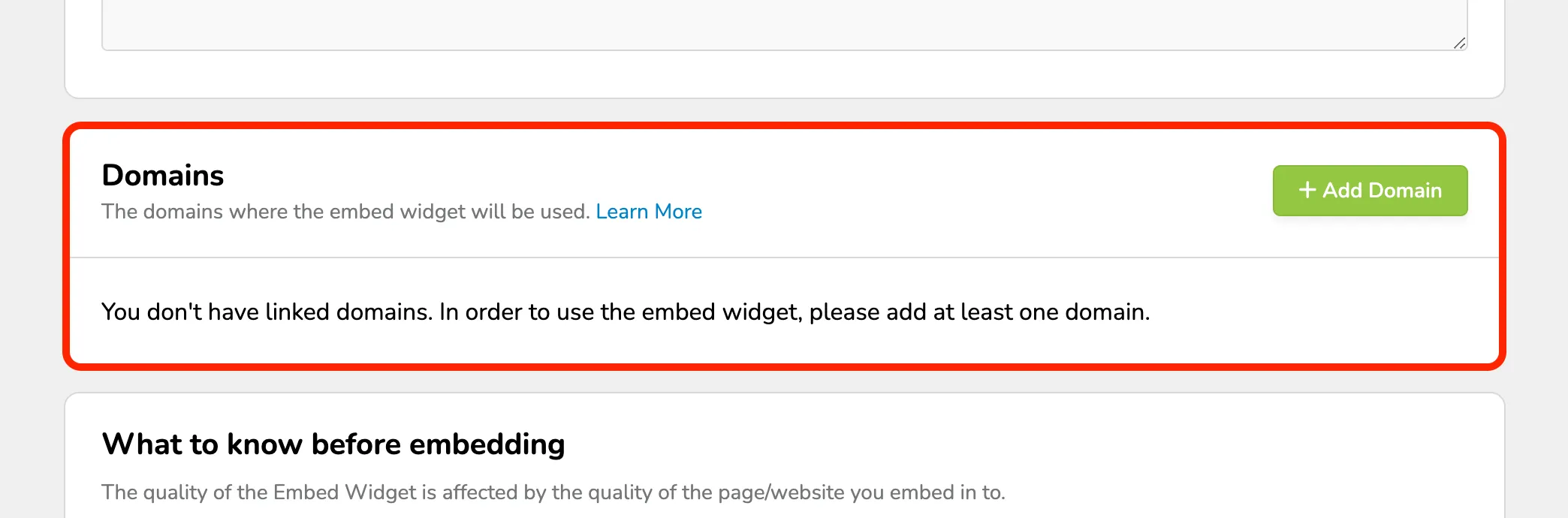
Once you do that, you will also be asked to share domains where you will be embedding the widget. Read through Embed Widget - Domain Whitelisting for more information on this.
Once enabled, you'll be given the embed code for the Widget to place into your website. This is the general embed code that will display all tabs for the different features you have enabled (like events, donations, passes, etc.).
The embed code mentions variables that you can use. For example, you may only want to display your classes on an education page. You can change the code to say classes on the variable line instead of all. Volunteers will also work, although it is not listed as a variable Here is an example of how the script would be changed if you only want the classes to appear on a specific web page: <script type="text/javascript"> var subdomain = 'manual'; //Site Subdomain var showid = ''; //Provide show ID if you want to list one specific show var sections = 'classes'; //'all' = events & collections; 'events' = only events; 'collections' = only Collections
(It must include the remainder of the script.)
You can also get direct embed codes for specific things like an individual event, a specific pass, and more.
If using WordPress, follow this additional installation guide: WordPress Installation