Enable Collapsed View
1 min
Collapsed View provides a streamlined way to display events with multiple event times. Check below for how to enable this option.
From the top navigation bar, click the Settings wheel icon (⚙️)
Navigate to the Design Tool tab.
Click the Events section on the Design Tool and then choose the circle for "Collapsed View".
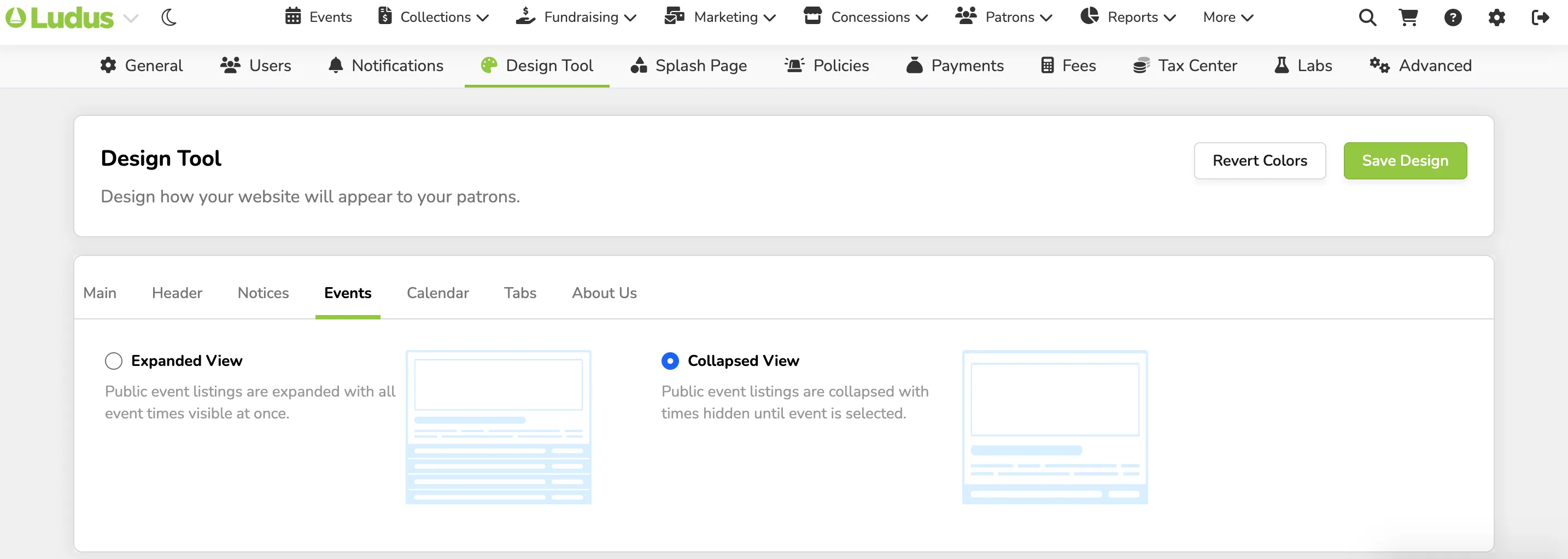
Now, when your patrons go to buy tickets, they can click Order Now and the available event times will expand.

