Enable "Coming Soon" mode for Classes
1 min
There might be a scenario in which you're ready to list a class publically but are not ready to have sales start just yet. "Coming Soon" mode is perfect for this. To enable coming soon mode:
Navigate to Collections --> Classes.
Next to the desired class, click Options.
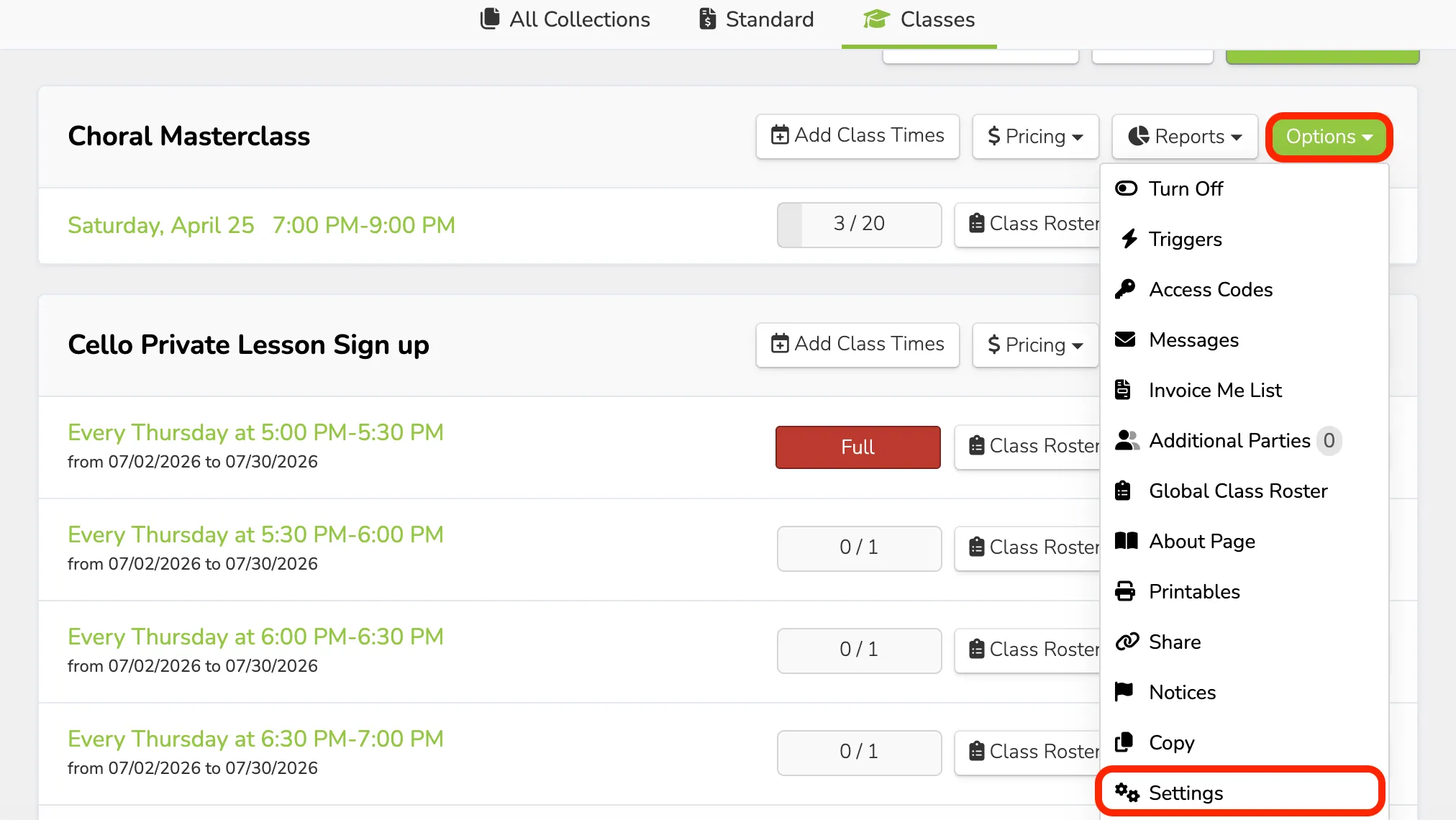
Scroll down to the bottom of the settings page and next to "Coming Soon", click the circle for "On".
Click Save Changes.
Now, when a patron views your class, they will see a greyed-out box labeled "Coming Soon".