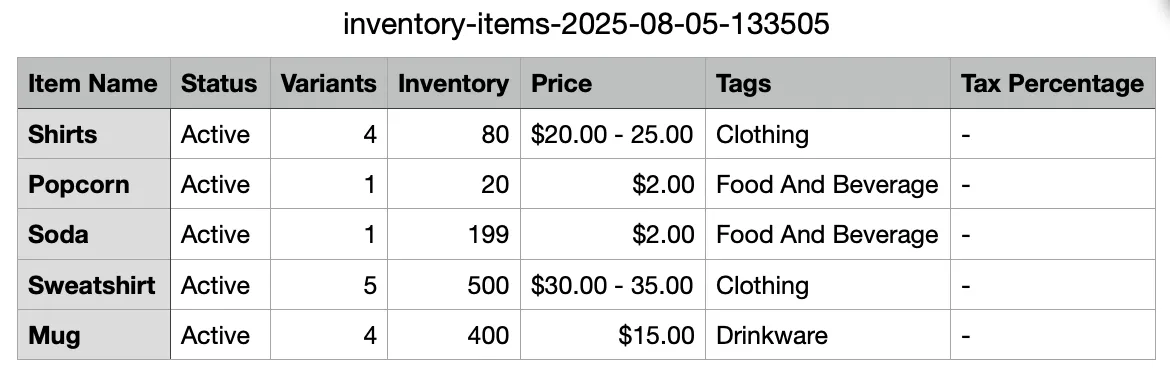
Export Concessions Items via CSV
1 min
One of the many items that can be exported from Ludus (via CSV) is the Retail Inventory list. Additionally, you can export this while keeping the set sort and filters.
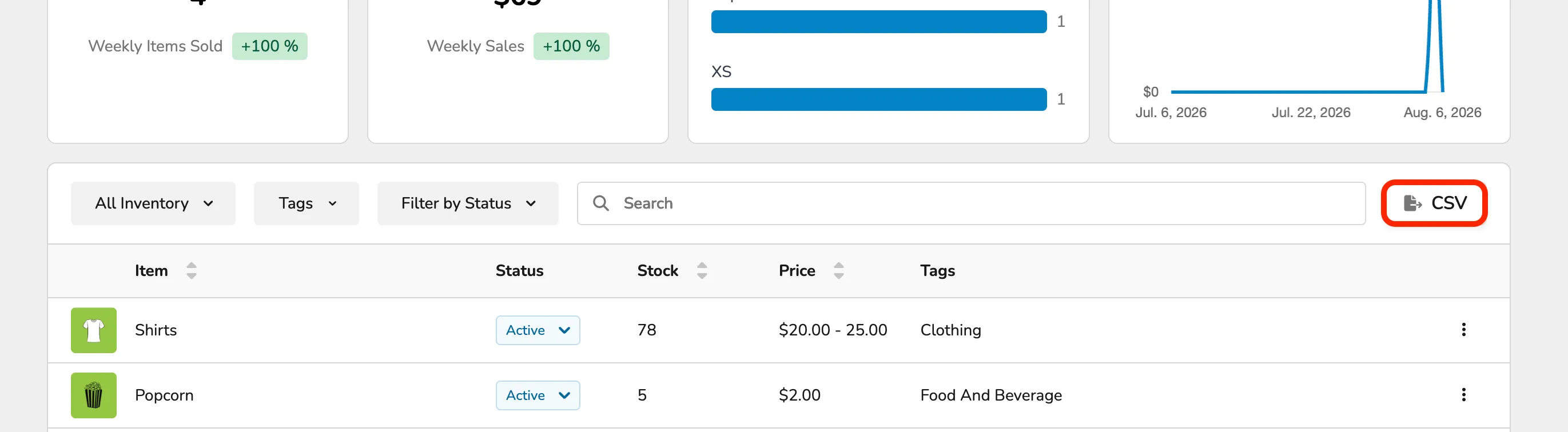
To access this, simply go to Concessions (at the top of your account) -> Dashboard.
From here, scroll down to your Concessions Inventory. You can add any needed sorting in All Inventory, Tags, or Filter by Status.
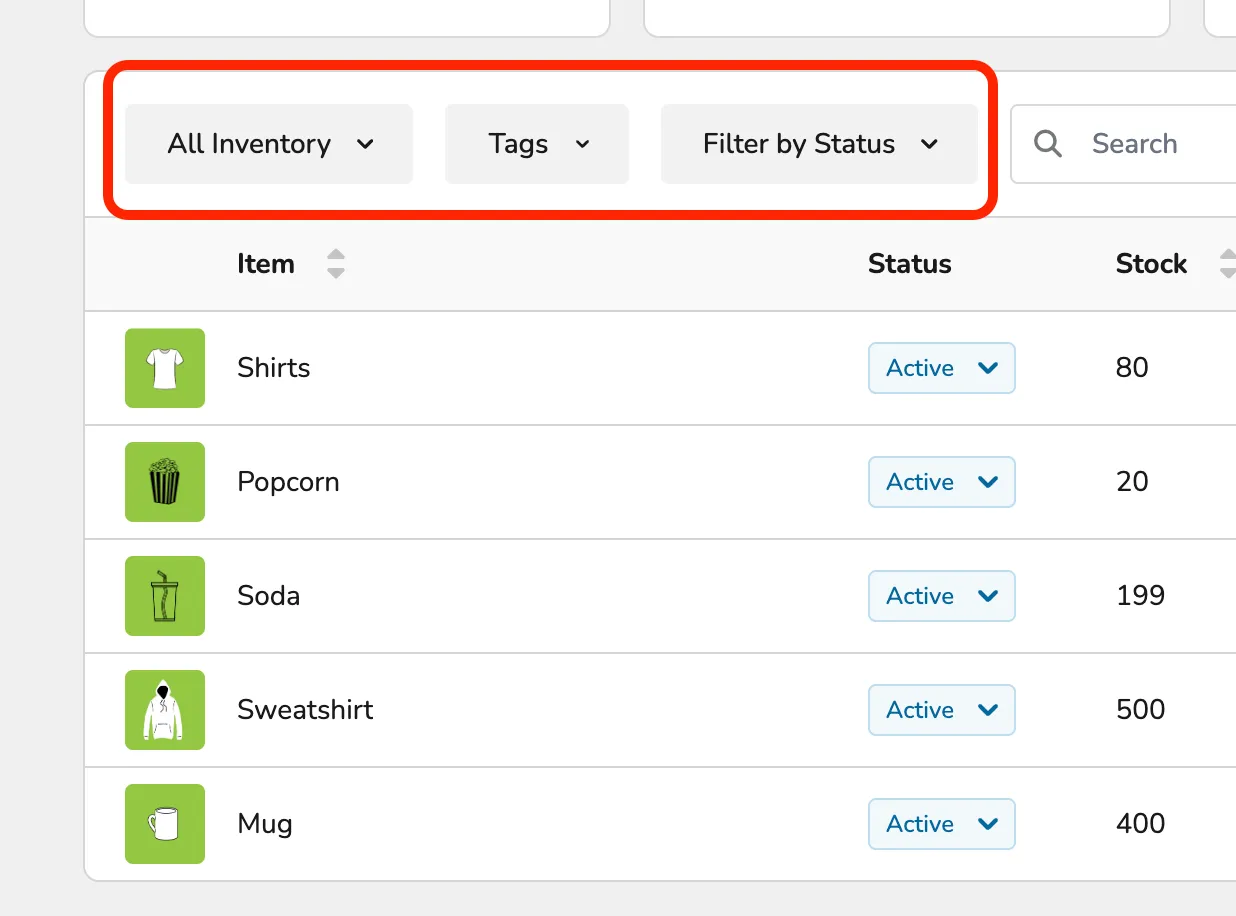
Once you have selected those items (or if you don't need any of those items), you can click the "->CSV" button to export your Inventory!