Hide Donor Level from the public
0 min
You might want to keep a specific Donor Level hidden from the general public. To do so, navigate to Fundraising --> Levels.
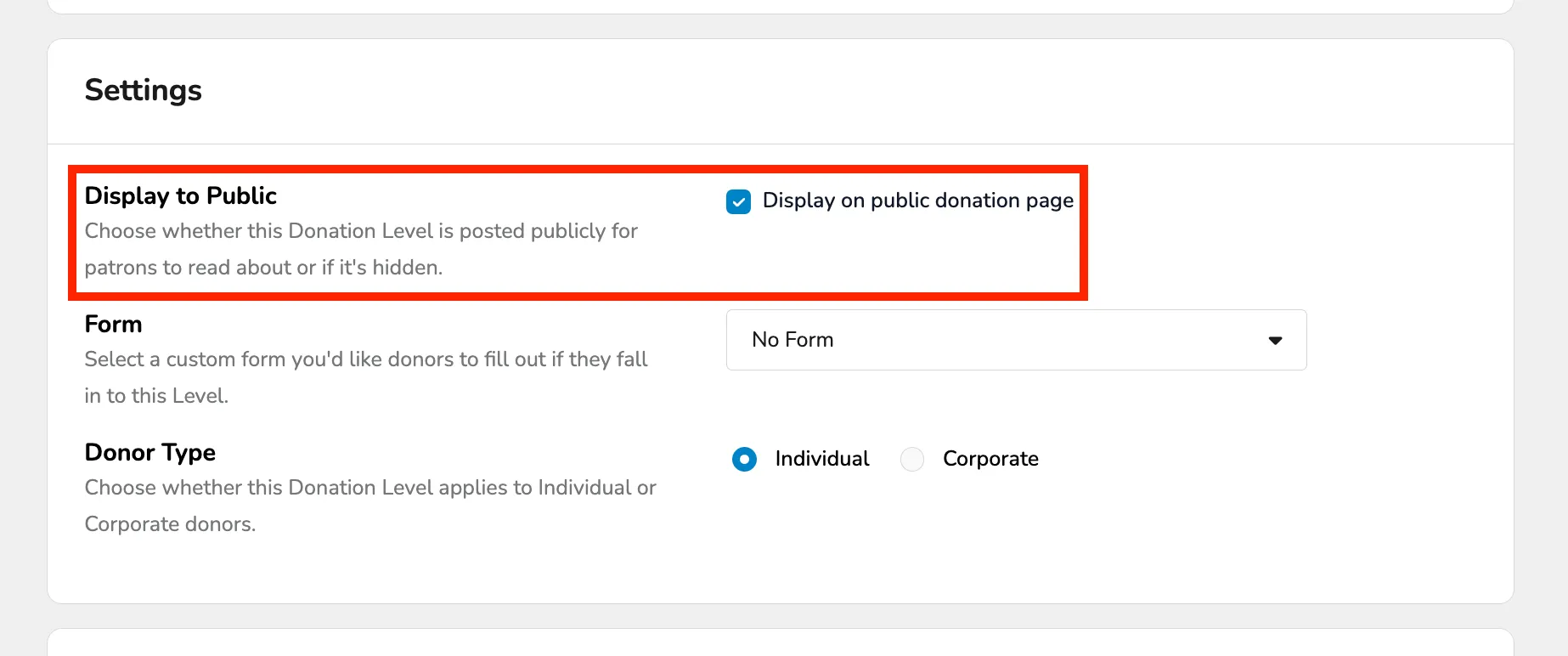
Then, click Edit next to the desired level. Toward the bottom of the page, there is a section titled "Display to Public".
Uncheck this box and click Save Changes. Now this level will not be displayed on the patron side.