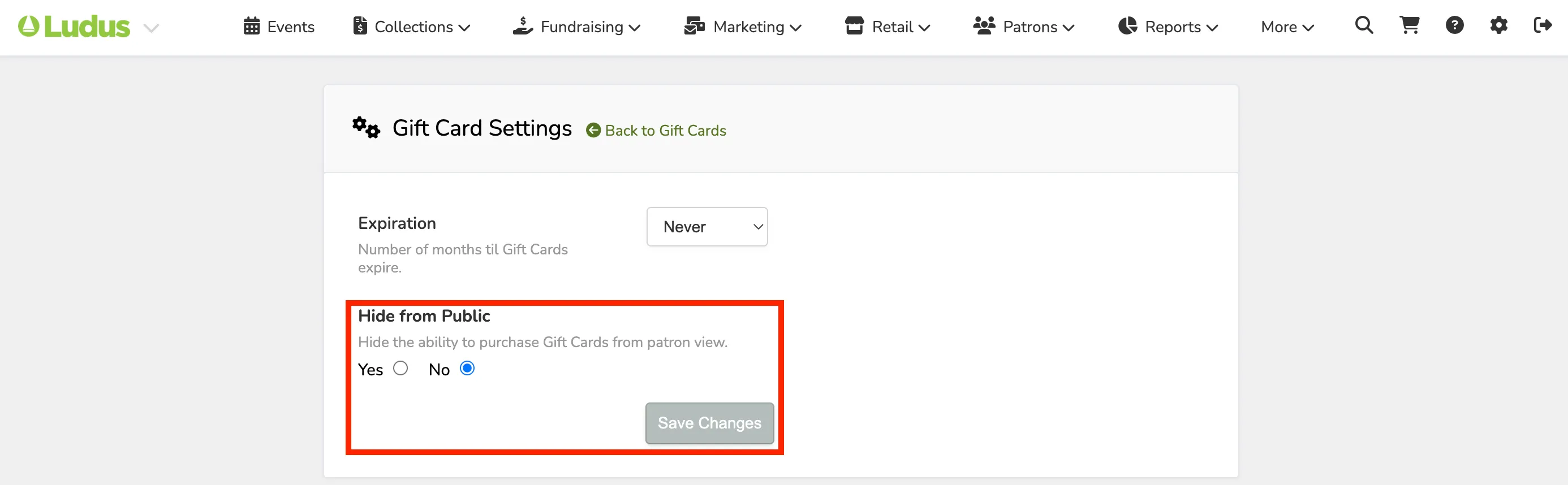
Hide Gift Cards From Public Pages
1 min
You can hide the ability to purchase a gift card from the public if desired.
Follow these steps to hide that option:
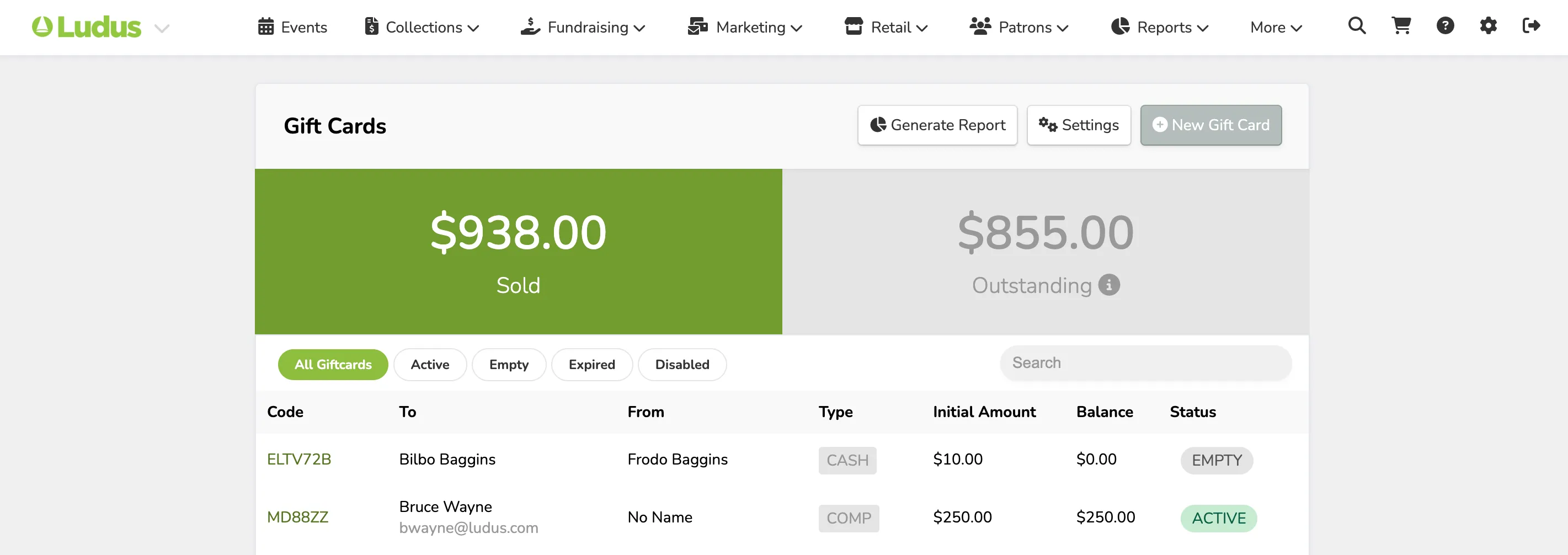
Navigate to Gift Cards by clicking More at the top navigation bar -> select Gift Cards.
Click on Settings.
Adjust the Hide from the Public option to say Yes, and then click Save Changes.