Refund a Concessions Item (via the app)
1 min
If you are in the app and need to refund an item, you can easily do that through the retail tab.
Refund in the App:
Go to Concessions (along the bottom menu bar) -> and select Transactions.
Once selected, you will see a list of transactions.
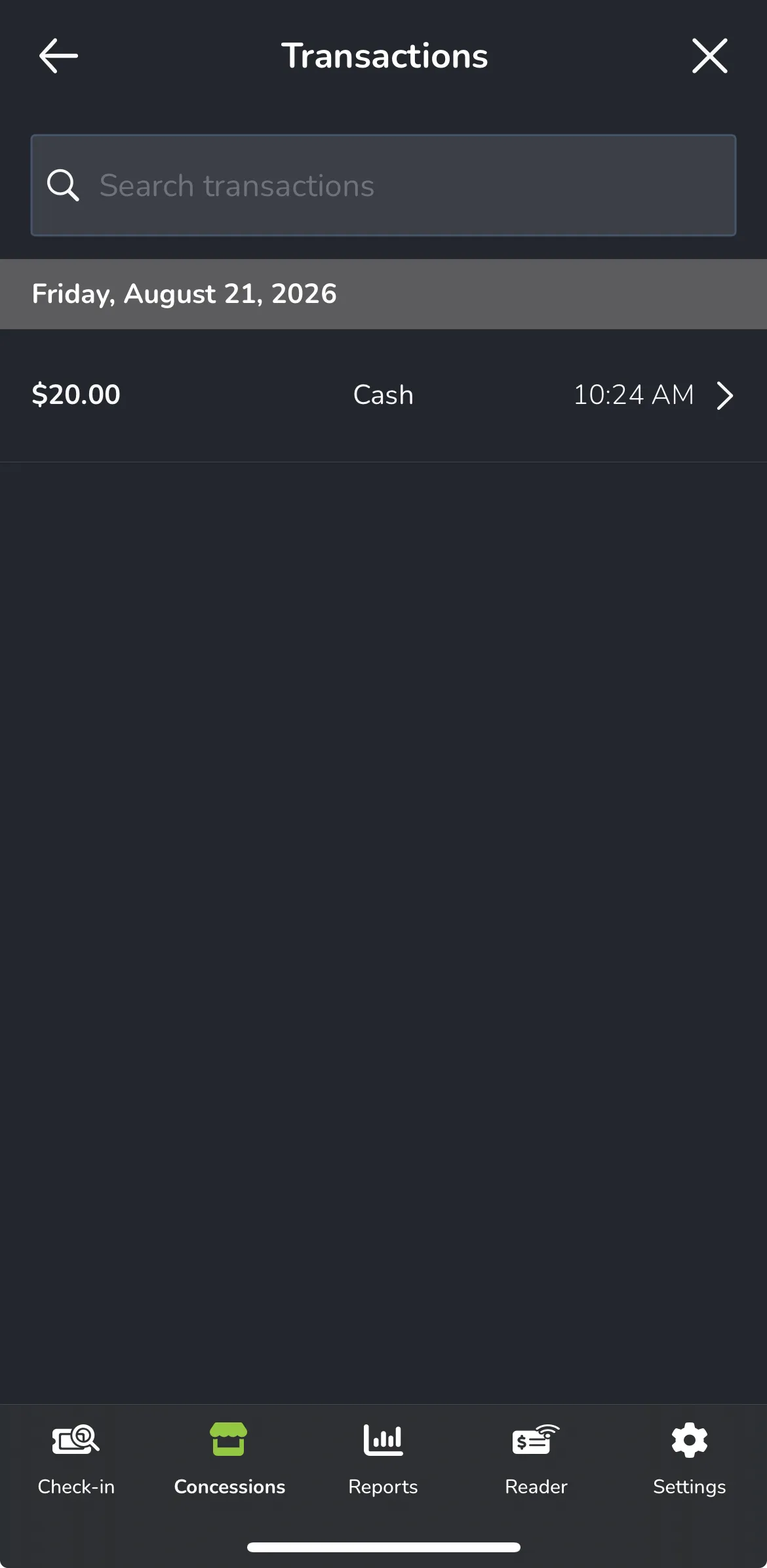
Select the one you wish to refund.
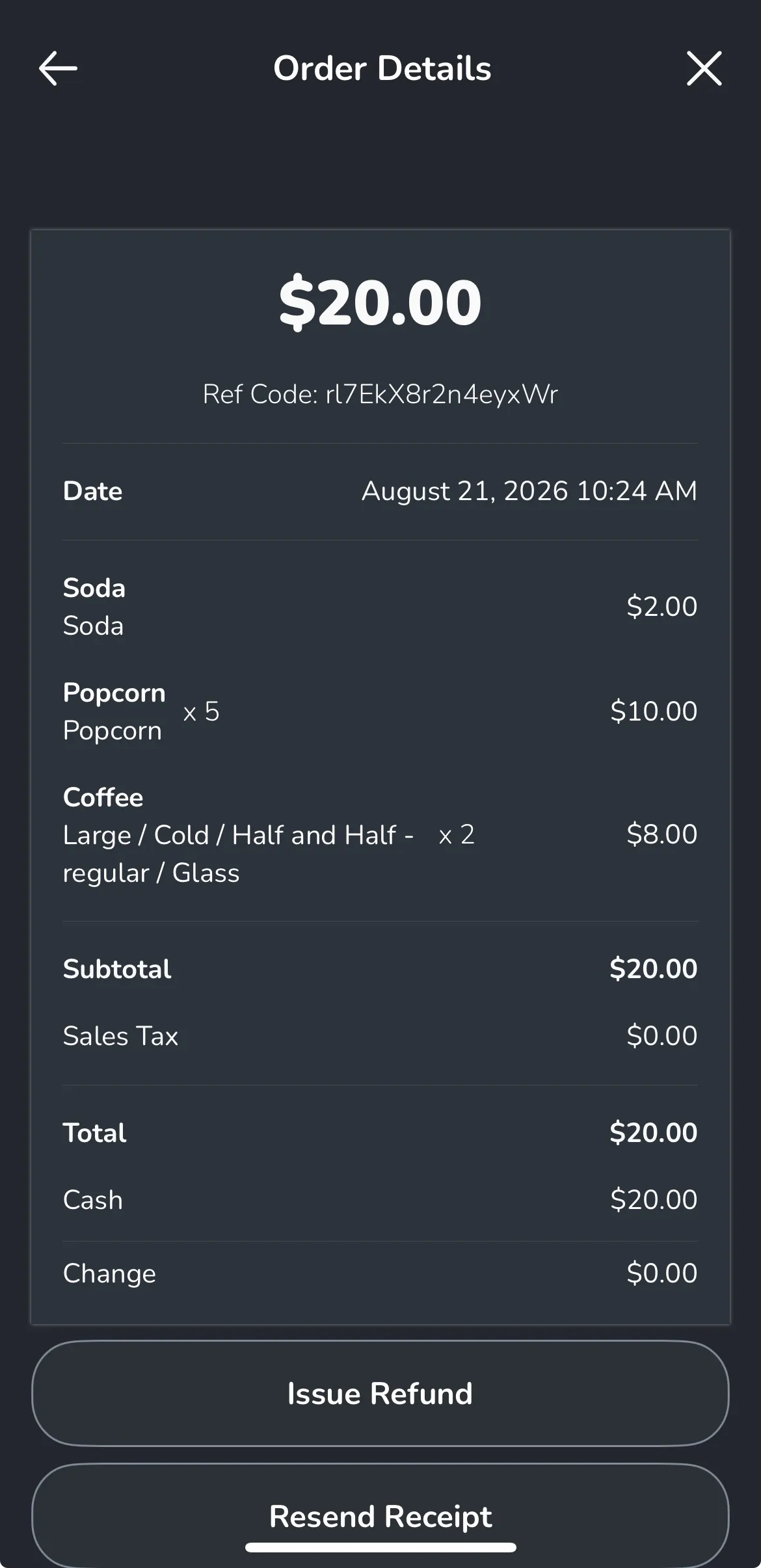
Once selected, you will see the ability to refund that item via the Issue a Refund button.
You must have the item listed as "Refundable" via the Item setup on the admin panel. See more of this under Add a Concessions Item .