Reports Tab (Ludus Mobile)
1 min
The Reports tab (found at the bottom of the app), can be used to get a quick view of sales and reports specific to your events.
Users with Seller access will not be able to view Reports.
Suggested Article: User Types - Breakdown
What does the Reports tab do?
Within the Reports tab, you can get a quick glimpse at how ticket sales are going for your event(s).
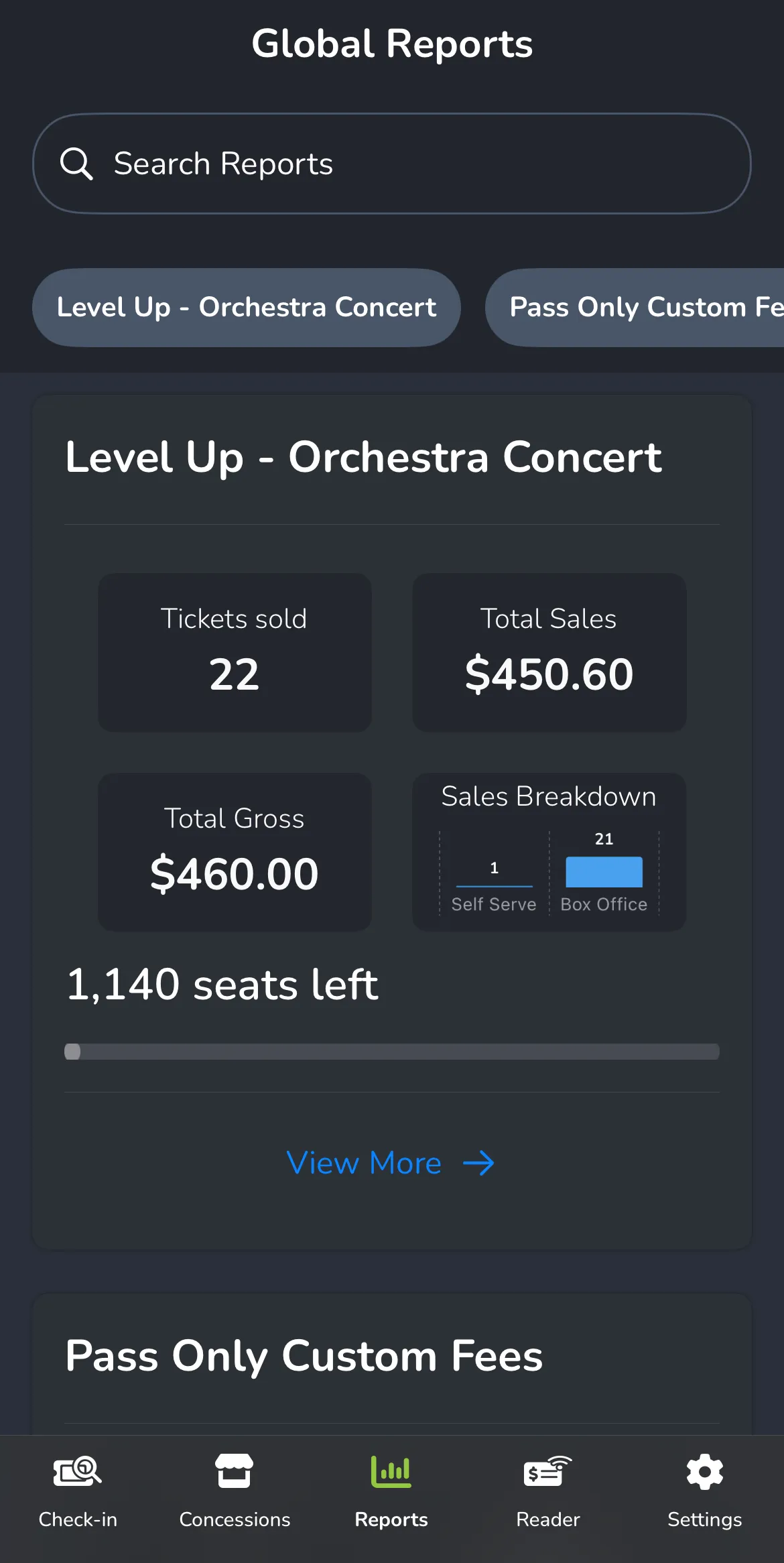
- Sales Stats (overview of sales either over the past week or all sales)
- Tickets Sold
- Total Sales
- Total Gross (sales)
- Sales Breakdown (where tickets are being purchased)
- Seats Left (total seats left for the entire event)
- Event Times (breakdown of seats still available and those sold)