Reports - View Outstanding Invoices
1 min
Under Reports (at the top of your account), you can view any outstanding Invoices quickly and easily.
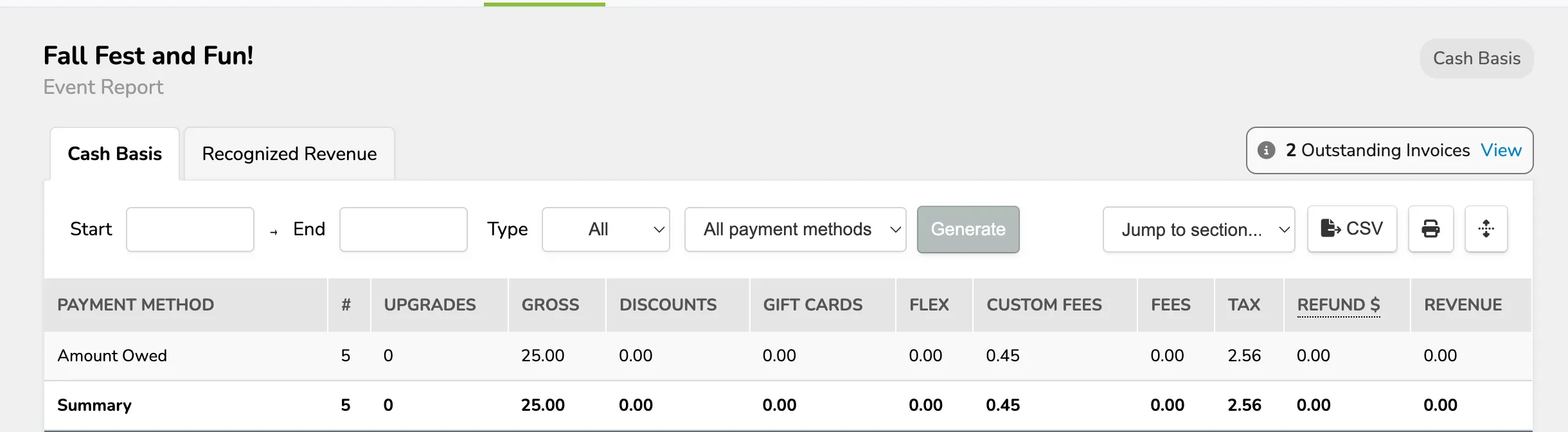
There will be a small notice under the Summary, Revenue, and Itemized Reports, letting you know of any outstanding Invoices:

You can select View to open the Invoices page and see who those outstanding Invoices belong to.
You can also view these outstanding Invoices on the Event/Class/Collection Level Reports: