Schedule a marketing email
1 min
When setting up an email campaign, you can choose whether you'd like to send out the campaign immediately or schedule it for a custom date in the future. To set or edit the date and time the email is sent, follow the steps below.
Navigate to Marketing --> Campaigns.
Click Edit next to the campaign for which you'd like to set a send time.
Scroll to the section titled "Scheduling" and insert the desired date and time.
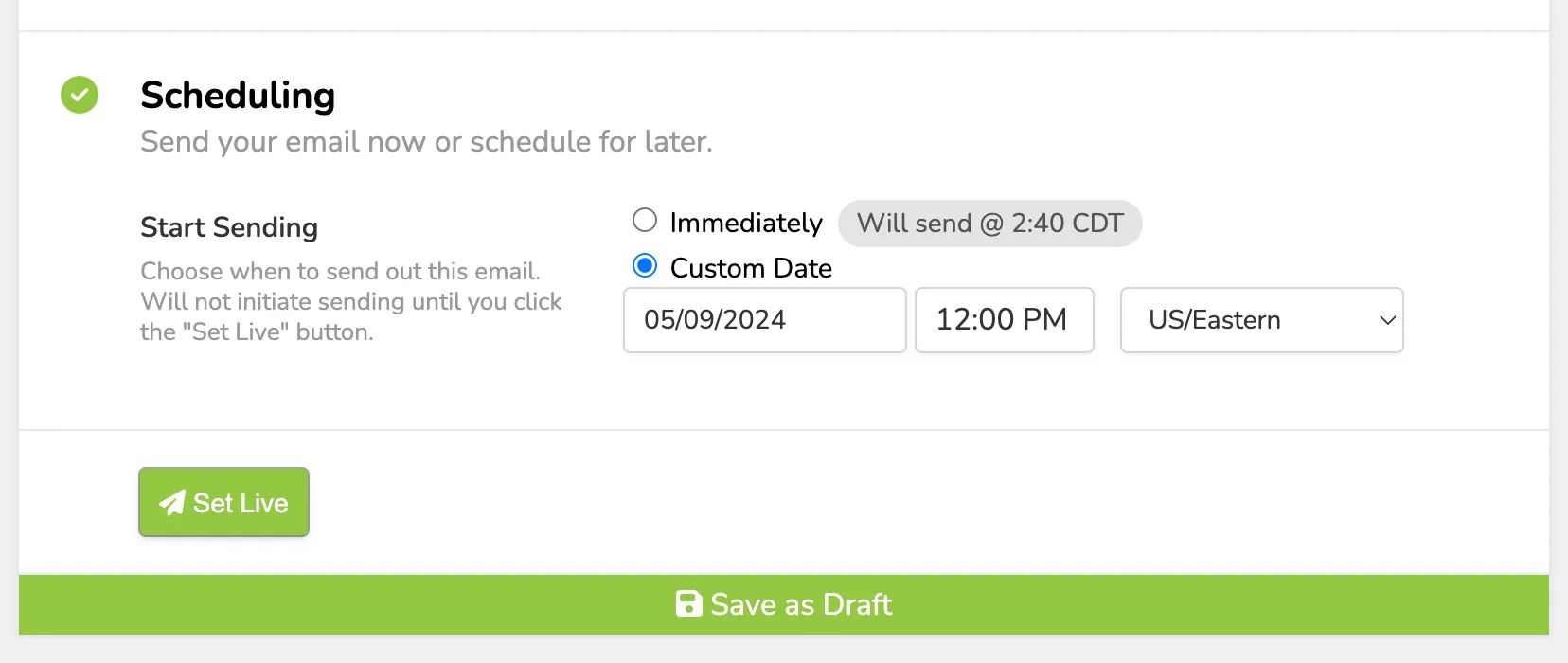
If you are ready to place the email in the queue, click Set Live. If you'd like to keep editing, select Save as Draft.