Send a test email
1 min
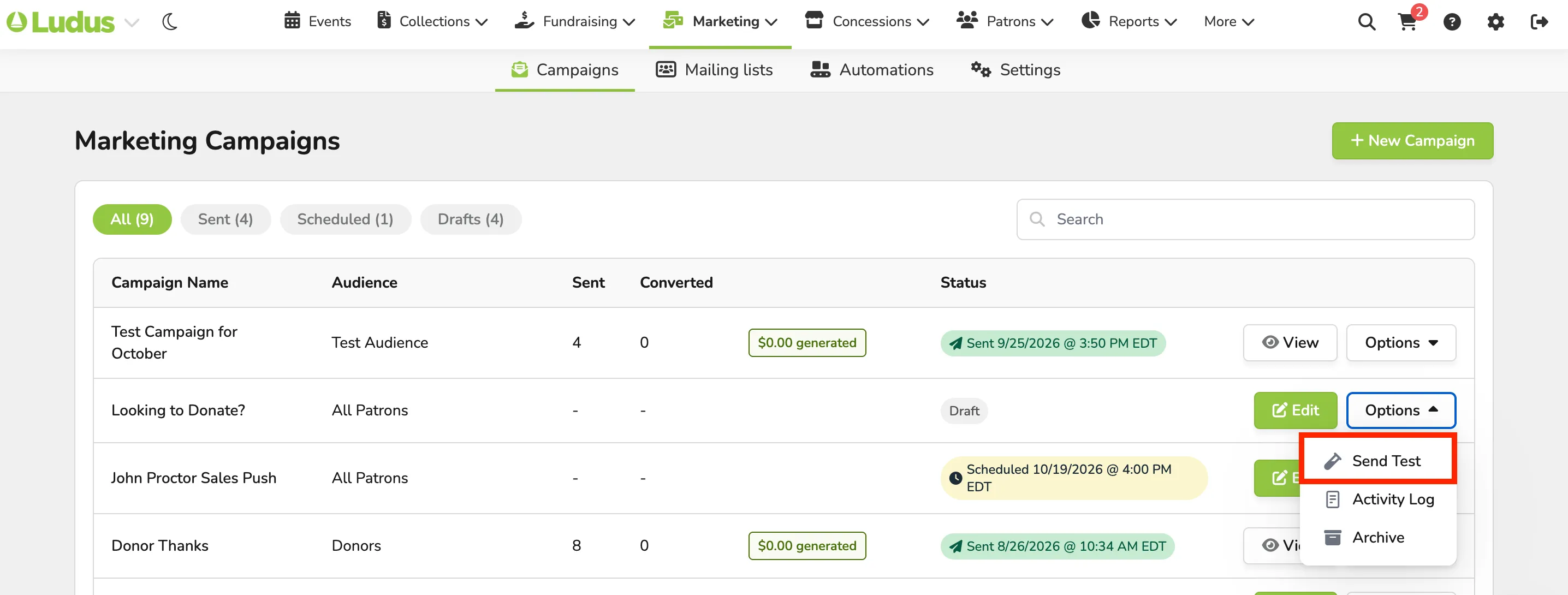
You might wish to send a test email before going live with your campaign. To do so, navigate to Marketing --> Campaigns.
Then, next to the desired email campaign, click Options --> Send Test.
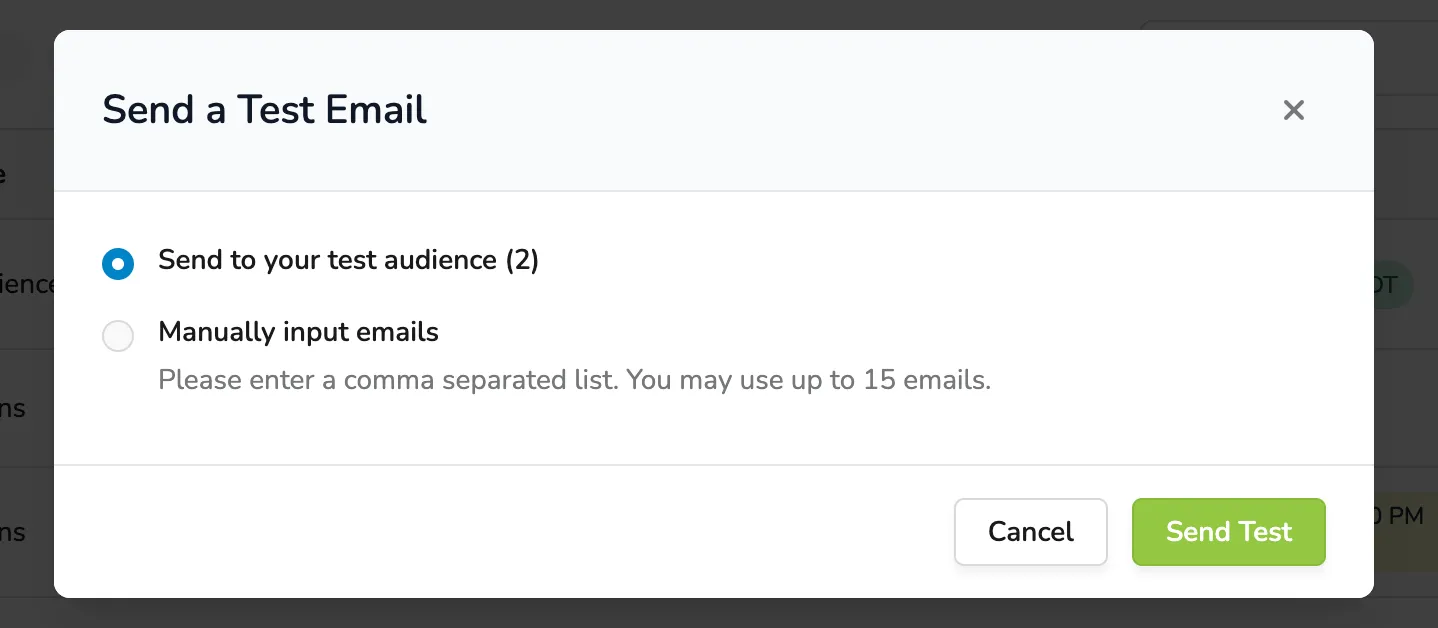
From here, you can select your Test Audience (Patrons -> Audiences), or manually enter the emails you want the test to go to.
Suggested Article: Test Audience