Share a Direct Link to Passes
Share a direct link to Passes
It might be helpful to have a direct link specifically to passes if you are looking to push sales. This is easily accessible through Ludus.
Public Share Link
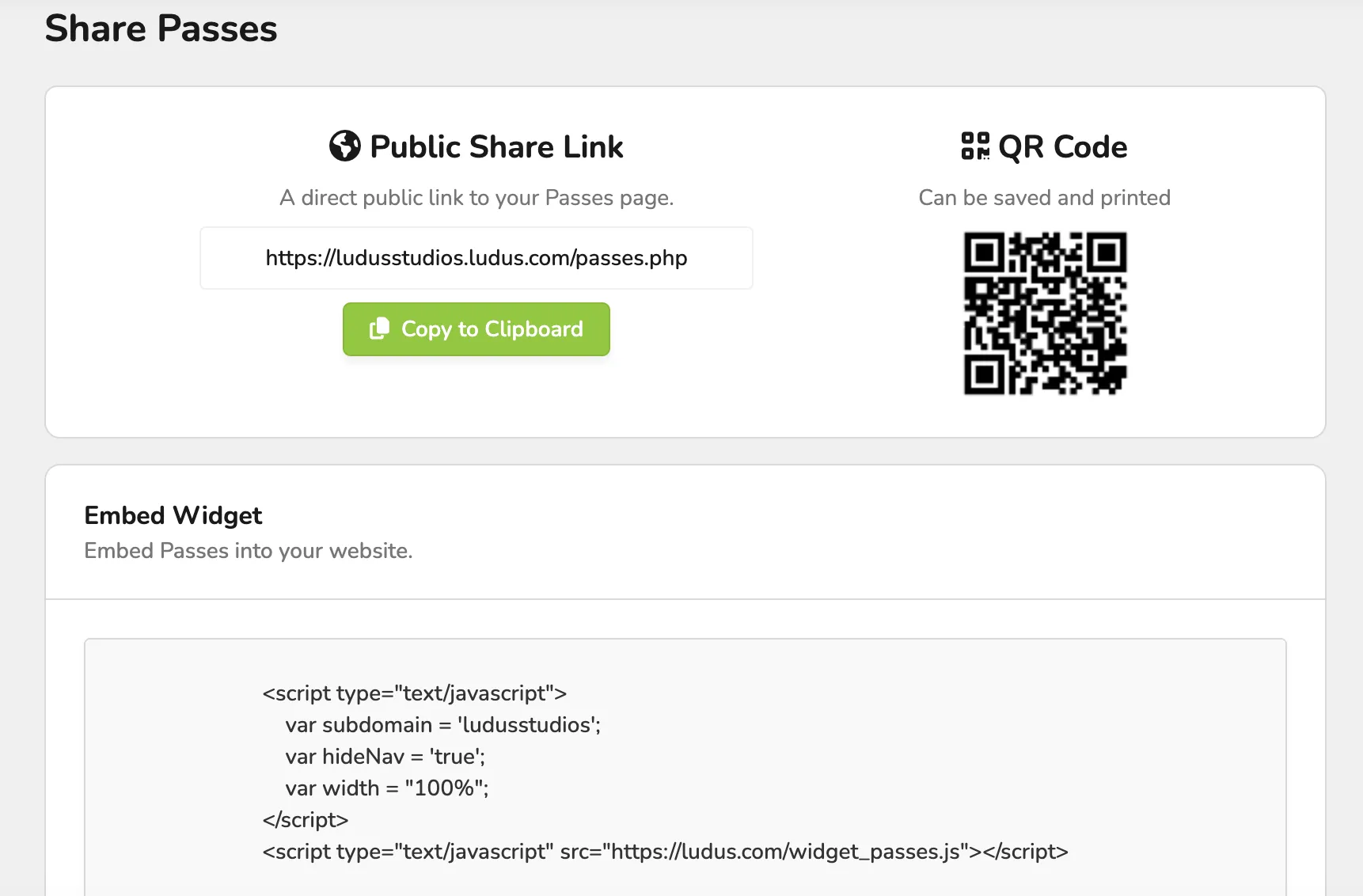
To get your direct public share link, go to More (at the top of the admin panel) -> Passes -> Options (next to the pass) -> Share. From here, you will have the option to share the direct link to that pass, as well as a QR code for that pass.
Private Share Link
If you are interested in sharing a private link (while the pass is still turned off), you can do that by going to More (at the top of the admin panel) -> Passes -> Options (next to the pass) -> Share. From here, you will have the option to share the private share link to that pass. This is a great way to share a pass before it goes public!
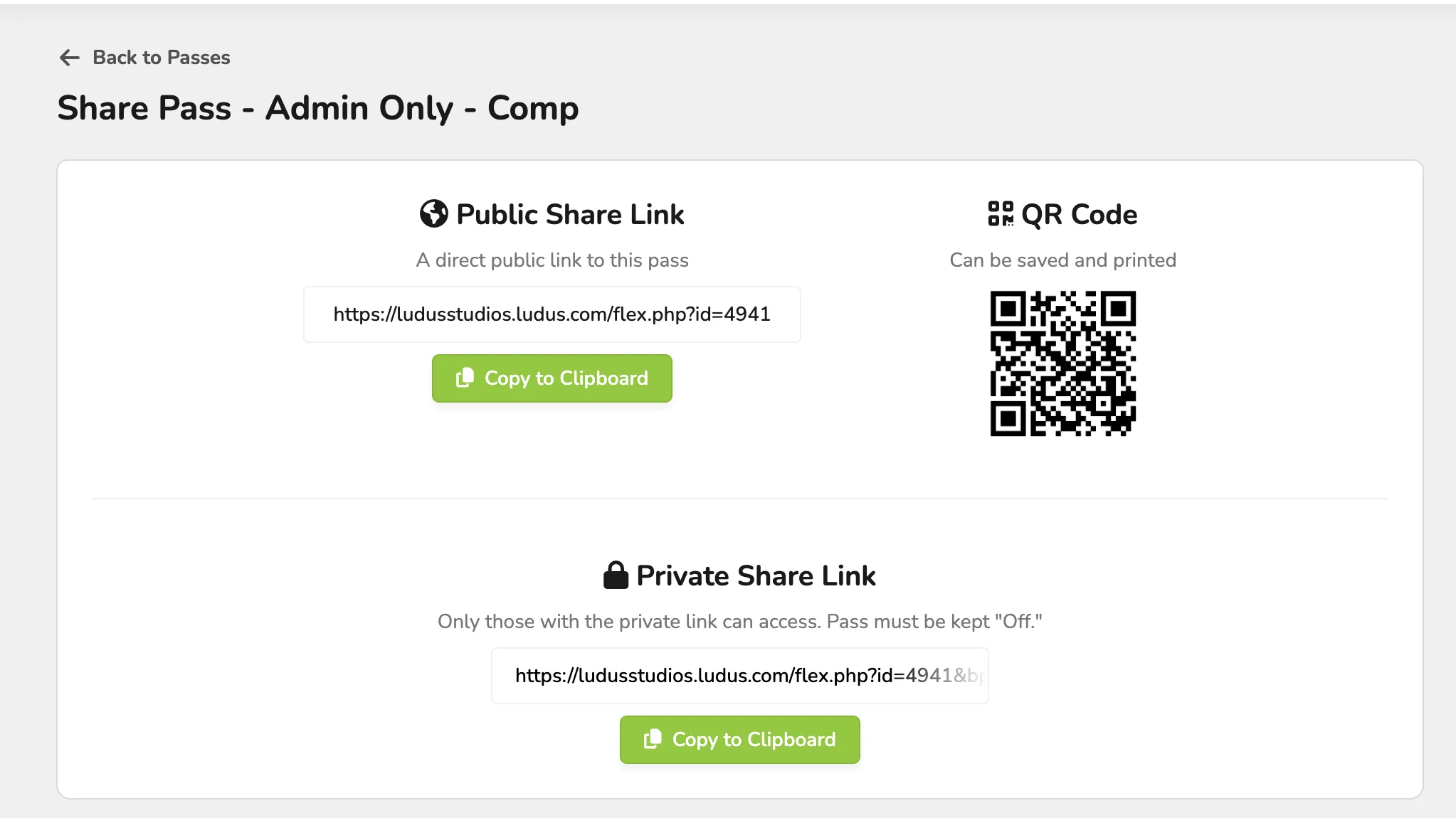
It is important to share all Links as they are shown on your Share page. Adding the "www" prefix to a link in Ludus will prevent your link from working.