Share Links for Volunteer Opportunities
2 min
All Opportunities can be shared, or you can share just the link to a single Opportunity if desired.
Share All Opportunities:
Go to More (at the top of your account) -> Volunteers.
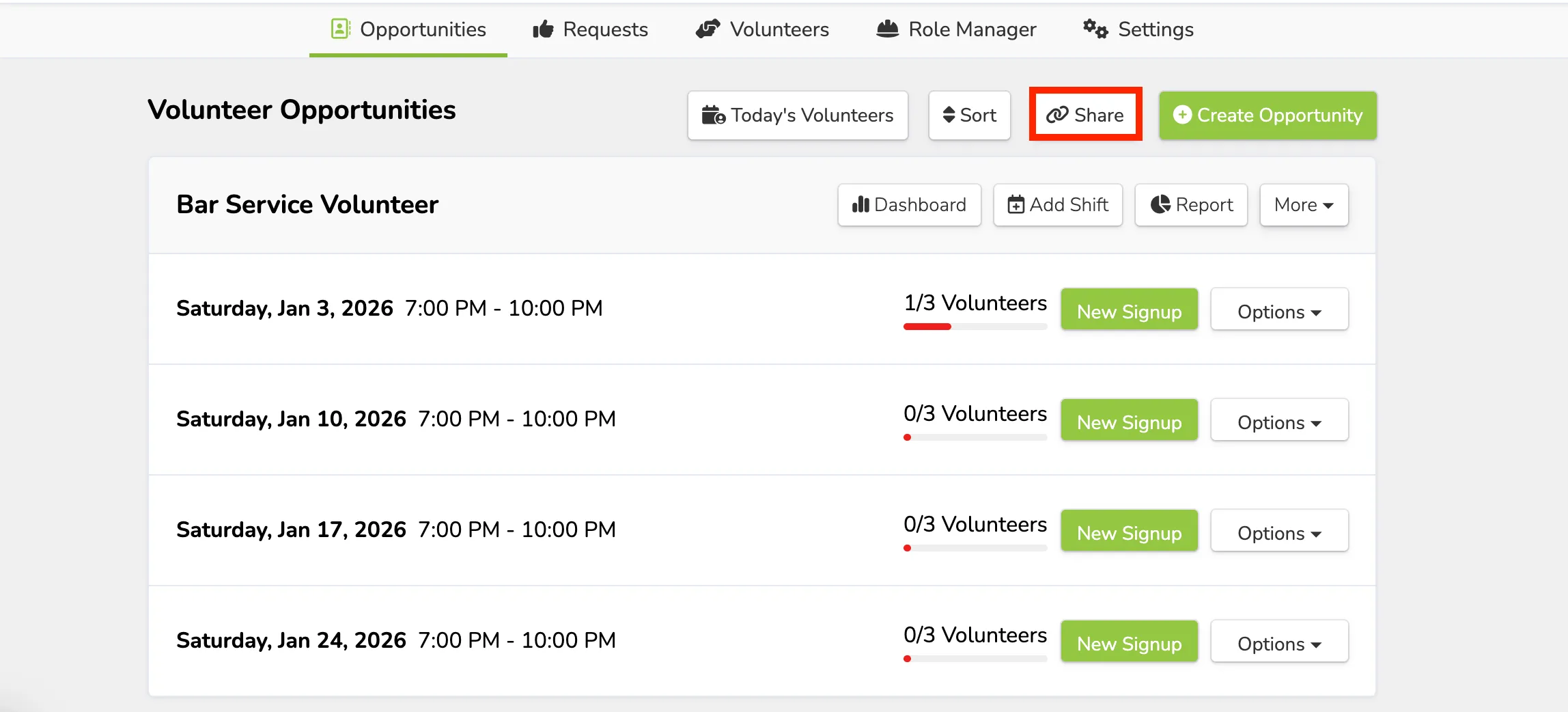
On the Opportunities page, select Share at the top.
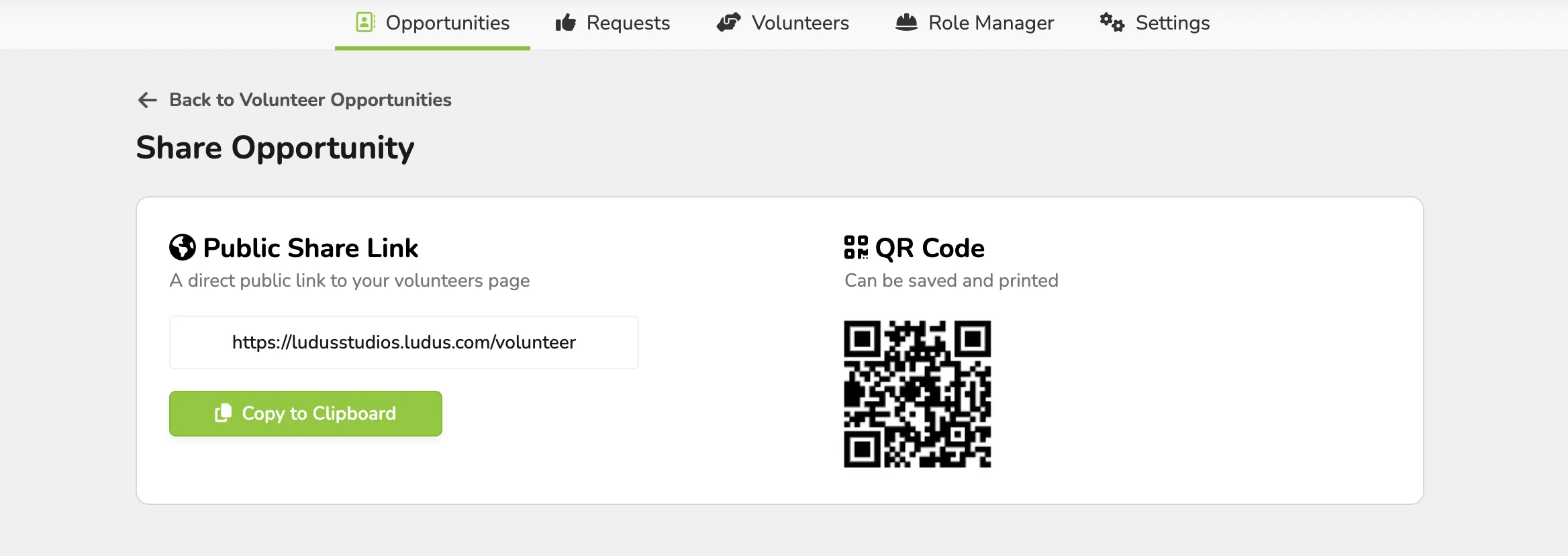
Once selected, that will generate a link and QR code to share with your patrons.
Share Specific Opportunities:
Go to More (at the top of your account) -> Volunteers.
Next to the Opportunity you want to share, select More -> and in the dropdown click Share.
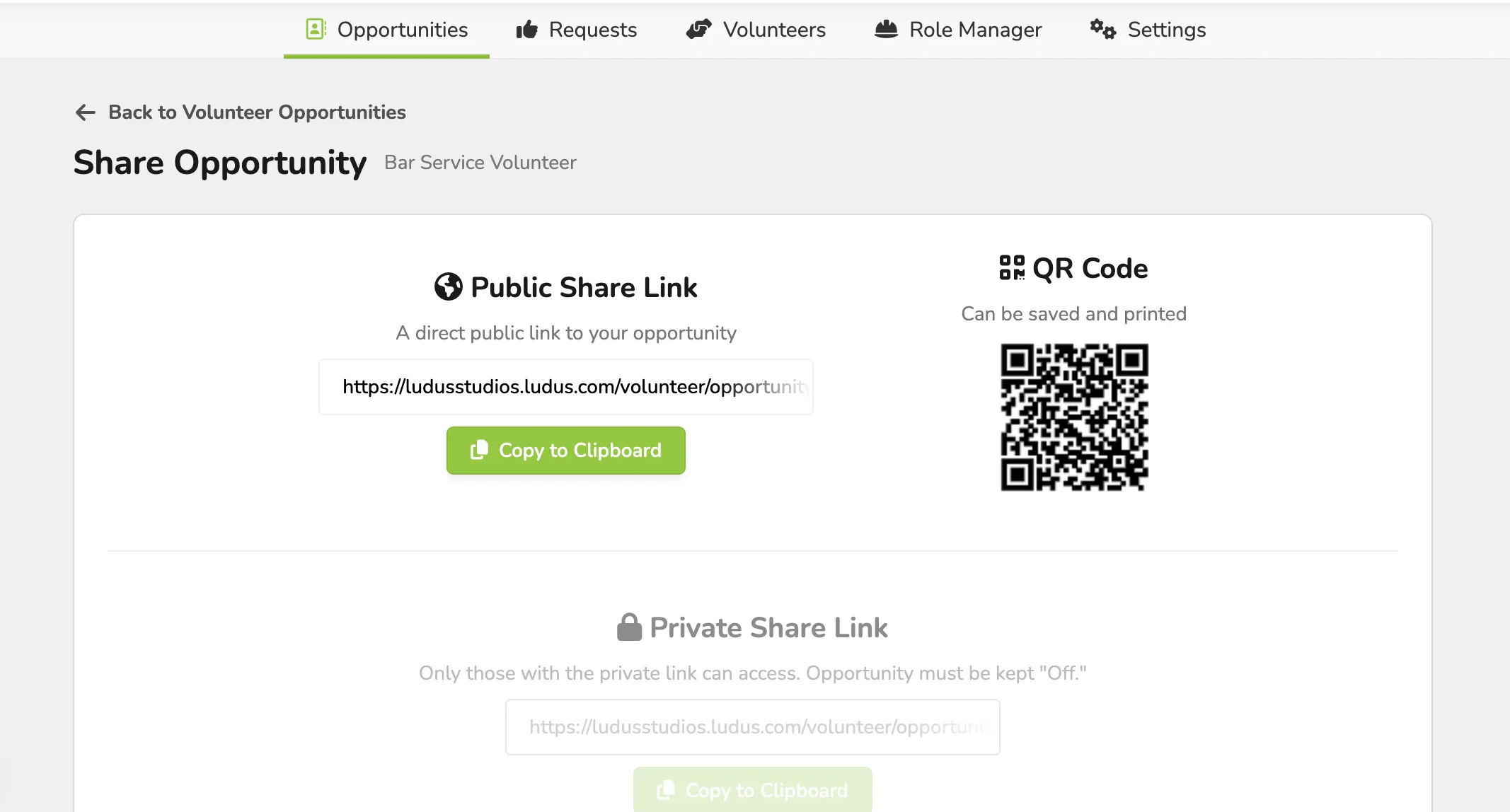
From here, you will be able to share that specific Opportunity.