Test Audience
1 min
While you can always preview your email within the Email Design Tool, you might want to send out a test version before sending it to all of your patrons.
Suggested Article: Send a test email.
To add email addresses to your recipient list for test emails, follow the steps below.
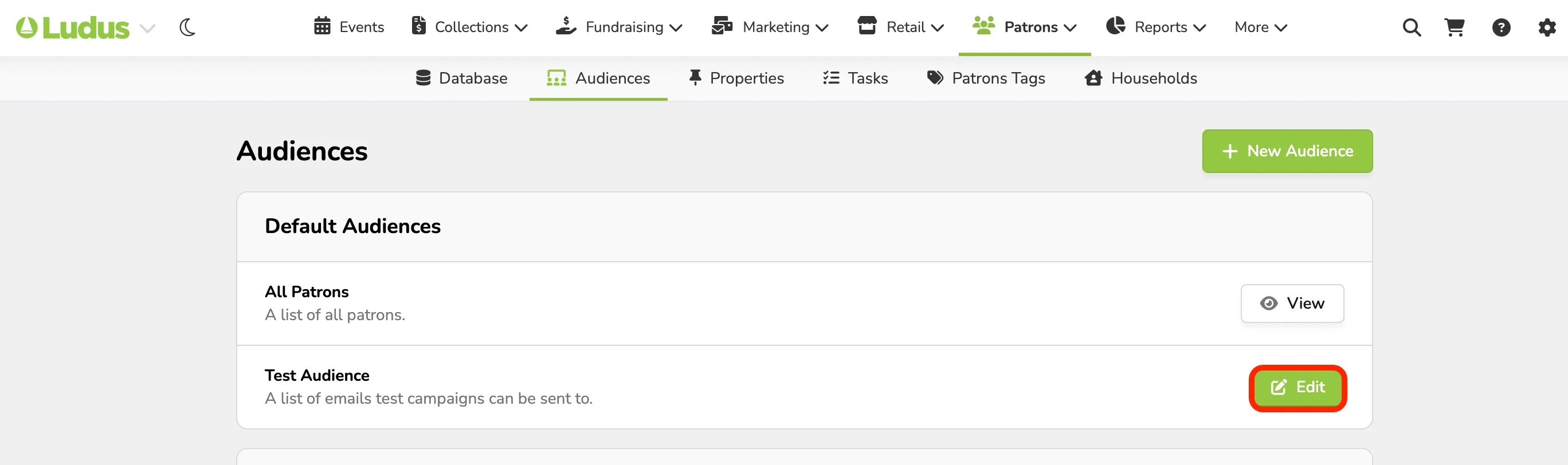
Navigate to Patrons --> Audiences.
Next to "Test Audience," click View/Edit.
Click Add Emails.
Type in the email address(es) that you'd like to add to your test Audience. (Note: add a comma or hit enter between addresses)
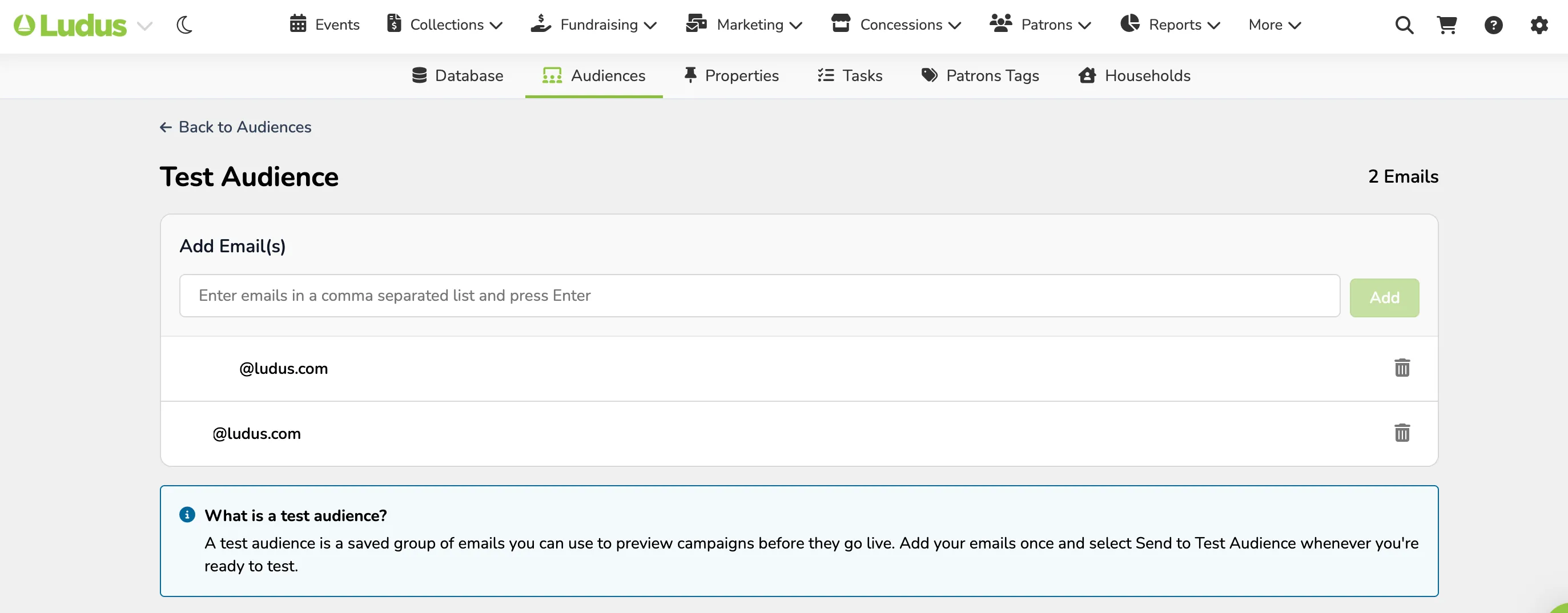
Click Add to save the address(es) to your list.