Turn off Student Credit Self-Sign Up
0 min
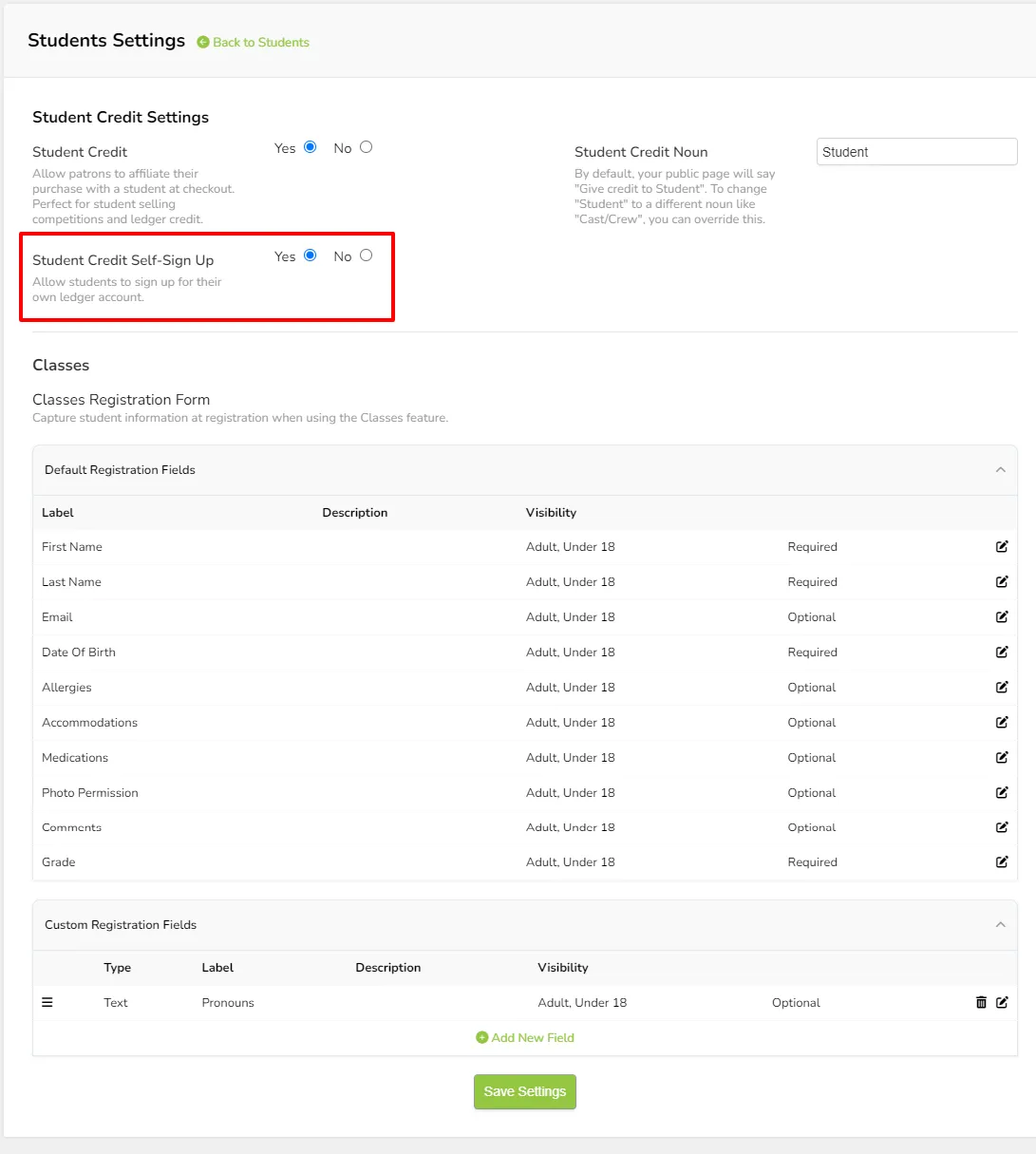
It is possible to disable the public-facing Student Credit Self-Sign Up option within the Students Settings area.
To do so, open the Students Settings screen located under Students.
Change the setting Student Credit Self-Sign Up to No.
Click Save at the bottom of the Settings screen.