Using a Flex Pass as a perpetual pass
You may have a desire to create a perpetual pass, meaning a pass that's valid until it's used up, regardless of Seasons or time frames. The Flex Pass is the best fit for this, as a Flex Pass purchase can be set to include a specific number of tickets.
Setting up a perpetual flex pass
Navigate to More on the top navigation bar and select Passes.
Click Create Pass.

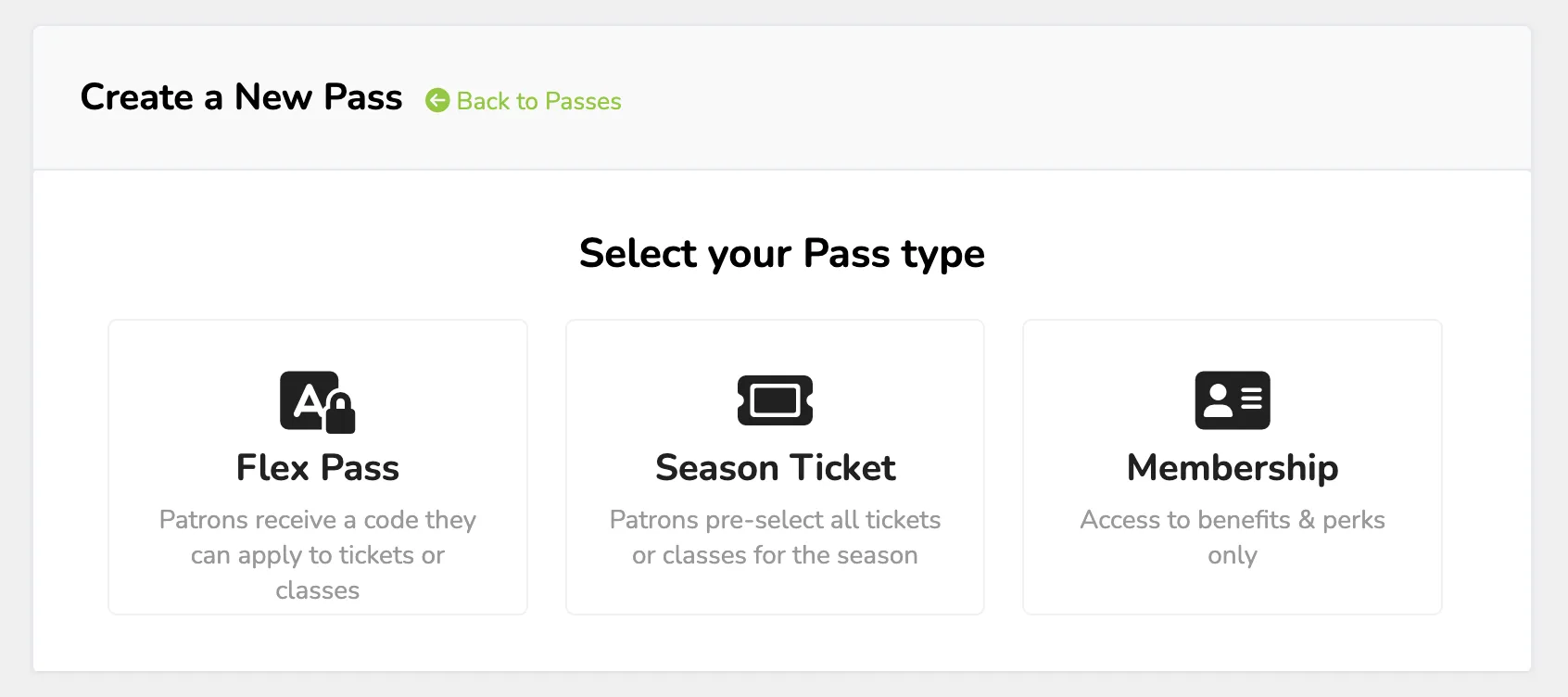
Select Flex Pass from the options listed.
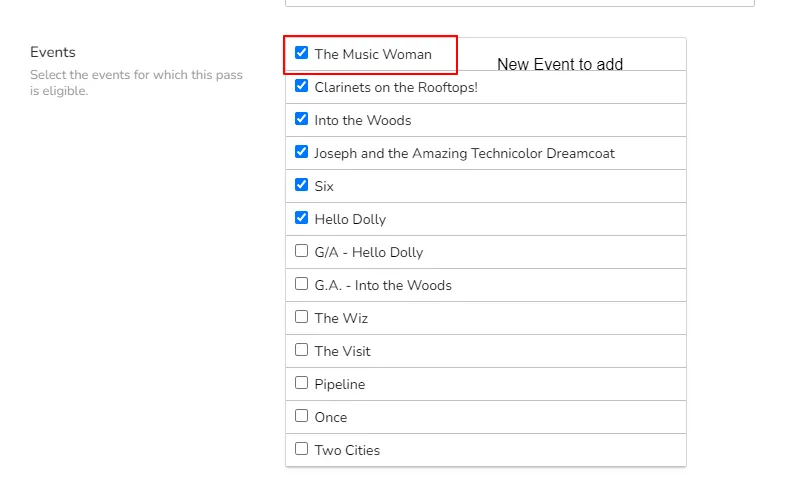
Fill out the pass fields, including the pass description and the events the pass is valid for (Currently, you can go back at any time and add more.) As well as the ticket types that the pass can be used on. Be sure to define the total number of tickets they can get per pass, as well as any Rules or Perks.
If you do not select any of the ticket types for an event, the pass will work for all available public ticket types.
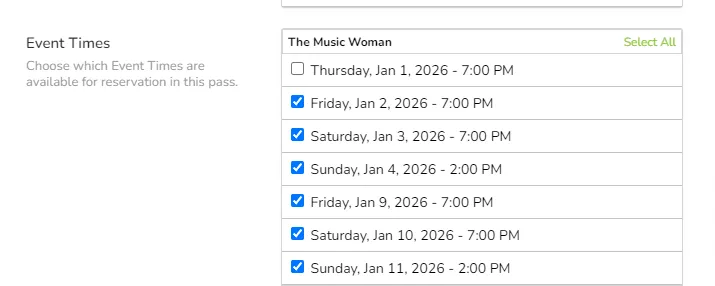
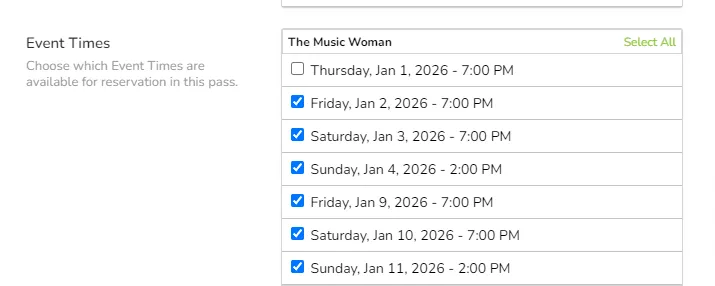
Here is an example of a Pass setup that allows 4 total tickets that can be redeemed on any allowed event in any quantity (1 ticket per event or all 4 can be used if desired), and event time (note: Opening night event times are not selected).
This is the initial setup. As you add more events the pass can be used for, you will want to edit the pass to add the event, along with the times & Ticket Types.


FAQ's about using a flex pass as a perpetual pass:
How can I update the price of the pass if necessary? Once a pass is sold, it is not possible to change the price. Turn the pass off so it's not sold online any longer. Then create a New Pass with the updated pricing.
Will turning off the pass stop the pass from being able to be redeemed by current pass holders? No, turning it off just prevents it from being sold online. Current pass holders can still redeem the pass as long as there are events it is good for.
All the sold passes have been fully redeemed. Can I now archive them? Yes, archiving the pass will remove it from the dashboard. It will also prevent any existing passes from being redeemed, so you only want to do this once you know that all pass holders have redeemed their passes completely.
Do I need to add all our events to the pass? No, it's your pass; you can define how it works, but it's recommended that you list the general exceptions in the pass description to not upset your patrons. IE: Not valid for Opening night performances, Galas, or Rentals.
Can I schedule when the sale of my pass begins and ends? Can it be a limited-time offer? Yes, you can use Triggers to set both an on-sale date and/or a sales end date/. Triggers are located under the Options button next to each pass.