View a Specific Payment Plan
1 min
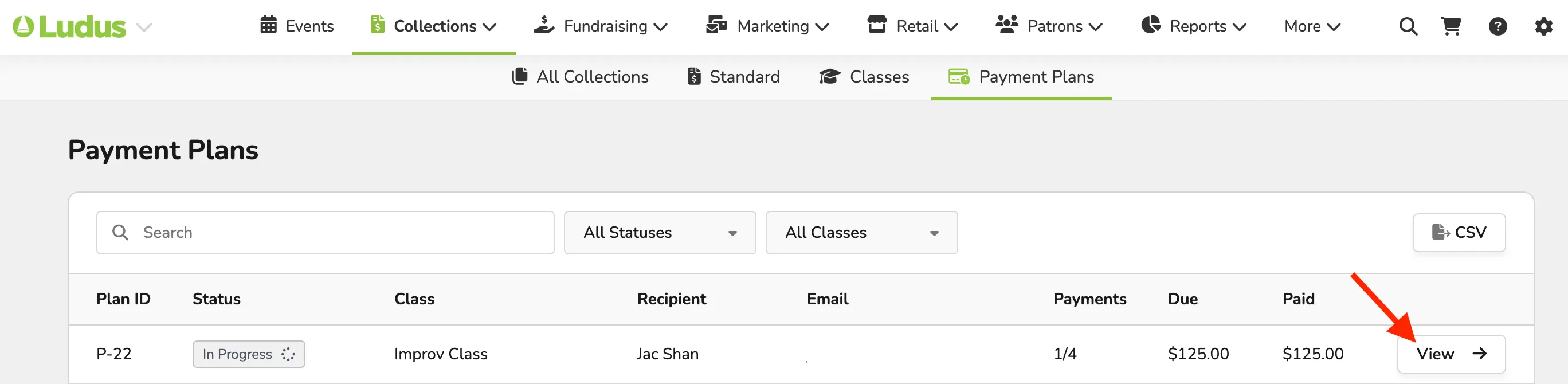
To open a specific patron payment plan, simply go to Collections (at the top of your account) -> Payment Plans -> select View next to the plan you wish to open.
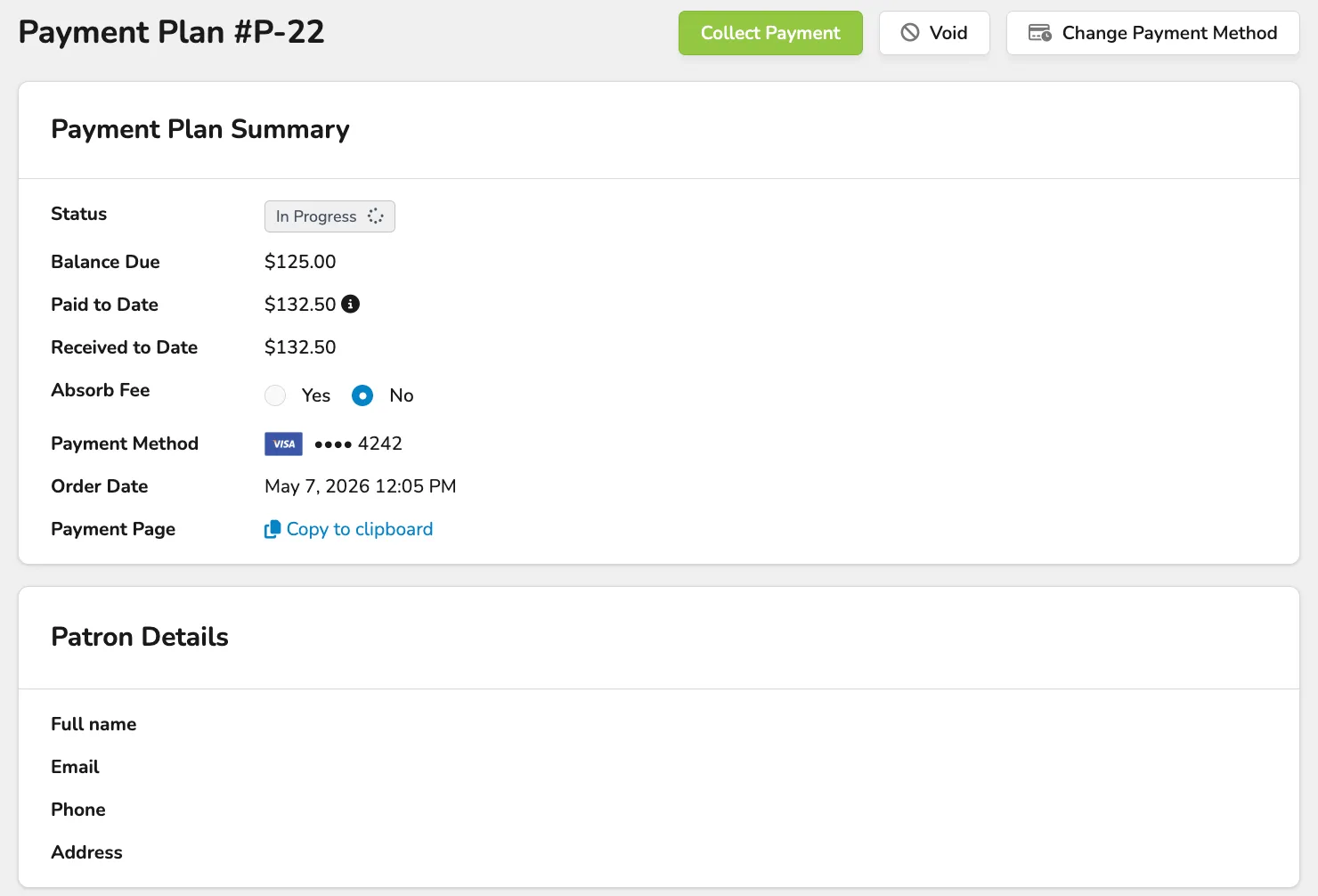
Once opened, you will be able to access:
The Payment Plan Summary and Patron Details.
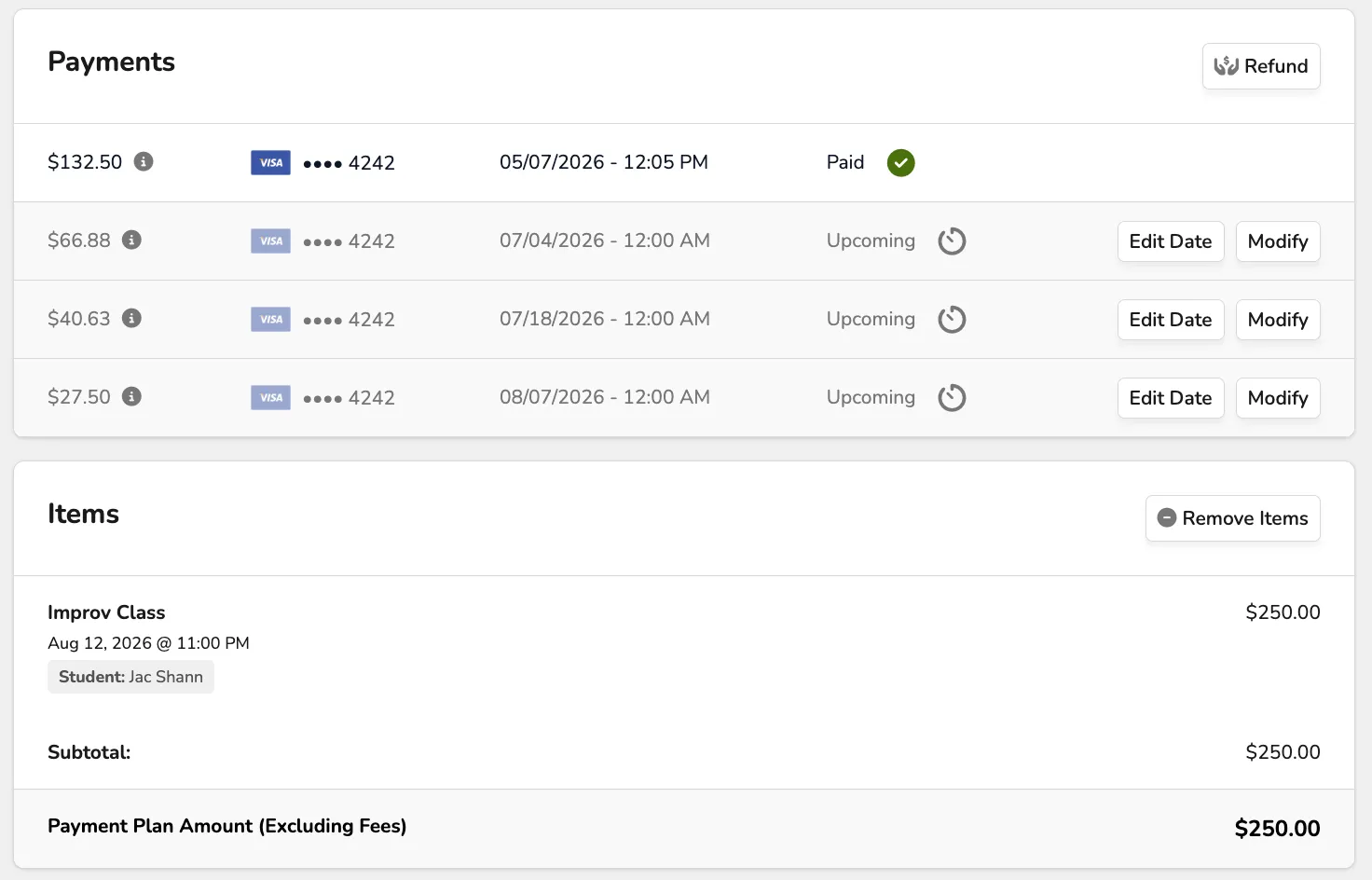
Payments and Items included in the Payments.
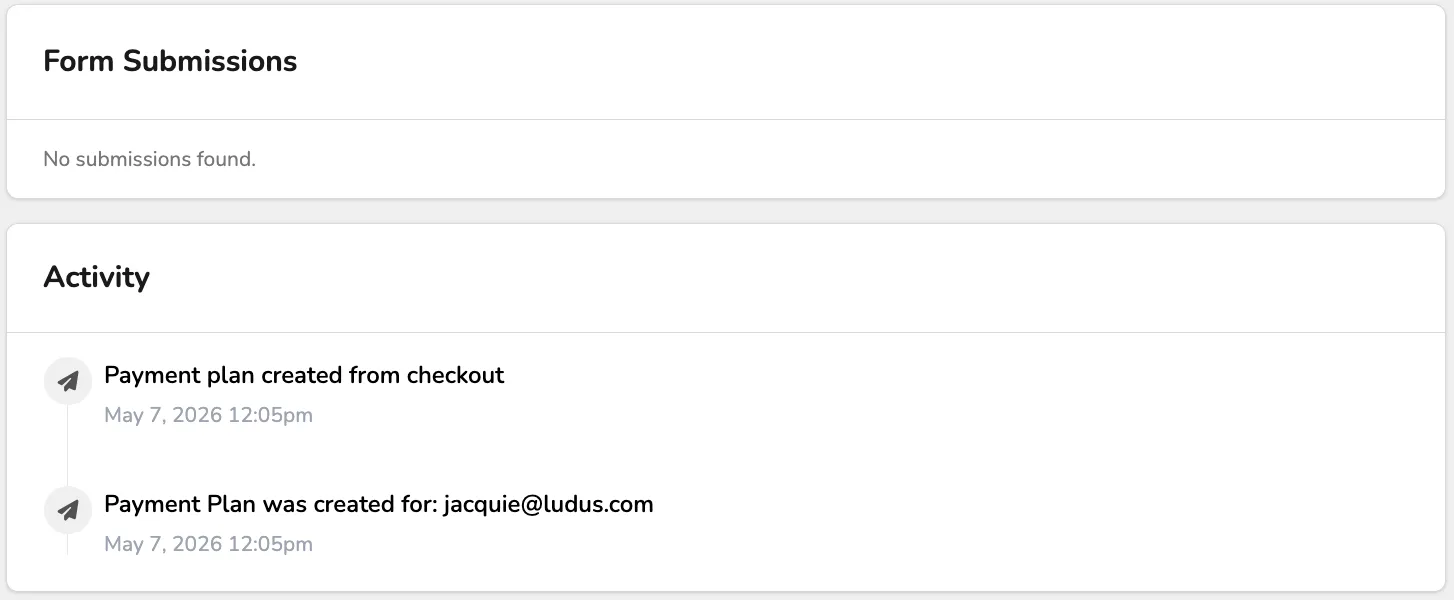
Form Submissions (if any were filled out), and Payment Plan activity.