View Campaign Activity
1 min
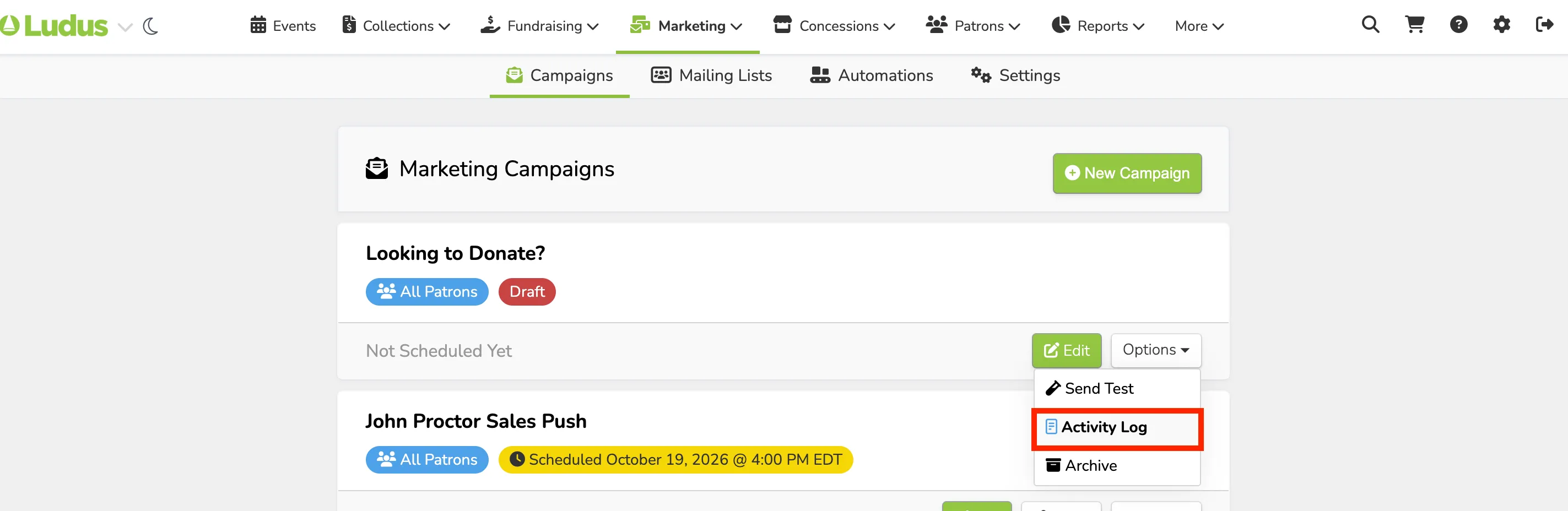
To view the admin activity on a Marketing Campaign, go to Marketing (at the top of your account) -> Campaigns.
From here, select Options (next to the campaign) -> Activity Log.
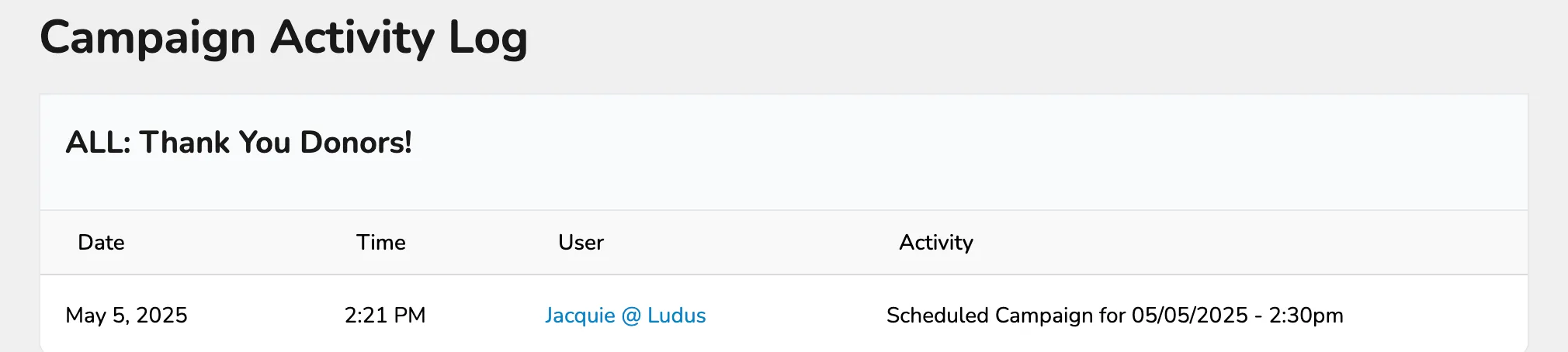
From here, you can see any updates or changes to the campaign before sending it.
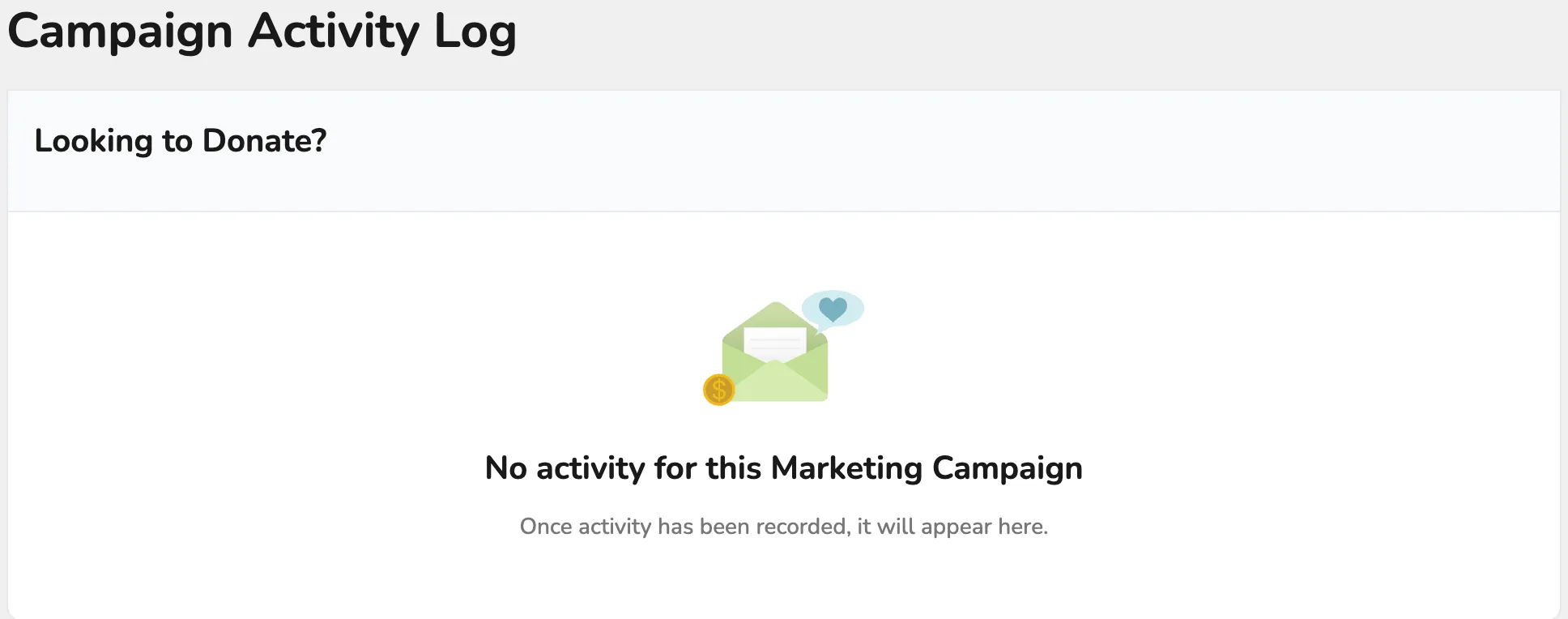
If you have no updates, you will see a "no activity" page.