View Conversion Tracking on a Marketing Campaign
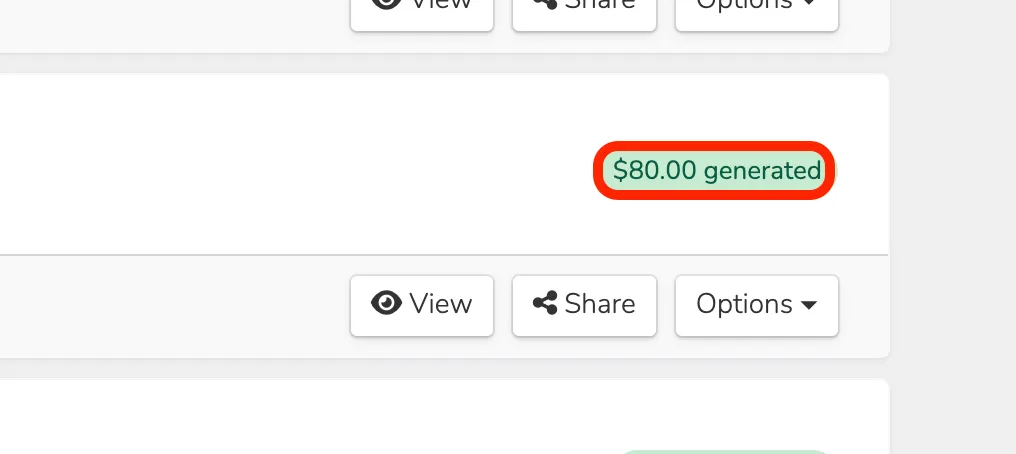
The Ludus system tracks how many emails have been sent, opened, clicked, and more. To see the statistics behind your Campaign, simply navigate to Marketing --> Campaigns. Once there, you can select View (next to your Campaign) to pull up the following:
Campaign Information
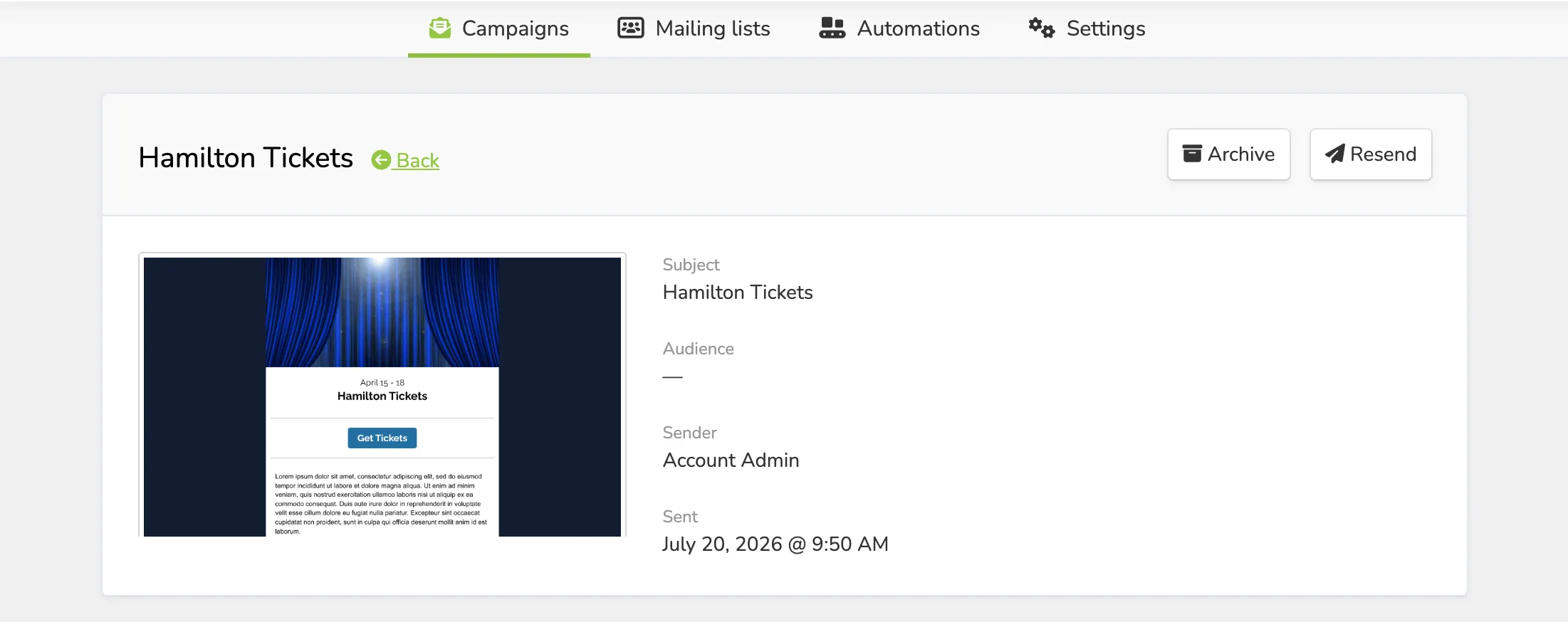
The first section of View will bring up the general information about the Campaign, including:
- A thumbnail (that can expand out) of the Campaign
- The Subject
- The Sender
- The Date sent
Conversion Tracking
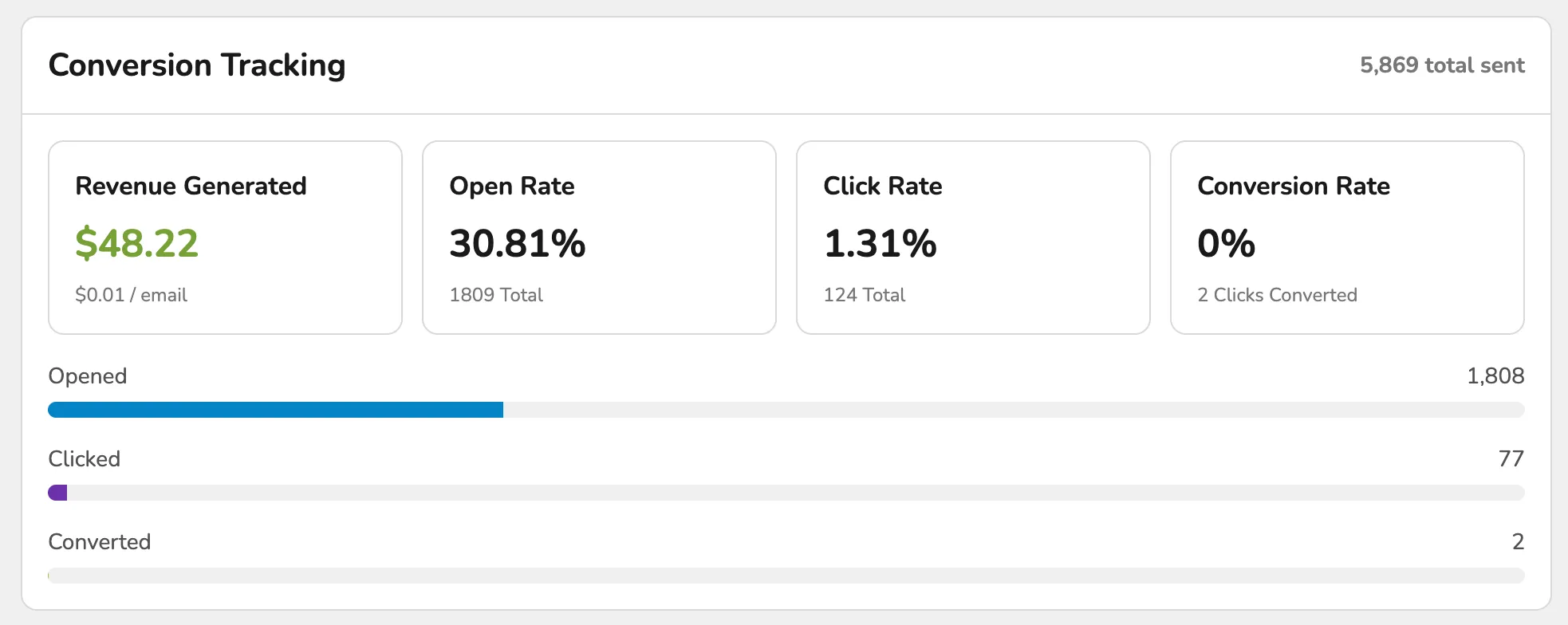
This section will break down your Campaign's performance. This will include:
- Revenue Generated
- Net Revenue
- The Open Rate
- The percentage of email recipients who open an email out of the total emails delivered.
- The Click Rate
- The percentage of email recipients who clicked on any link within an email out of the total emails delivered.
- Conversion Rate
- The percentage of email recipients who converted to sales through the email.
Top Clicked Links
This portion will show you the most-clicked links on your Campaign. It will also provide a "Heatmap" where you can see what is being clicked most often.

Activity
Finally, the Activity section will show all emails and show the breakdown of:
- If they were received
- If they were not opened
- If they were opened
- If they clicked on the Campaign
- If they converted to sales through the Campaign
You can also view any generated revenue under Marketing -> Campaigns and directly on the Campaign.