View Renewals
2 min
The Renewal Dashboard allows you to view and sell your current renewals.
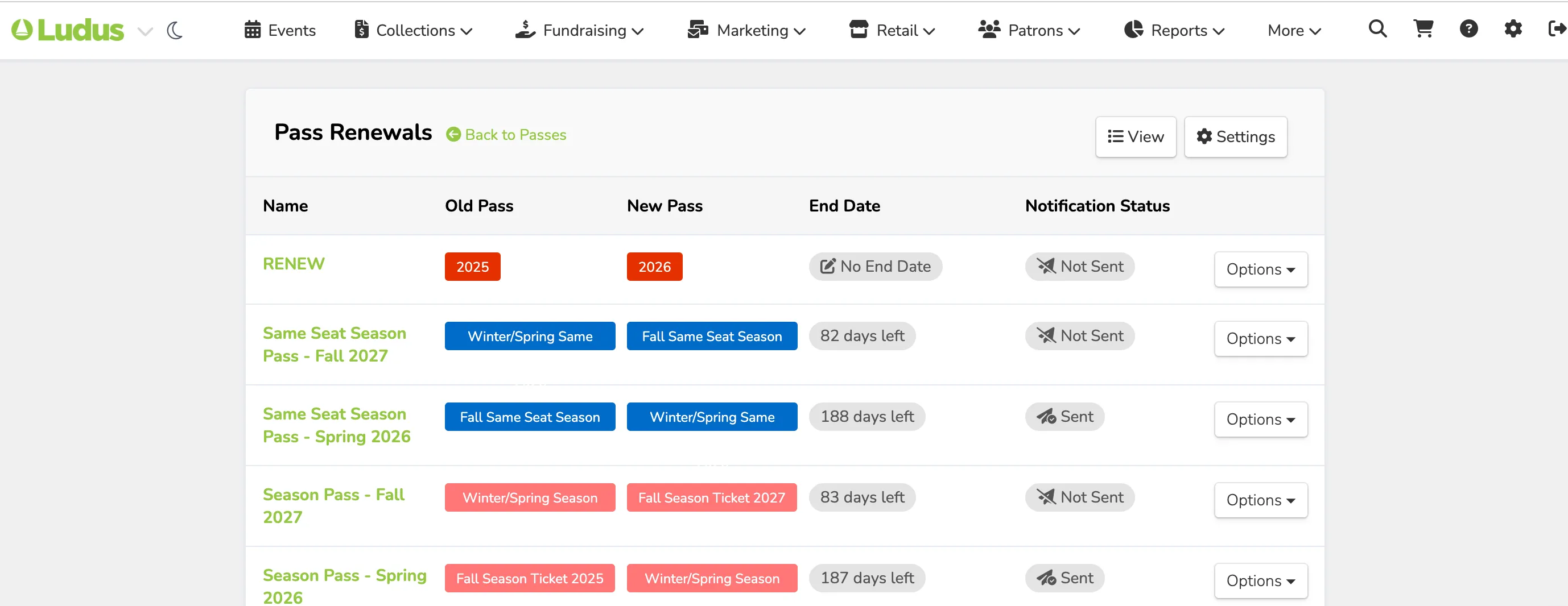
The View button will open a page of ALL your ongoing renewals, including all passes that are in renewal. Including the numbers completed, Pending, and voided.

You can also send reminders to individuals from here or view the details of the renewal.
If you would like to only see one of the renewals, you can click on the name of the pass renewal to open all the reservations for that particular pass.
View Details
When you select View Details for a patron's reservation, the reservation opens, and the number of passes will be shown, as well as the seats selected for each event time.
In this example, it's 2 Same Seat Season tickets.

With the reservation open, you have the following options:
- Print a Mailer - For this specific order
- Send a Reminder - Sends a single email reminder
- Renew - Take payments or edit the order
- Void - Releases the reservations