Volunteer Requests
The Volunteer Requests area is where you can manage your volunteers. The Requests screen is where you can approve Shifts, New Volunteers, Hours, and Roles.
Anytime a patron is added as a volunteer (by the admin or when they sign up) they will receive an email notification. The same is true if they are imported into the system as well.
Functions of the Requests Screen
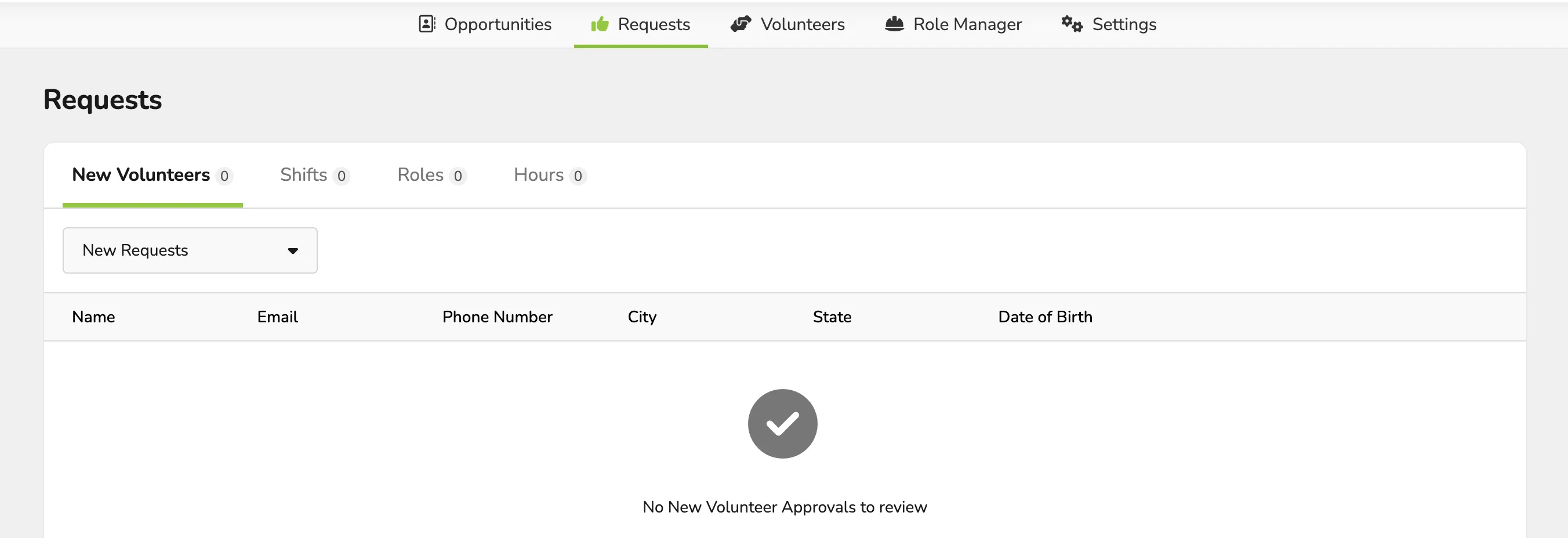
New Volunteers
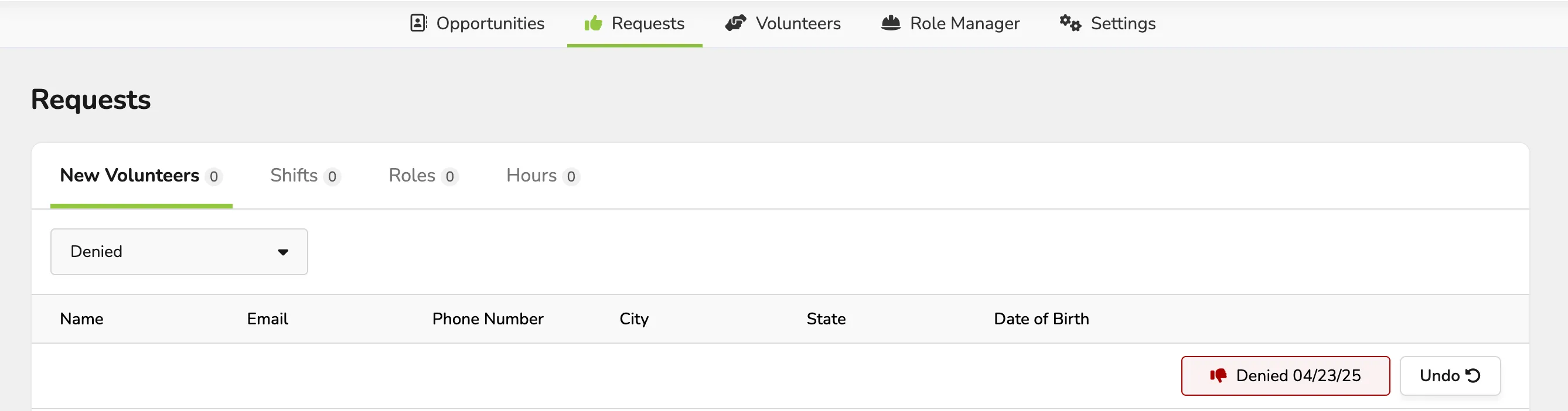
Here you can review new volunteer applications and then approve or deny applicants. There is also a selector to filter the view on this page between New Requests, Denied or Approved.
When you review the Application, you will be able to edit the roles that were applied for and approve or deny the request.

If you undo an Approval for a New Volunteer, you will need to assign roles after approving the volunteer. To do this, click on the Volunteers Tab and then click Edit next to the volunteer, edit the roles drop-down, and save.
Shifts
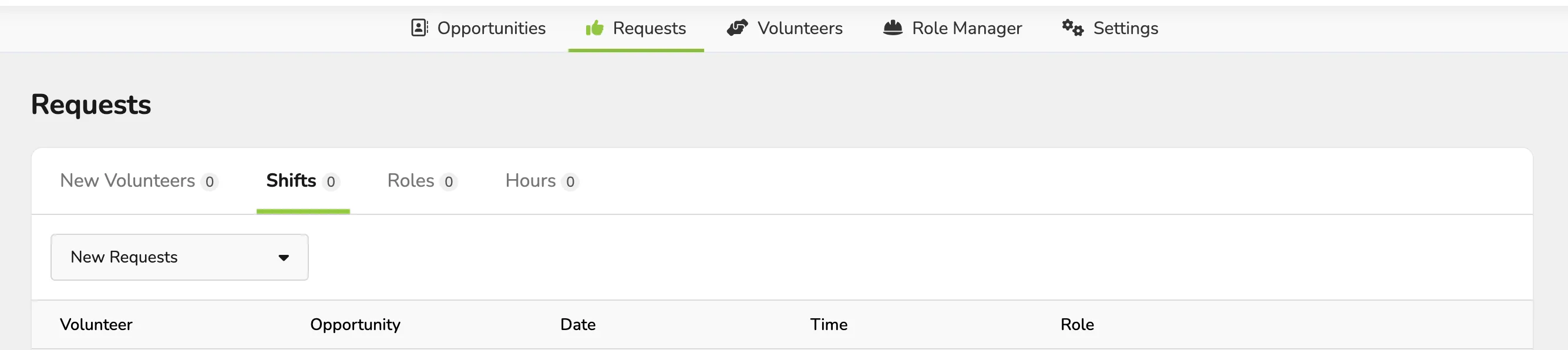
The Shifts page is where you will approve or deny shifts that volunteers have signed up for, if you do not have Auto Approvals of shifts turned on.
When you review the Application, you will be able to edit the roles that were applied for and approve or deny the request.
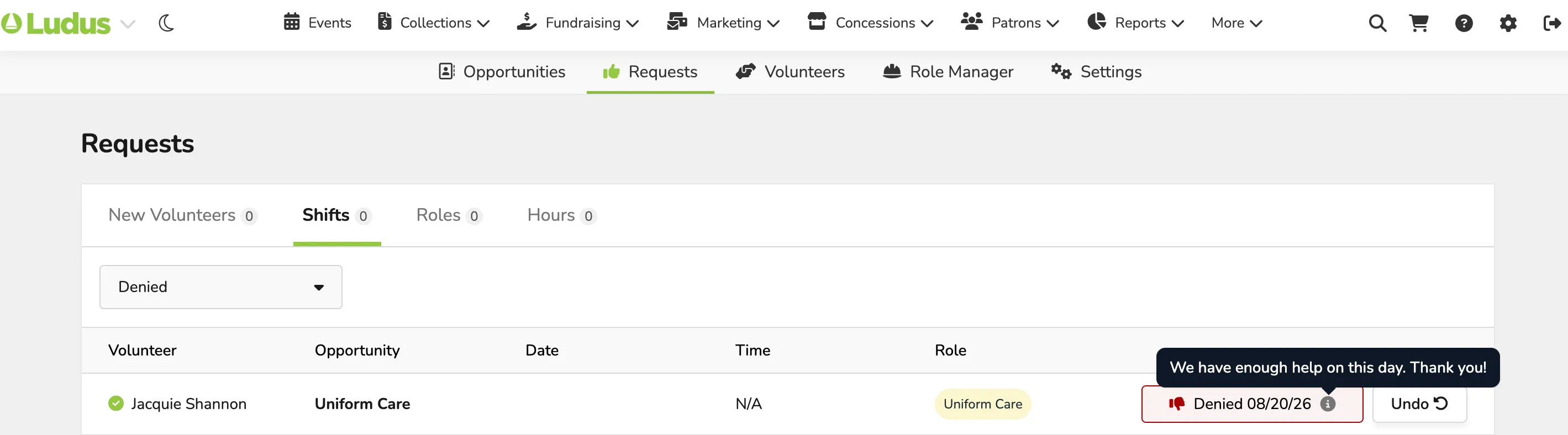
If a volunteer has been denied for their shift, go to the dropdown that says "New Request" and instead select Denied. From here, if a message was sent to the volunteer for the denial, you will be able to hover over the "i" and view this information.
Roles
The Roles tab shows any volunteers requesting approval for that role (unless auto-approval is turned on).
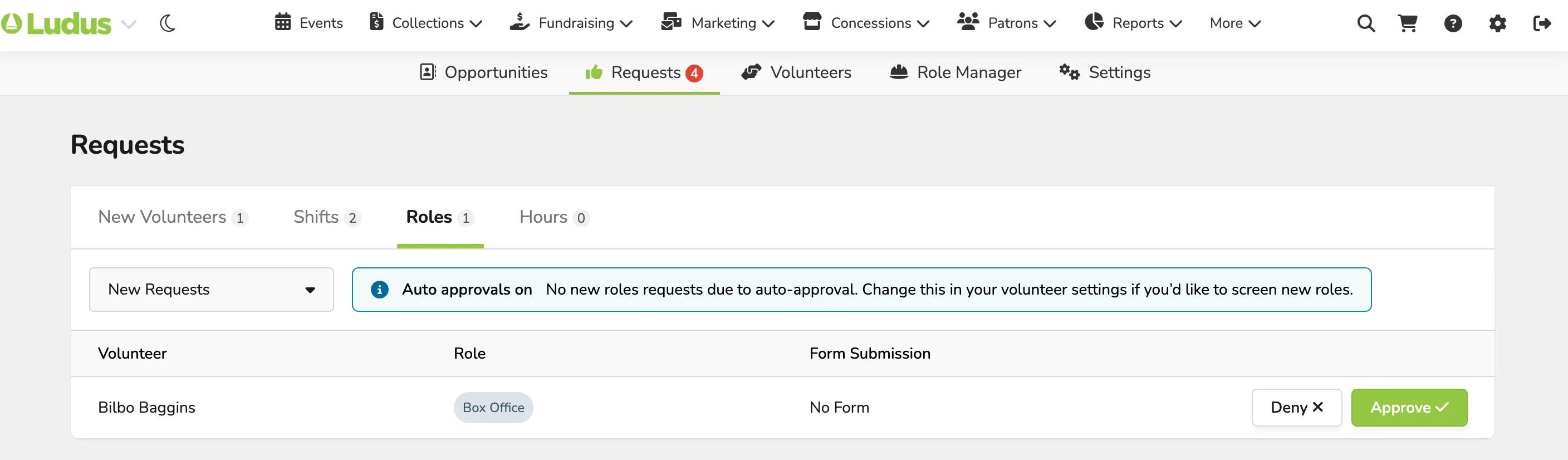
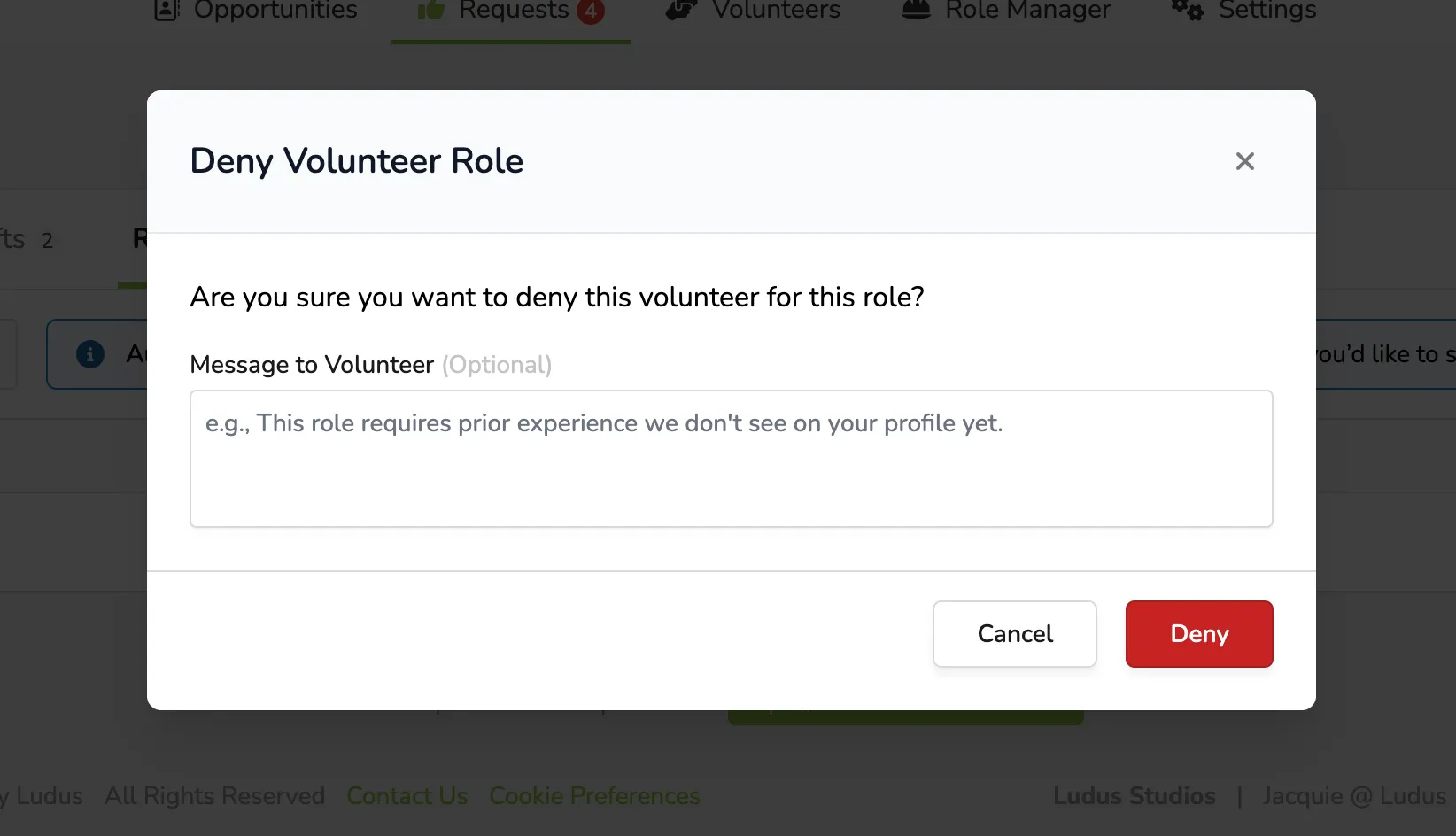
If a volunteer needs to be denied for their requested role, simply select Deny (next to their name/role). From here, a box will pop up, giving you the ability to submit a denial. This will notify the volunteer why they were denied.
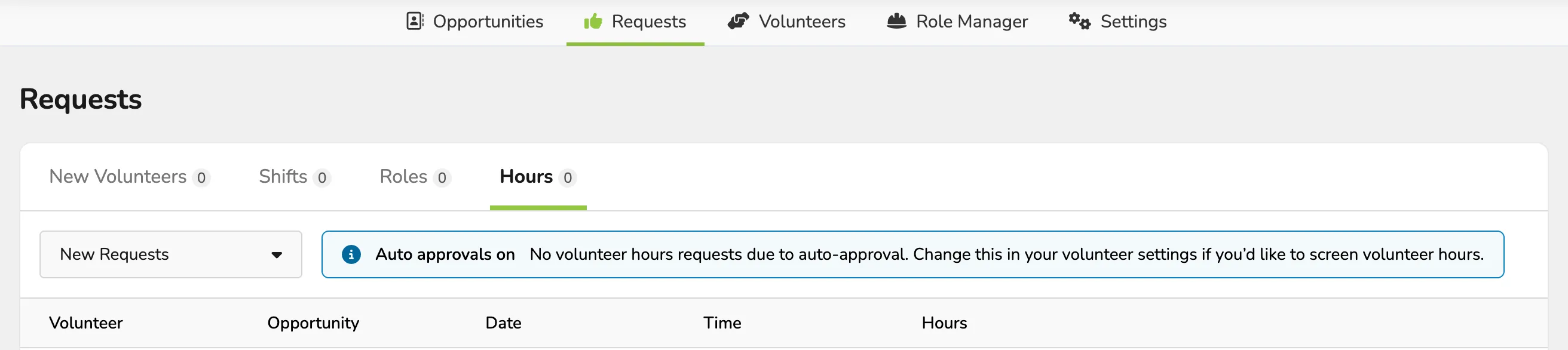
Hours
If Auto Approval of Hours is not enabled, the Hours page lets you approve or deny Hours worked after a shift.