Volunteer Role Manager
Role Manager
The Role Manager page is where you will create the various types of roles you offer for volunteers. Here you can also see how many Volunteers you have approved for each role and view your volunteers.
Volunteer Roles will be listed alphabetically on this page and for patrons, making it simple to find the roles you need as more are added to your account.
Examples would be:
- Usher
- Greeter
- Checkin
- Concessions
- Merch table
- Box Office
- Bartender
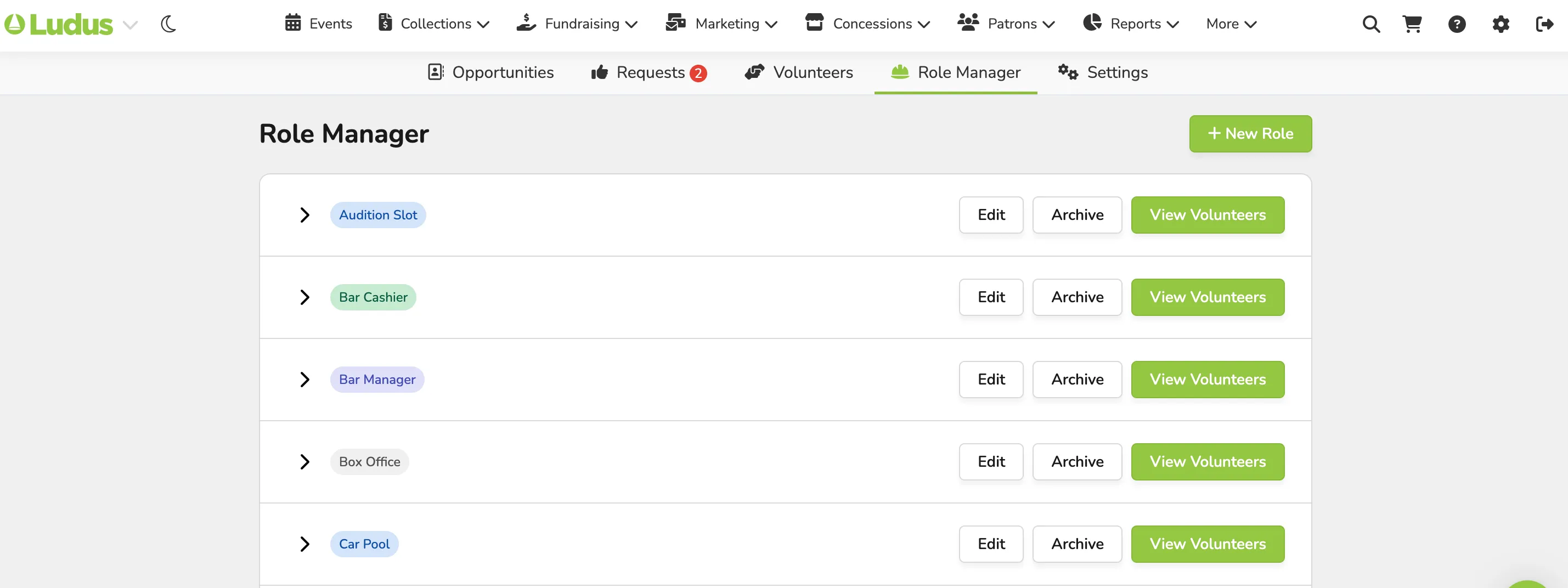
Creating Roles
Creating a Role is done on the Volunteer Management Settings page by clicking Create Role.
In the pop-up, you will at a minimum enter the Role Name.
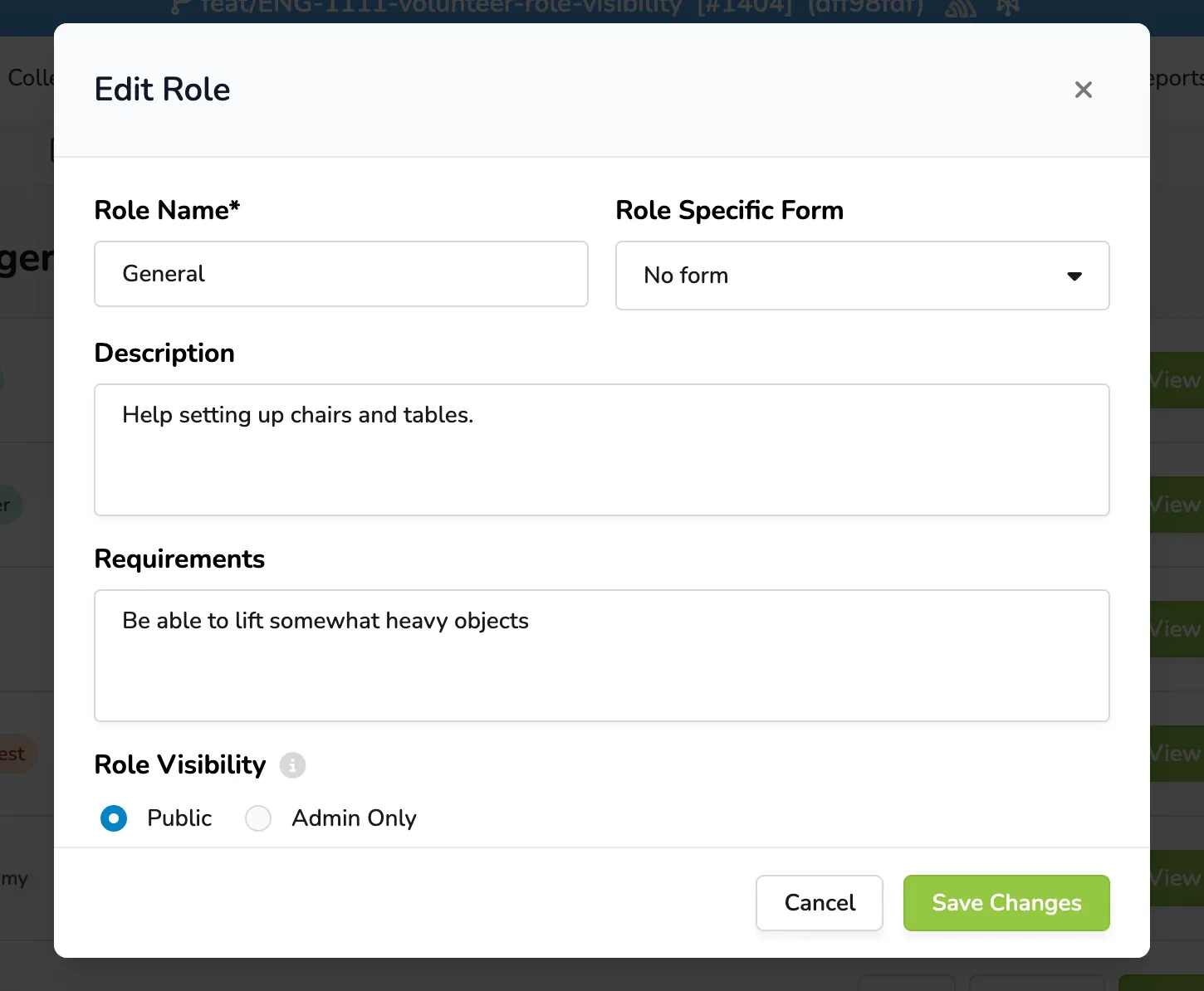
Optional items include :
- Form
- Description - displayed online to volunteers
- Requirements - displayed online to volunteers
- Visibility - select if a role is visible on the public or admin side
You can also choose a color for the Role to display.
If an Opportunity/Shift has only Admin-Only roles associated with it, it will not appear on the patron site. It will automatically show when/if another role is added that isn't admin-only.