Donations
4 min
In addition to selling tickets, you can allow your patrons to make donations at checkout or separately via the Donations tab in your ticketing portal. This is a great way to receive extra money from supportive patrons.
Allowing donations is always at your discretion and is a functionality that you can turn on/off at any time.
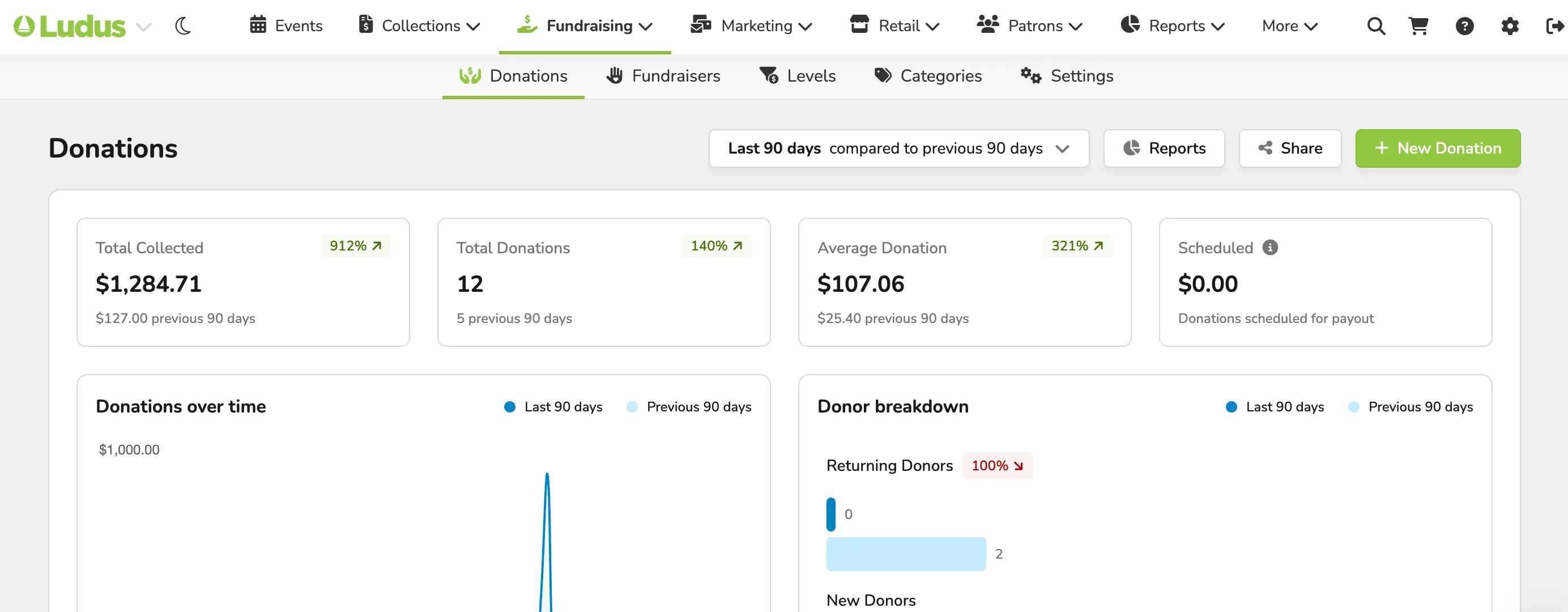
Data Under the Donations Tab:
- The Total Collected under donations for your account.
- How many Total Donations have been collected.
- Average Donation Amount that has been given.
- Any Scheduled Donations (for payout).
- A graph of Donations Over Time.
- A look at the Donor Breakdown (between New Donors and Returning Donors).
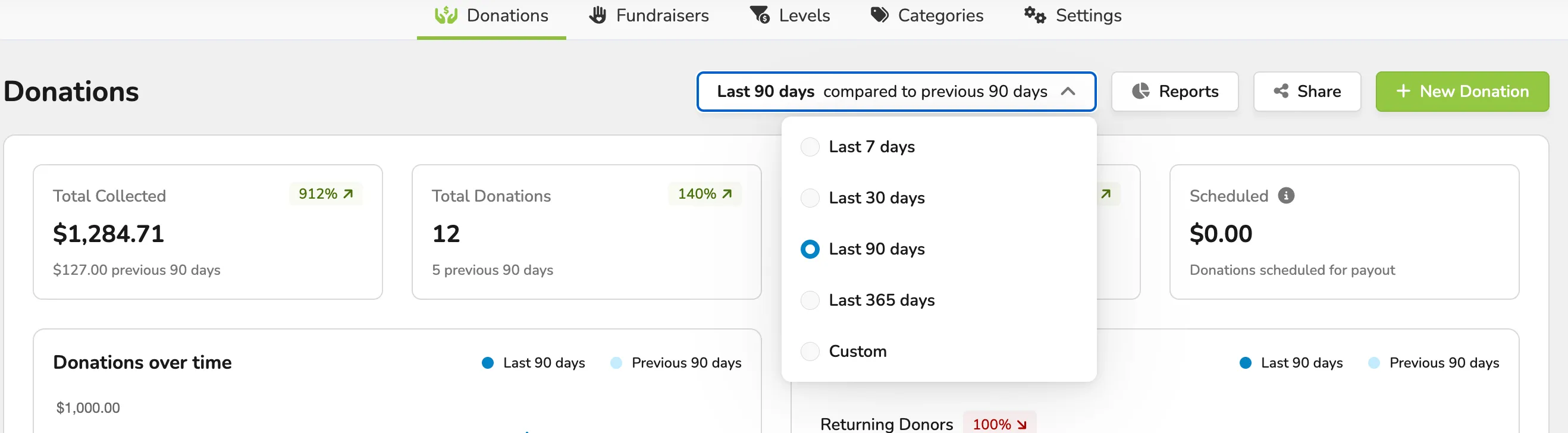
You can choose which comparisons you wish to compare in the data. For example, the last 7 days compared to the previous 7 days.
All Donations (Under the Donations Tab):
This section includes and shows -
- The Donor Name
- The Type of donation (Cash, Card, In-Kind, etc...)
- The date of the donation
- The Donor Level (if applicable)
- The frequency of the donation
- The amount of the donation

Additionally, you will be able to access the Donations Report , Share a direct link to donate , and Process a donation .
Learn more: