Edit Add-Ons
1 min
Once you have created an Add-On, you may need to make slight adjustments. Perhaps the inventory has changed, or you would like to update the image. Either way, it is simple to accomplish.
Find the event/collection that your Add-Ons are attached to.
Next to the title, click Pricing --> Add-Ons.
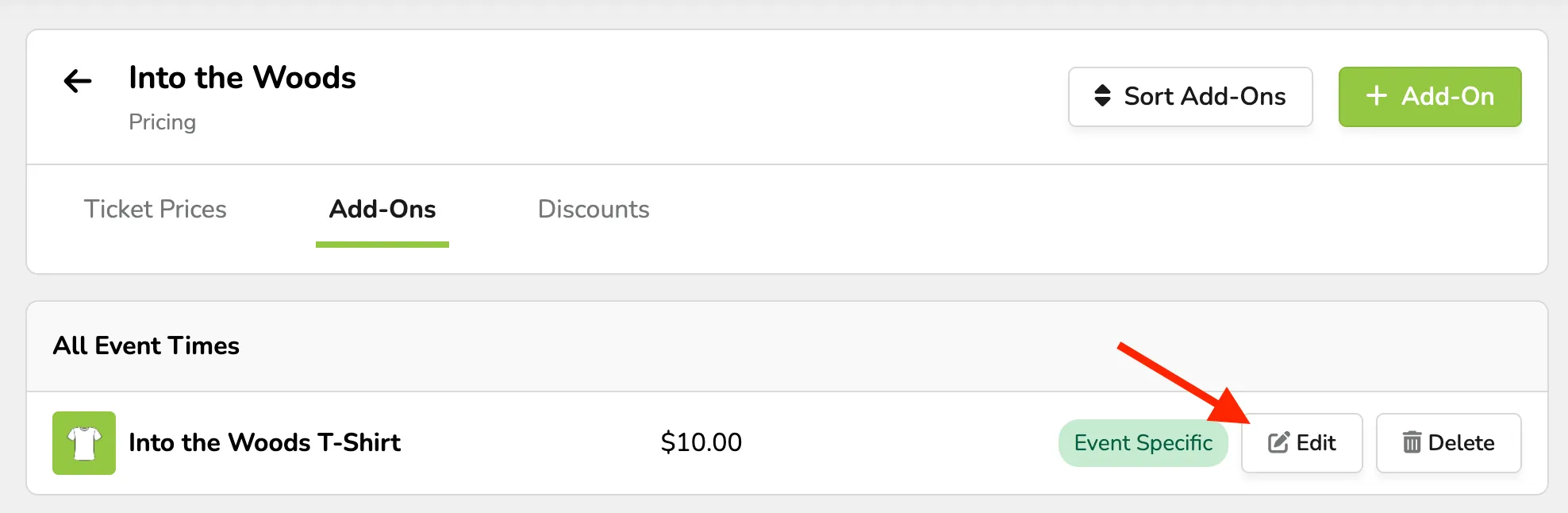
Next to the desired Add-On, click Edit.
Click Save Changes at the bottom of the page to finish.
Suggested Article: Create Add-Ons