Reuse a prior Automation as a template
1 min
When creating your Automation, you can reuse the email design from a previous Automation as a template.
To do so, start creating an Automation.
Suggested Article: Create an Email Automation
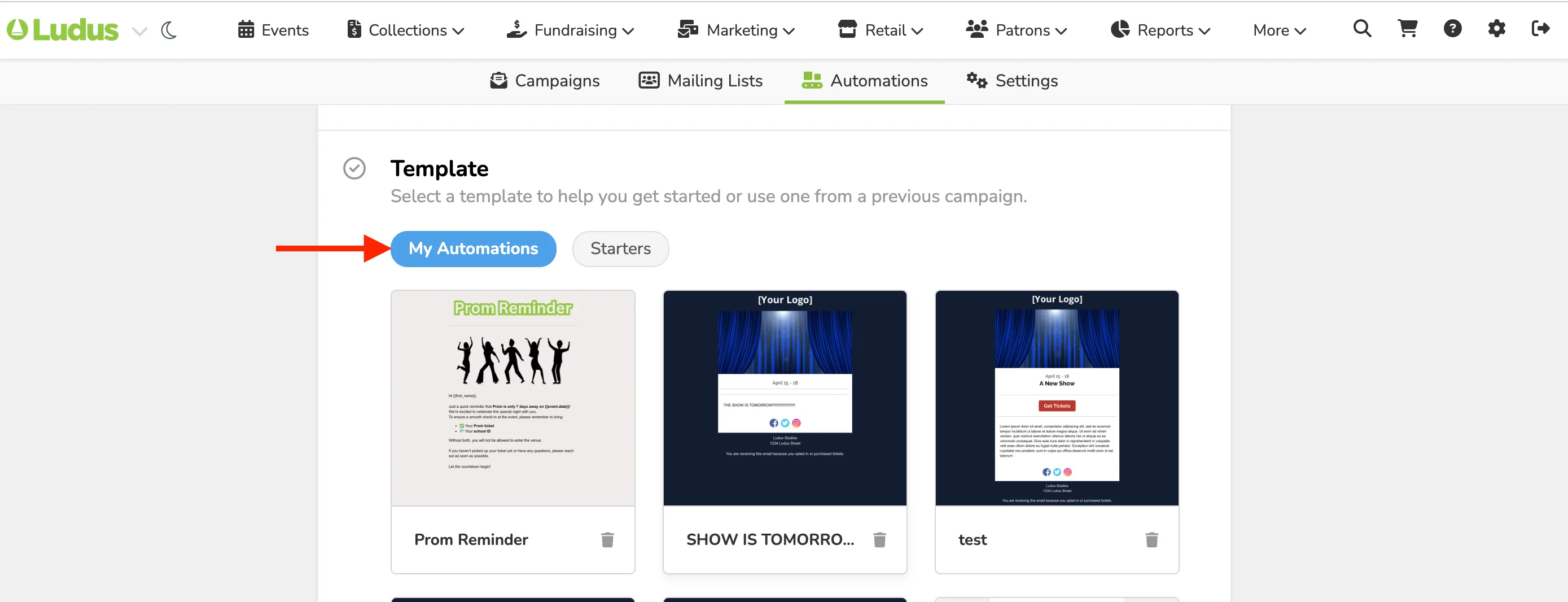
Then, under the section labeled "Template," navigate to the tab named My Automations. There, you will see a listing of your previous designs. Click on the design you'd like to utilize.
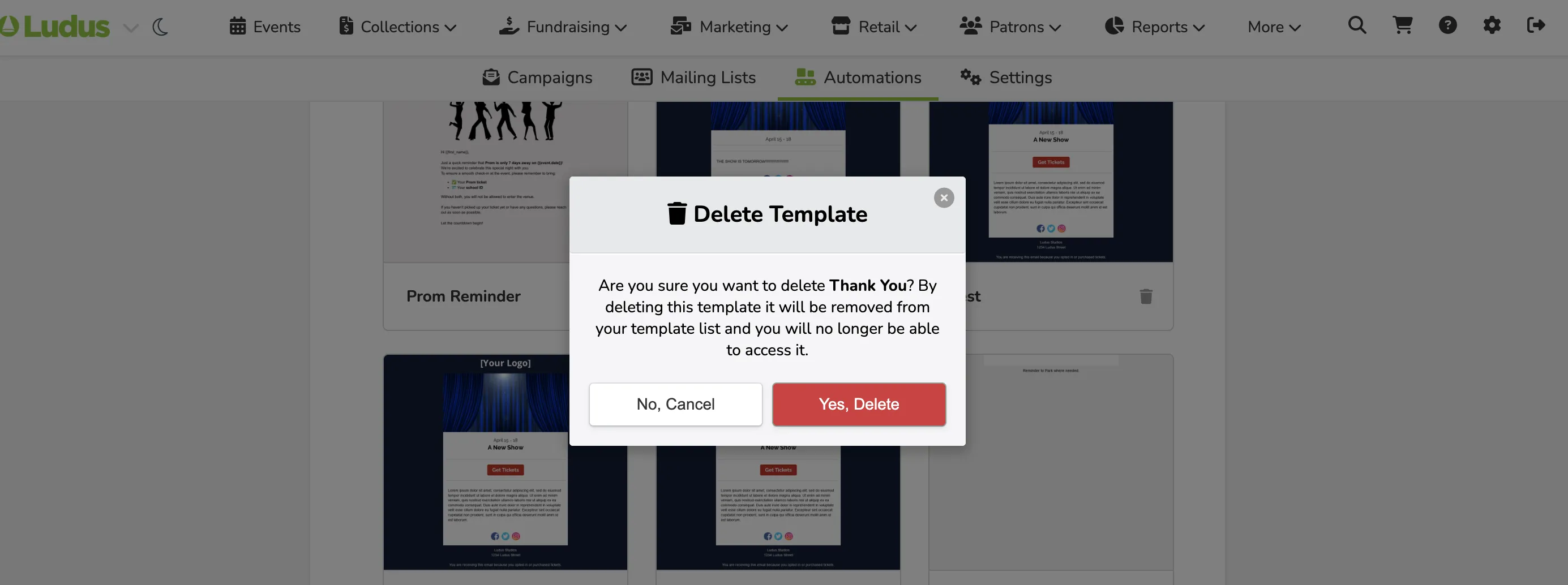
You can delete templates that were created by accident or are no longer needed as originally intended. If you wish to delete a template, you can do so when you create an Automation under "My Automations".
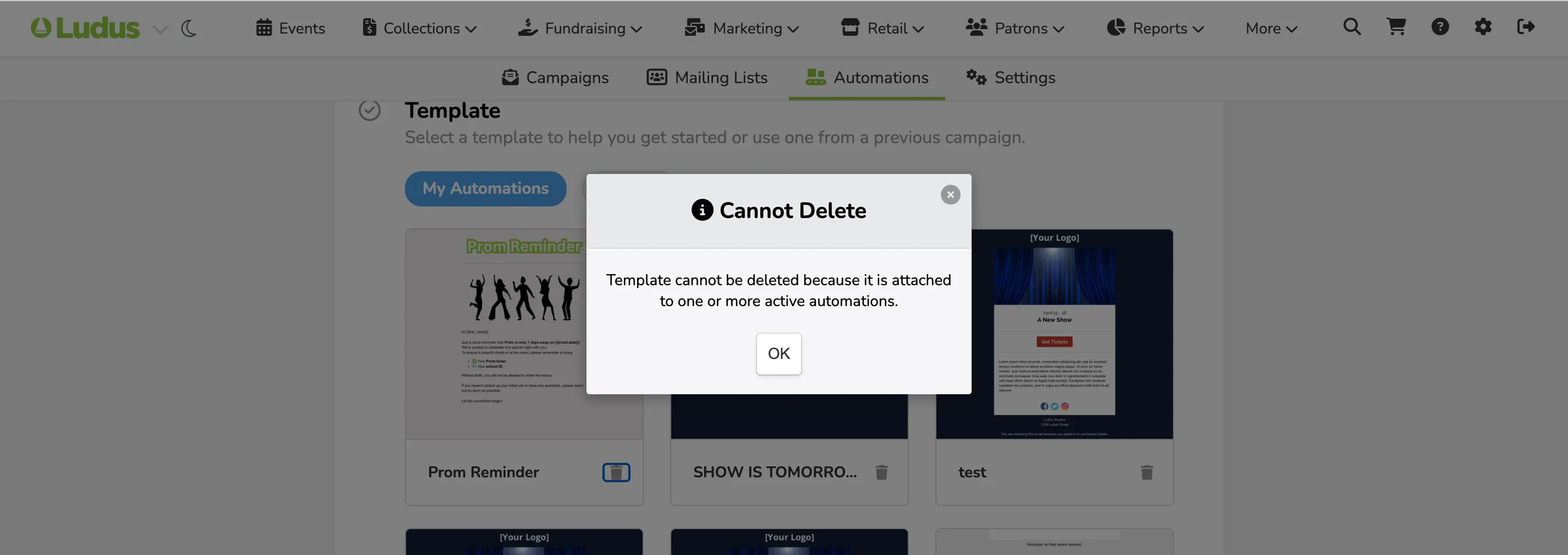
You cannot delete a template that is attached to a live or draft automation.