View/Edit patron profiles
View Patron Profiles
To look up a patron profile:
Type the patron name or email into the search bar at the top of your admin panel.

Click the Patrons tab and choose the desired patron from the list.

You can view any and all information about a patron from this page. To review all the information that is available on a patron's profile, check out the main article.
Suggested Article: Patron Profiles
Edit patron Profiles
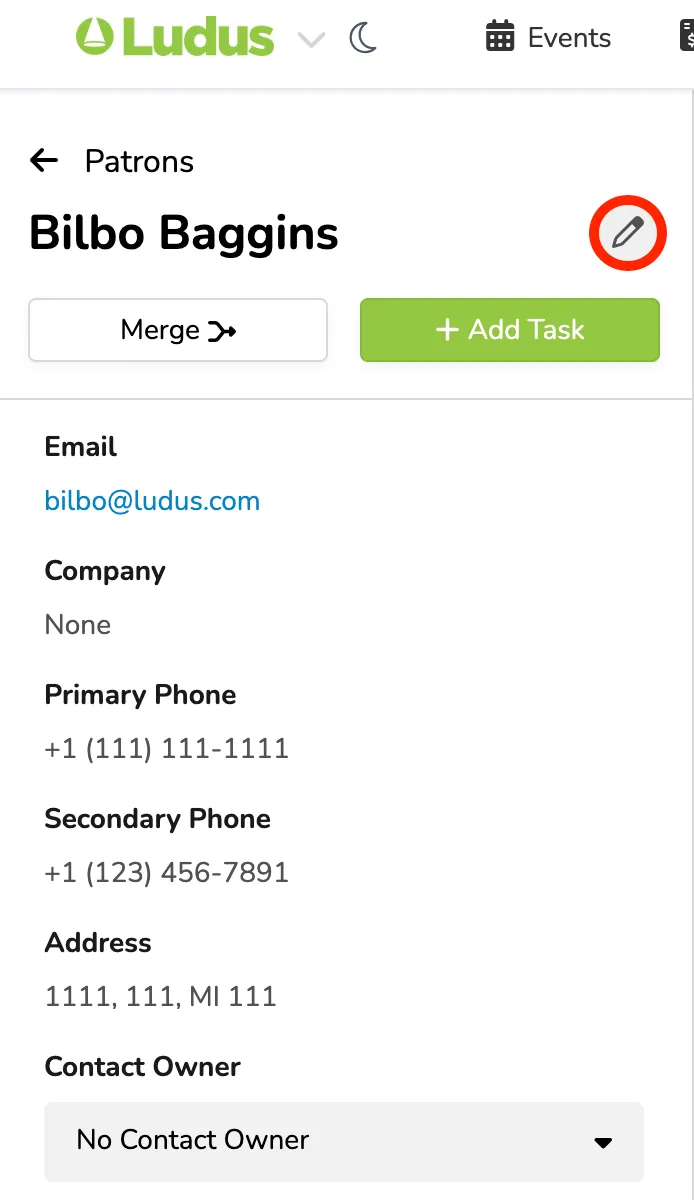
To edit a patron profile, locate the profile using the steps above to view a profile, then click Pencil. To edit the patron Name or nickname, hover over it and click the edit icon next to the name.
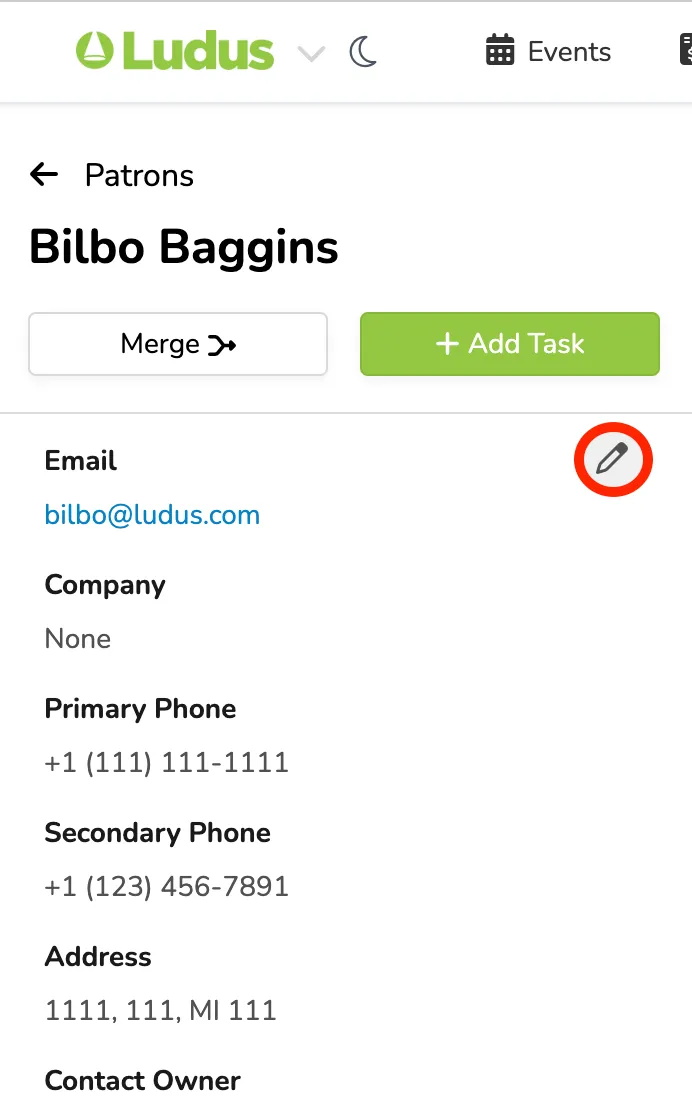
To edit other patron information, hover next to the email field and click the edit icon.
Edit any necessary details from the pop-up menu. If you'd like to update this information for all past orders, ensure that you keep the "Update details on all orders" checkbox selected. Uncheck to keep previous details as they are.