Create/Send an Invoice
Create an Invoice for an Order
You can also create an order invoice under More -> Invoicing -> New Order.
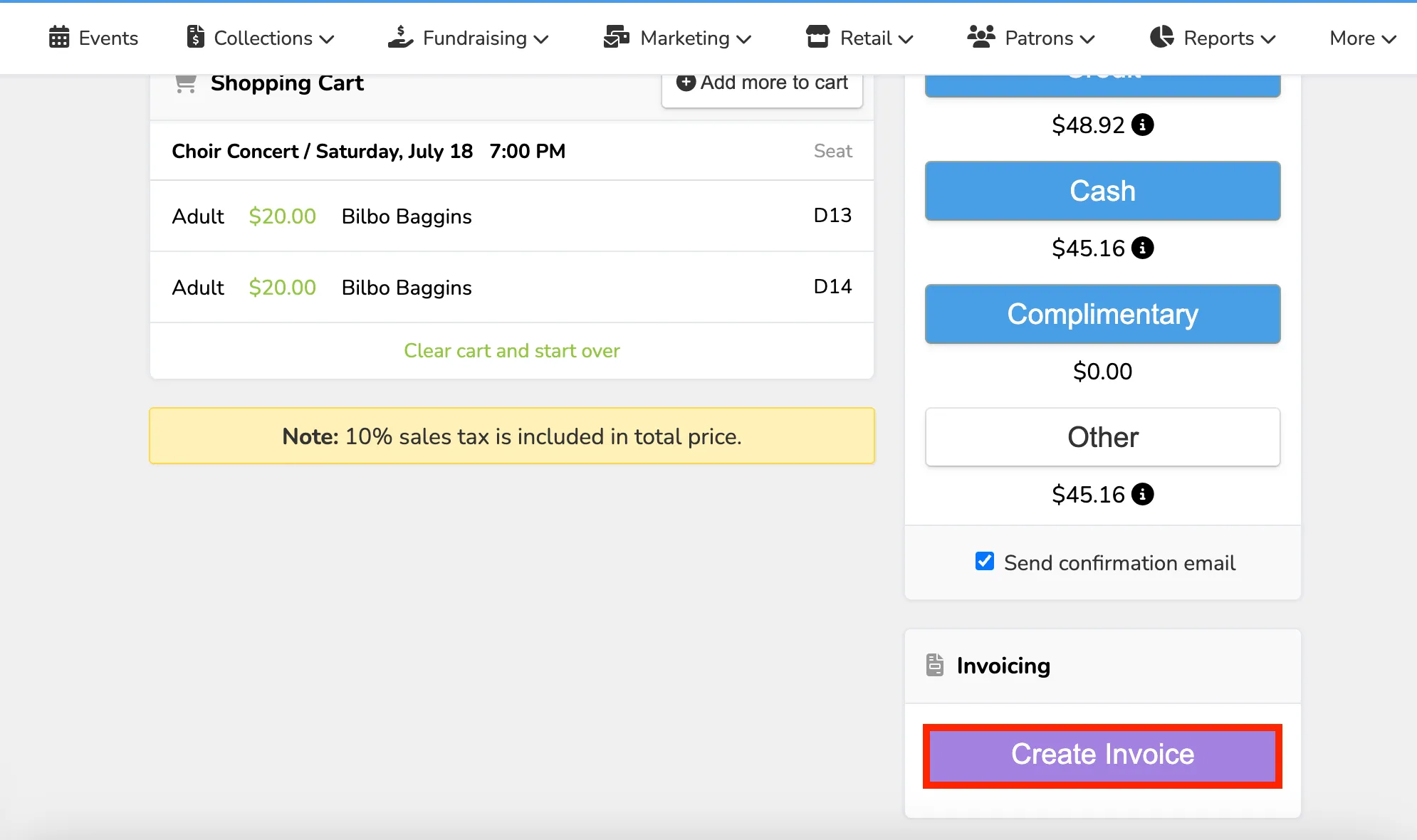
Start an order for any event, collection, or class from your admin panel. Add any items you'd like on the invoice to the cart.
Suggested Articles:
Once you have added all the items to the cart, click the purple Create Invoice button.
The invoice will automatically be created with any defaults you set on your Invoice Designer.
If you input patron information on the selection screen, that information will automatically be carried over to your invoice. Otherwise, add any patron information or additional recipients to your invoice.
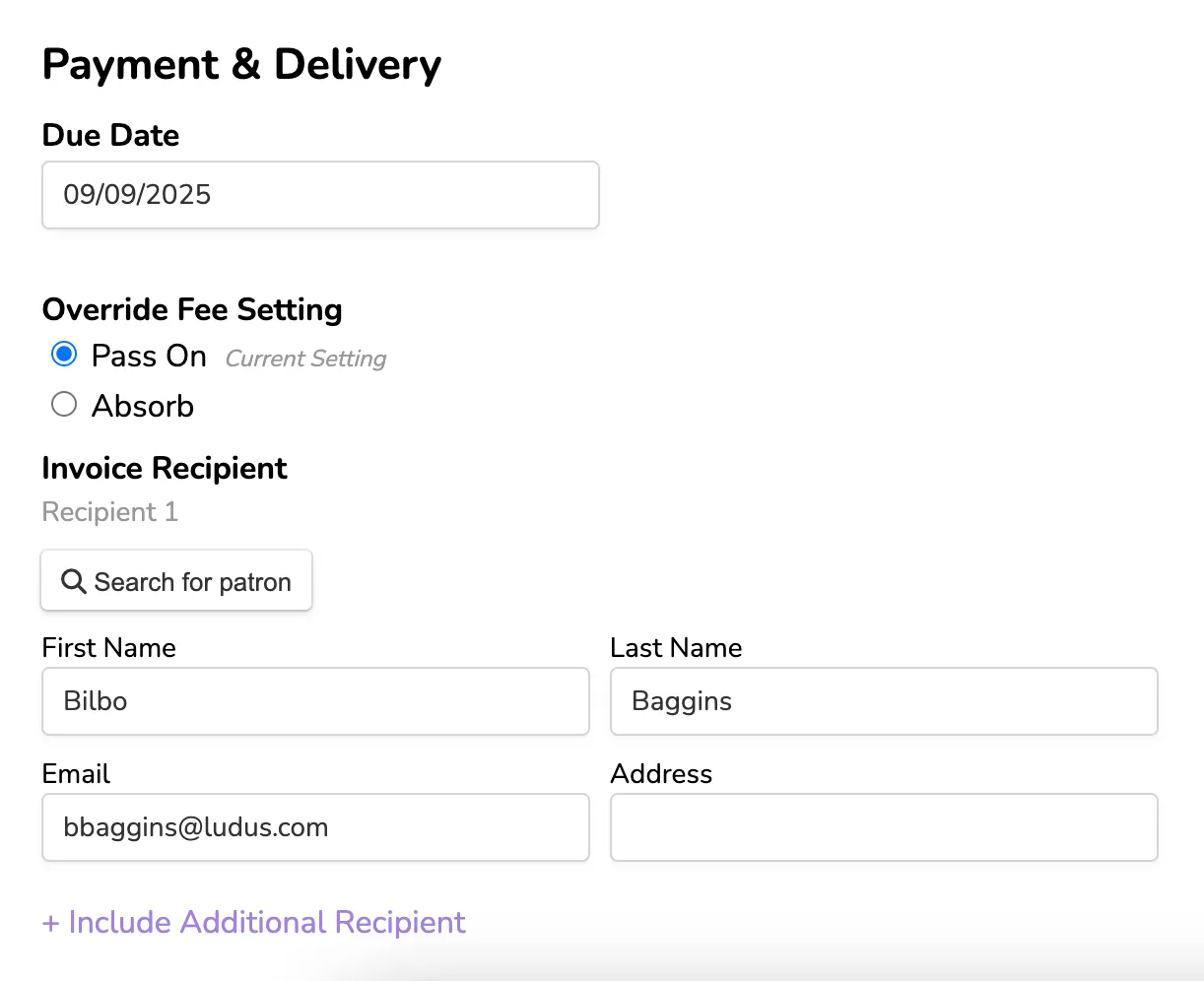
Make alterations to the due date, memo, and footer as desired.
Preview the invoice, payment page, and email on the right-hand side. When satisfied, click Send Invoice to send.