Passes
The Passes feature in Ludus allows customization of packages, including season subscriptions, perks, and benefits (such as memberships). No matter how you approach subscription packages, Passes offer flexible options to suit your organization's needs.
Video Overview:
What can this feature help with?
The Passes feature in Ludus is required for reserved-seating events. The maker can create standard reserved seating and table seating, and can adjust it to create a black-box seating arrangement as well.
Why use this feature?
While passes might bring to mind "one type" of pass, you can create Flex Passes, Season Tickets, and Memberships with the pass feature. This broadens what you can offer your patrons and gives you the flexibility to use it as you need.
What makes this feature so special?
Ludus was built for the performing arts by people who care about them, and we want to make your life easier. The Pass feature in Ludus lets you create and customize your pass selections as needed. This includes the ability to:
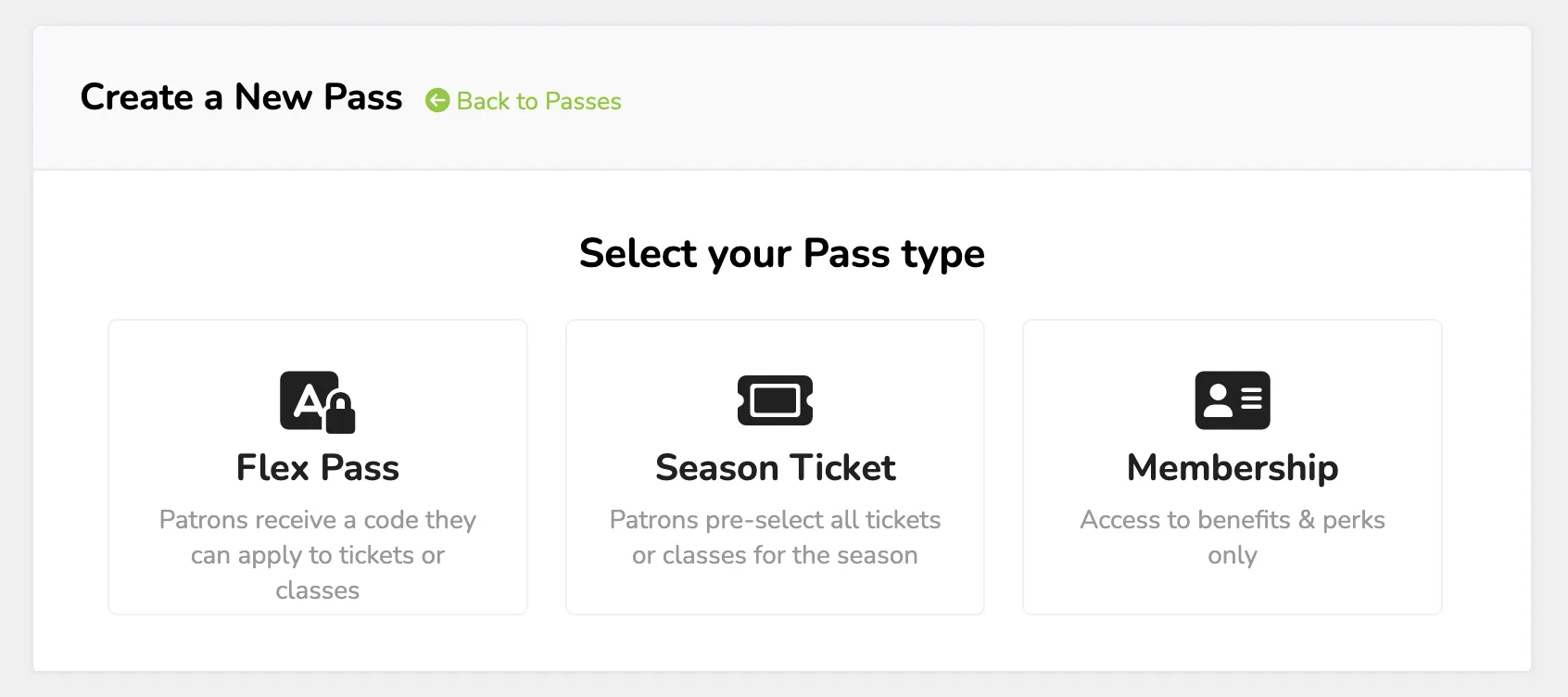
- Flex Passes - Build a package with specified rules and limits. When a patron purchases a pass, they will receive a code. This code can be plugged in at future checkouts to redeem tickets and access classes on their pass. This offers the most flexibility of all passes.
- Season Ticket - Build a package of different events and classes from which your patrons can choose. When they purchase the season ticket, they will select all future tickets for the subscription.
- Memberships - No redeemable tickets, just perks. Similar to flex passes, memberships let you create one-off or recurring passes that unlock perks such as early access, discounted tickets, and more. You choose!
So how does this feature work?
Regarding the Season Ticket, you will want to ensure you have events and classes set up before creating the pass for your patrons (as they will select seats when they purchase the pass). For the Flex Pass and Membership, you can create the pass and later on add events as needed.
How do I start creating Passes?
To start creating any of the 3 pass types, go to More (at the top of your account) -> Passes.
From here, select +Create Pass, and you will be prompted to select the type of pass you wish to create.
After this is selected, you will be guided through the required information to create the pass.
It is highly recommended to test your pass before going live.
This will ensure it functions as intended.
If you need help with your pass setup or have any questions, reach out to the team, and they will be happy to help!
Learn More: