Proceeds Report
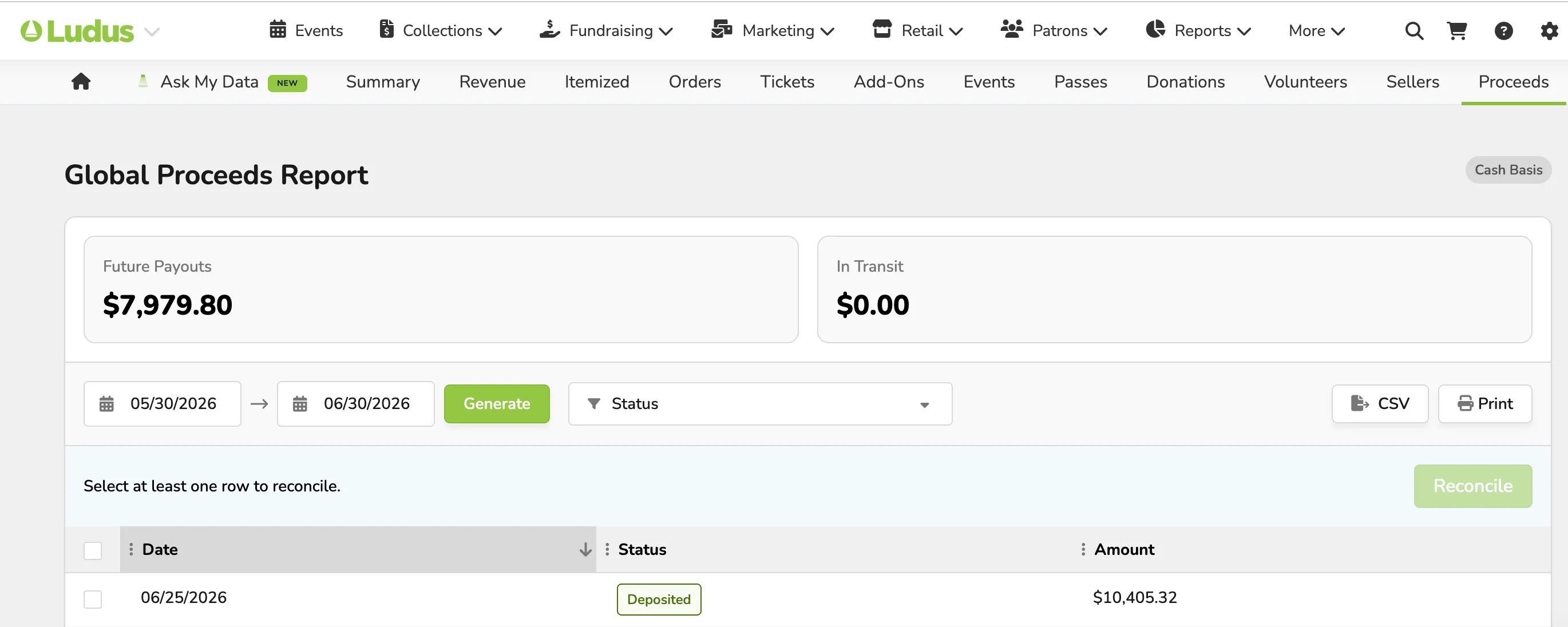
The Proceeds Report will display a breakdown of your proceeds from Ludus. There are two variations for the proceeds report depending on whether you elected to receive paper check payouts or direct deposit. See a breakdown with additional details below!
View the Proceeds Report
To view the proceeds reporting hub, click Reports (at the top navigation bar) --> Proceeds.
Paper Checks versus Direct Deposits
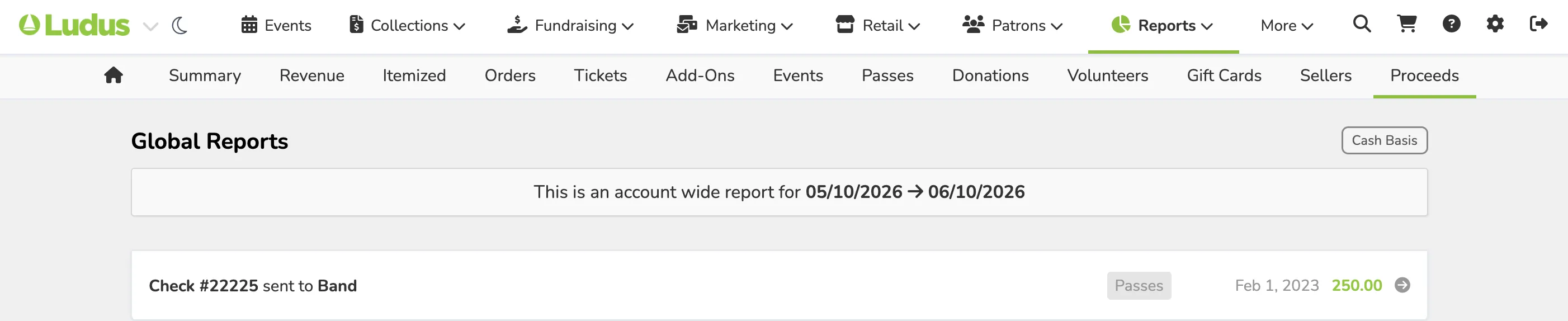
For paper checks, each check sent will be listed separately. The row will show the check number and amount, and a tag will display what the check is for (Donations, event tickets, classes, etc.). You can click each row to review the complete details for the check, see a digital preview, and track the check. Suggested Article: Reconcile paper check proceeds
For direct Deposits, whether you elected daily, weekly, or monthly direct deposits, each deposit will appear as a separate item on your proceeds report. On the main reporting screen, each line will display the deposit date and amount. Then, you can check as many boxes along the left-hand side as desired and reconcile deposits individually or in bulk. Suggested Article: Reconcile direct deposits