Sell Reserved Seats
Once you have reservations for an event time, there are multiple ways to process the sale. Read about each method in the drop-downs below.
Sell Reserved Seats in "New Order"
For a reserved-seating event, the simplest way to sell a reservation is to follow the same steps you would for a standard order.
Suggested Article: Sell tickets to an Event
Click New Order next to the event time and add the tickets to the cart as you normally would.
Reserved seats will appear on the chart with a black circle around them. If you hover over the seat, you will also see the name attached to the reservation.

Sell Reserved Seats from the Reservation List
You can quickly sort and search the reservation list, and easily add a reservation to the cart for sale.
On the main Events tab, find the event time you'd like to view reservations for, then click Options --> Reservations.

From the tabs at the top, click Reservation List.

Use the search bar and Order by buttons to sort and search the reservation list.

Once selected, simply click Add to Cart (at the top right).
From here, you can select the ticket price, enter any required payee information, and add the tickets to the cart.
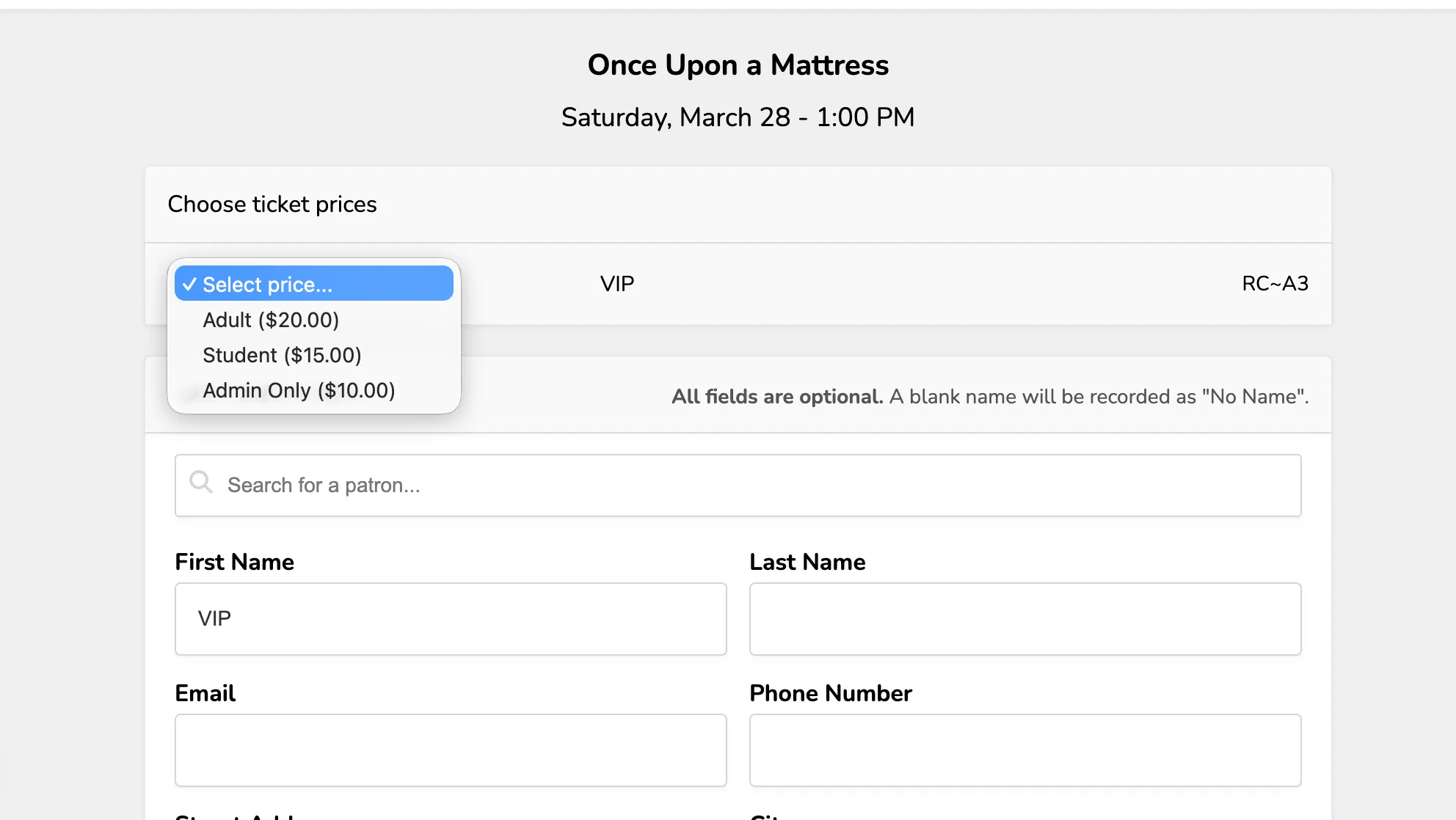
Finally, you can choose the payment option to complete the sale.
Suggested Article: Overview of payment options