Delete a Fundraiser Update
1 min
After you publish a Fundraiser, you may realize a typo or even have additional information you wish to add. These can easily be updated through the Fundraiser tab.
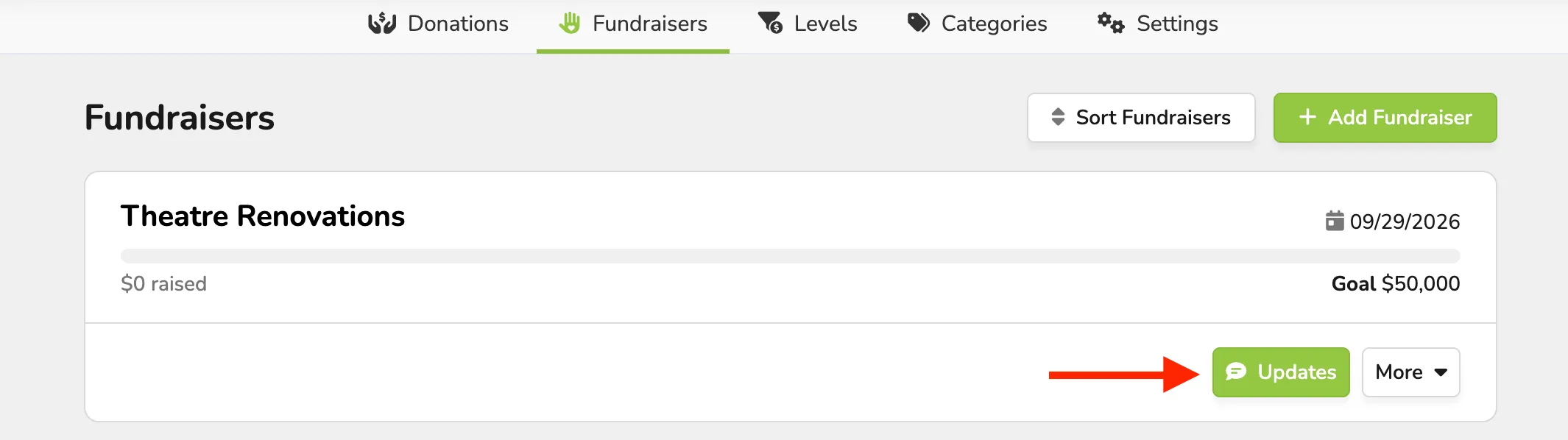
Go to Fundraising (at the top of your account) -> Fundraisers.
From here, navigate to the Fundraiser you need, and select Updates.
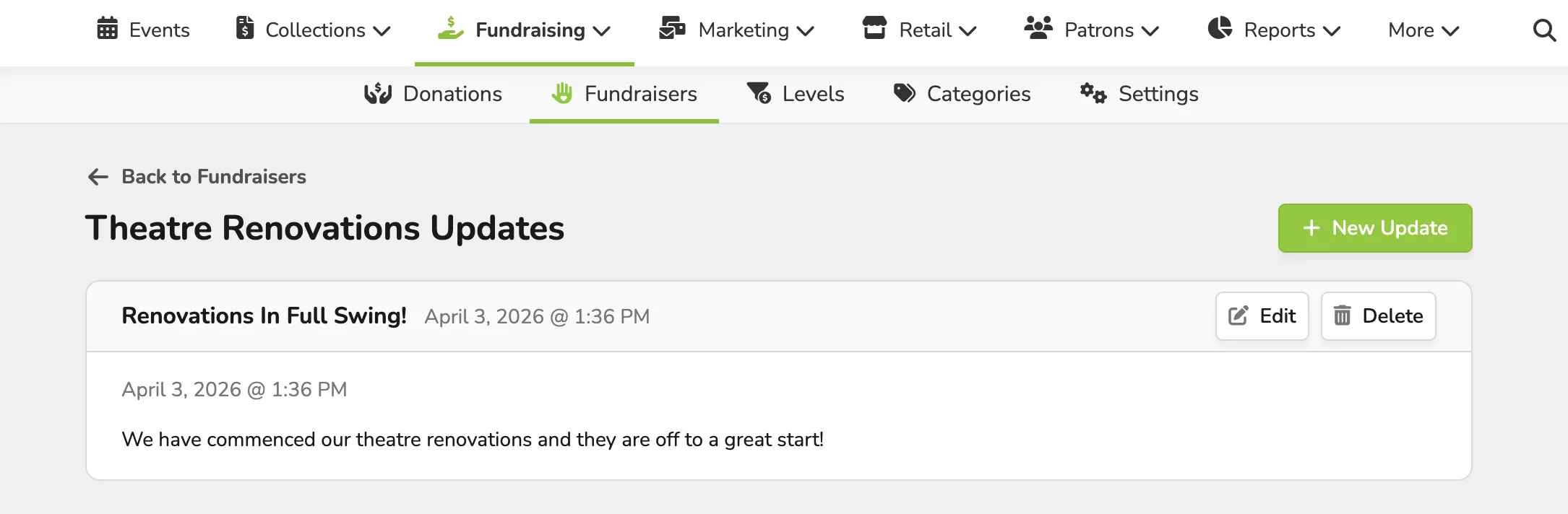
Once here, go to the top-right corner of the update you wish to delete, then select Delete.
You will be prompted to verify that yes, you do wish to delete that Update.
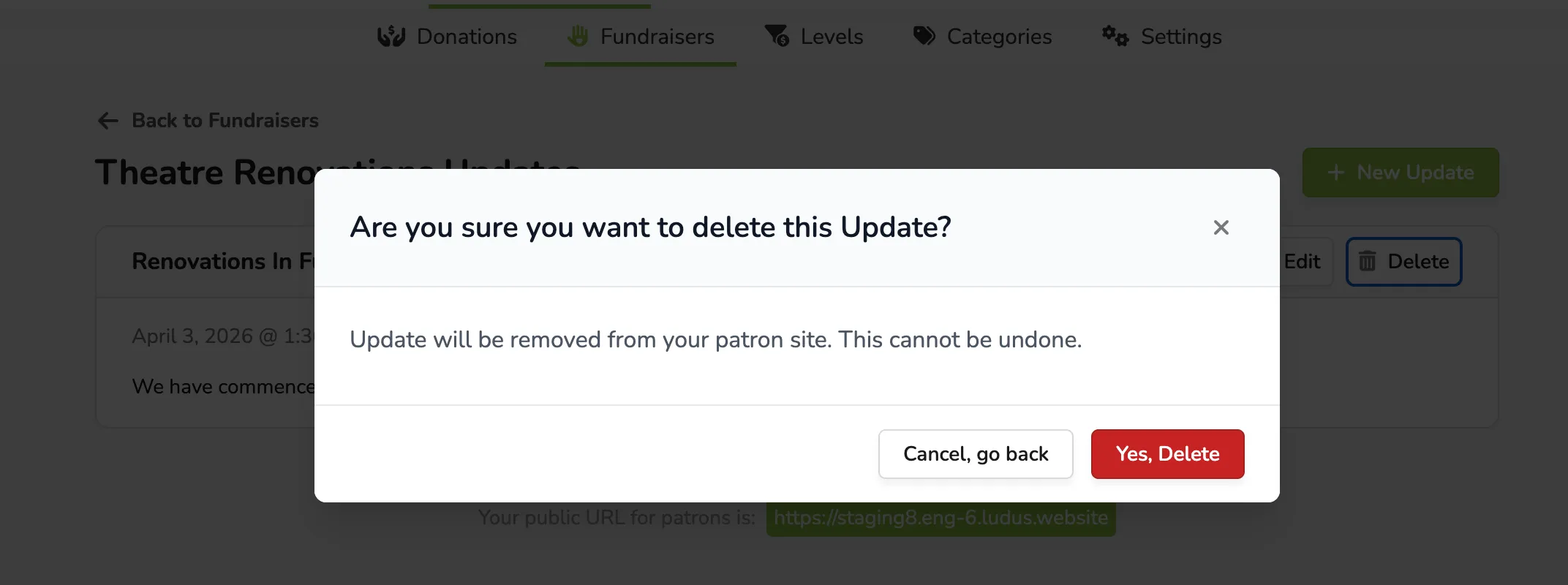
Once Yes, Delete is selected, that Update will be removed from your admin site and the patron site.