Donation Presets
1 min
While there are default donation amounts that appear as possible for donors (IE - $5, $10, $25, $50, $100), you are also able to change those to custom amounts.
To change those amounts to custom presets, go to Fundraising (at the top of your account) -> Settings -> Scroll down to the Donation Presets section.
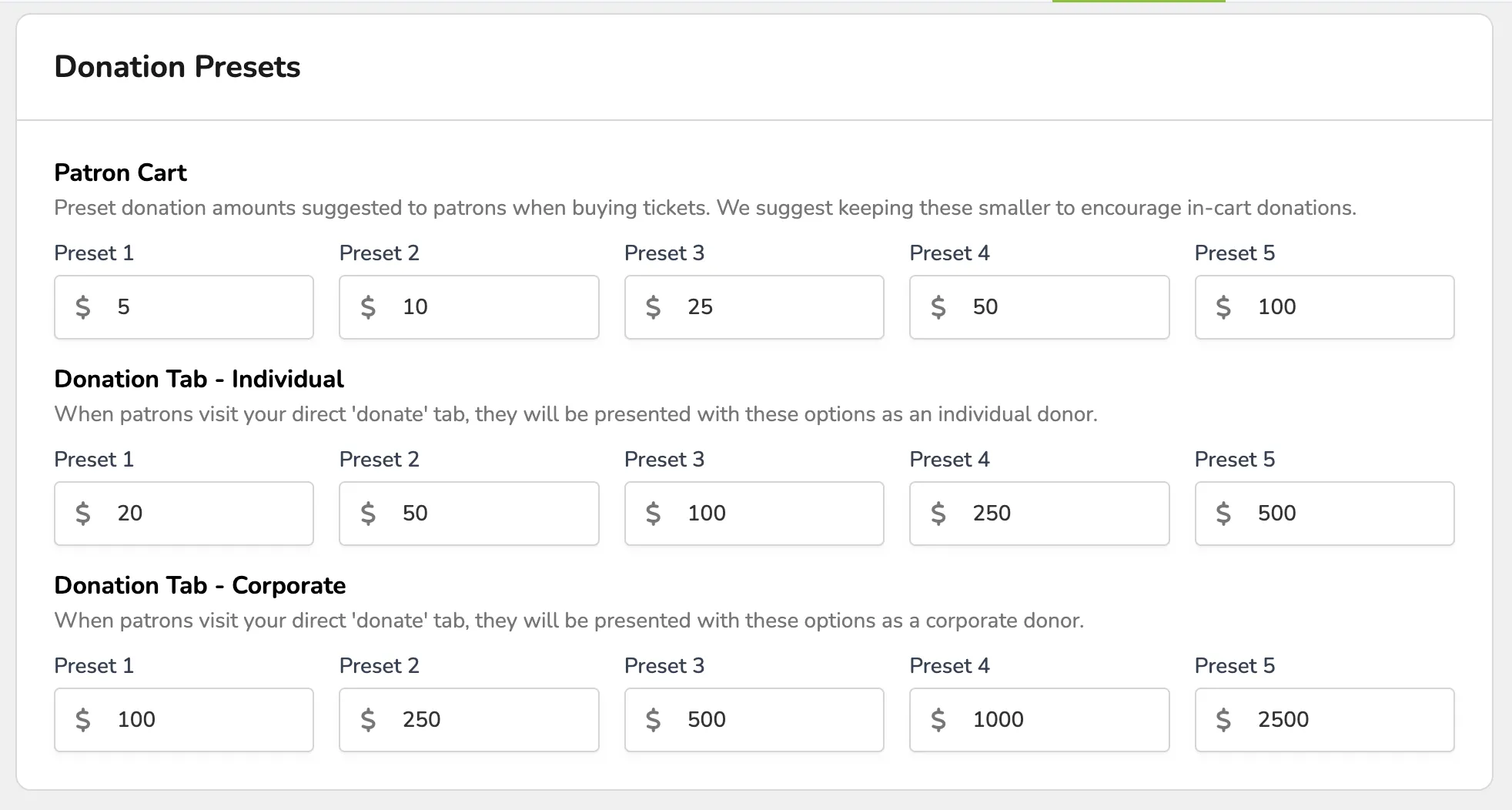
From here, you can update 3 locations for those donation amounts:
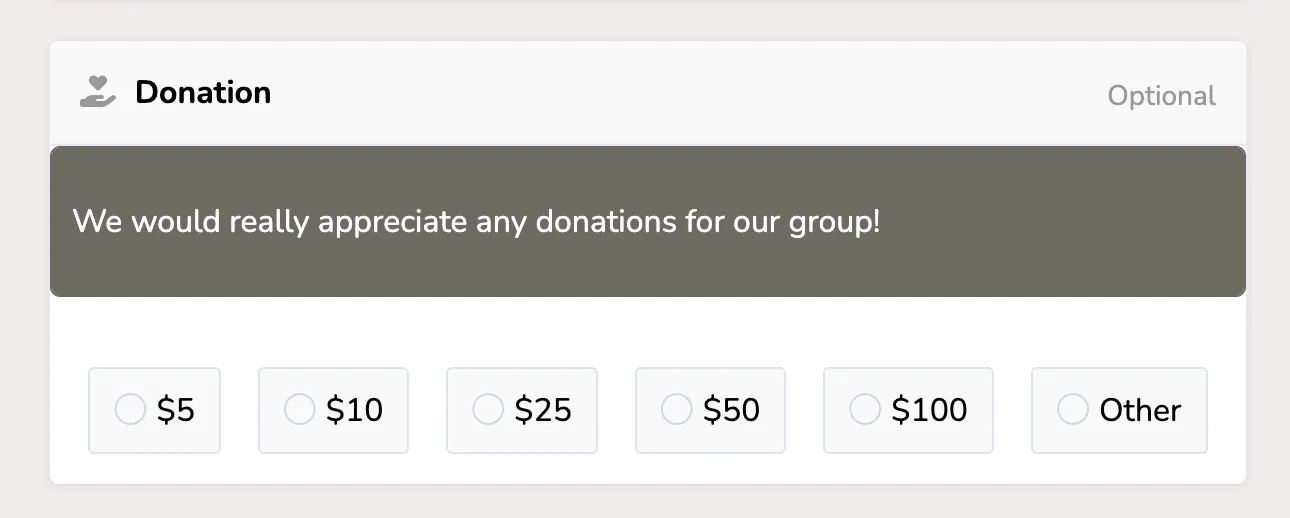
- Patron Cart - Preset donation amounts suggested to patrons when buying tickets. We suggest keeping these smaller to encourage in-cart donations.
- Donation Tab (Individual) - When patrons visit your direct “donate” tab, they will be presented with these options as an individual donor.
- Donation Tab (Corporate) - When patrons visit your direct “donate” tab, they will be presented with these options as a corporate donor.
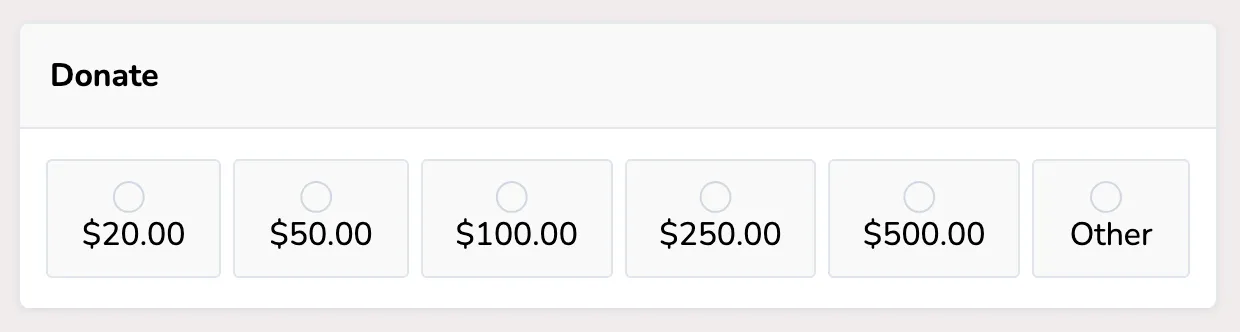
Once that is updated and saved, the changes will show on the patron site in the designated sections!