Item Management
2 min
Once an Item has been created it will show in the Item Library. From here you can:
- Edit the Item
- Archive the Item
- Delete the Item
Manage Items on the Dashboard
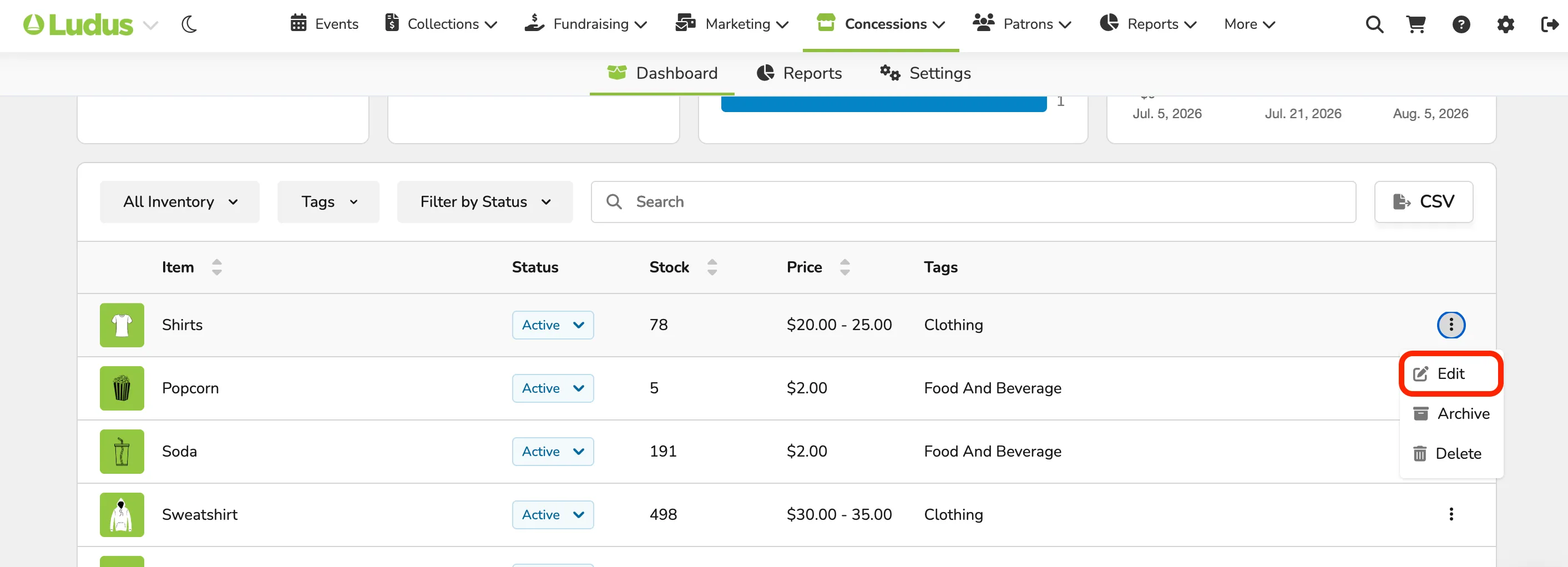
Go to Concessions (at the top of your account) -> Dashboard.
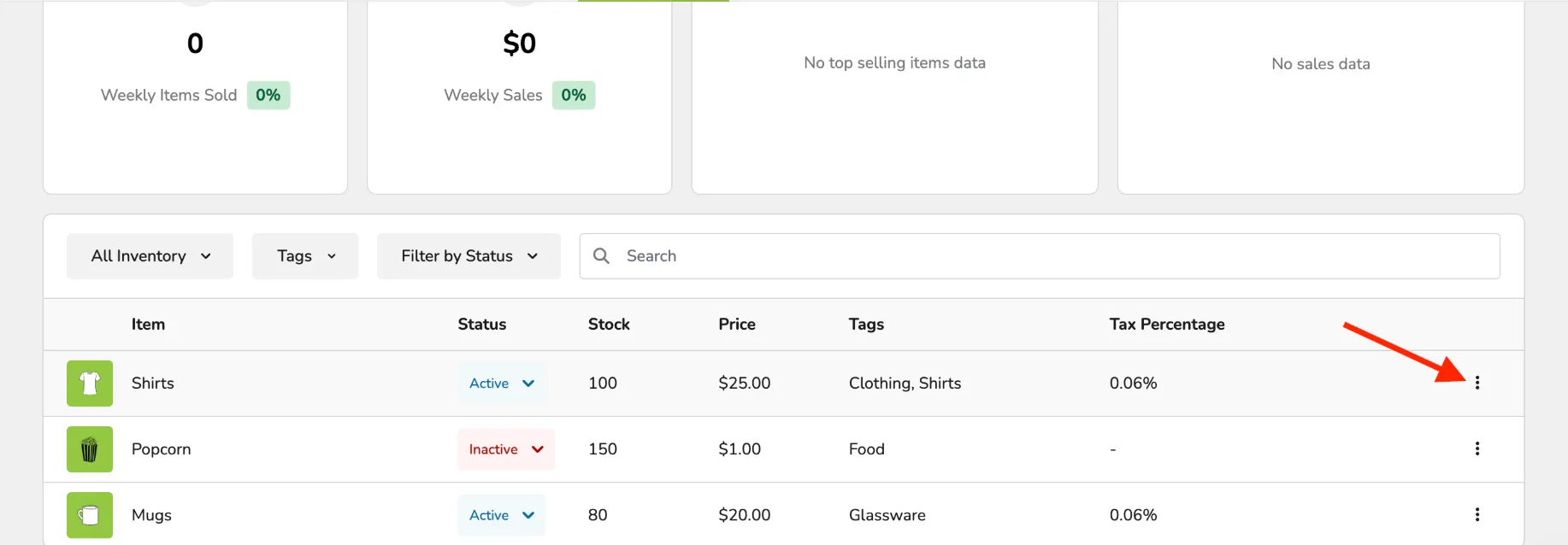
Click the 3 dots to the far right of your item.
From this dropdown, you can Edit, Archive, or Delete.
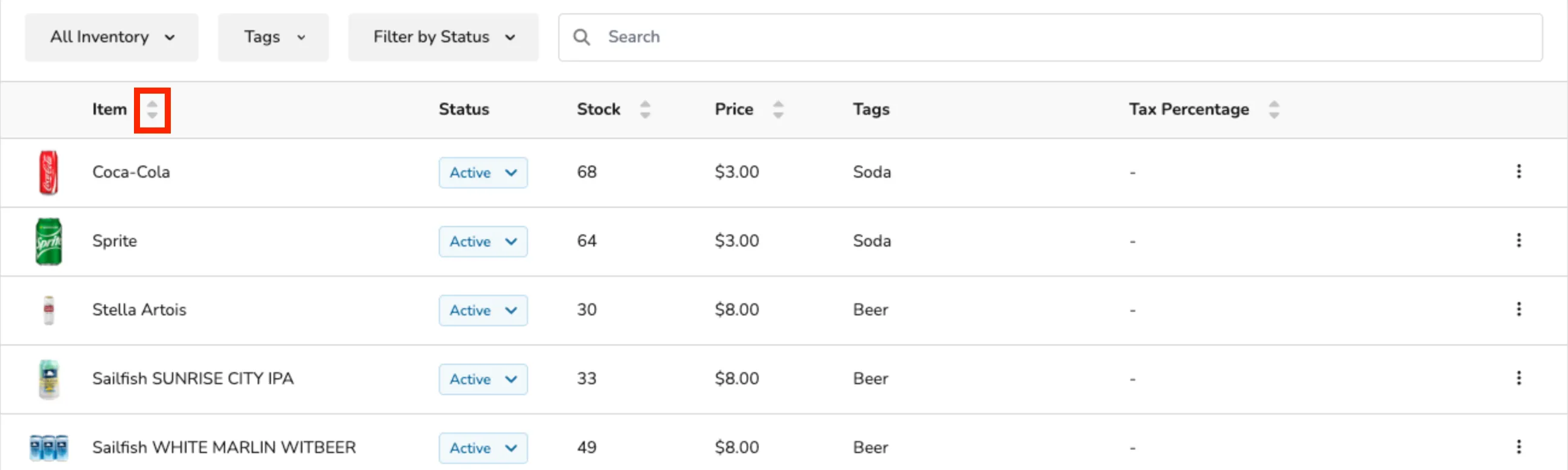
You can also Sort Columns, as needed: