Add a Class Instructor
1 min
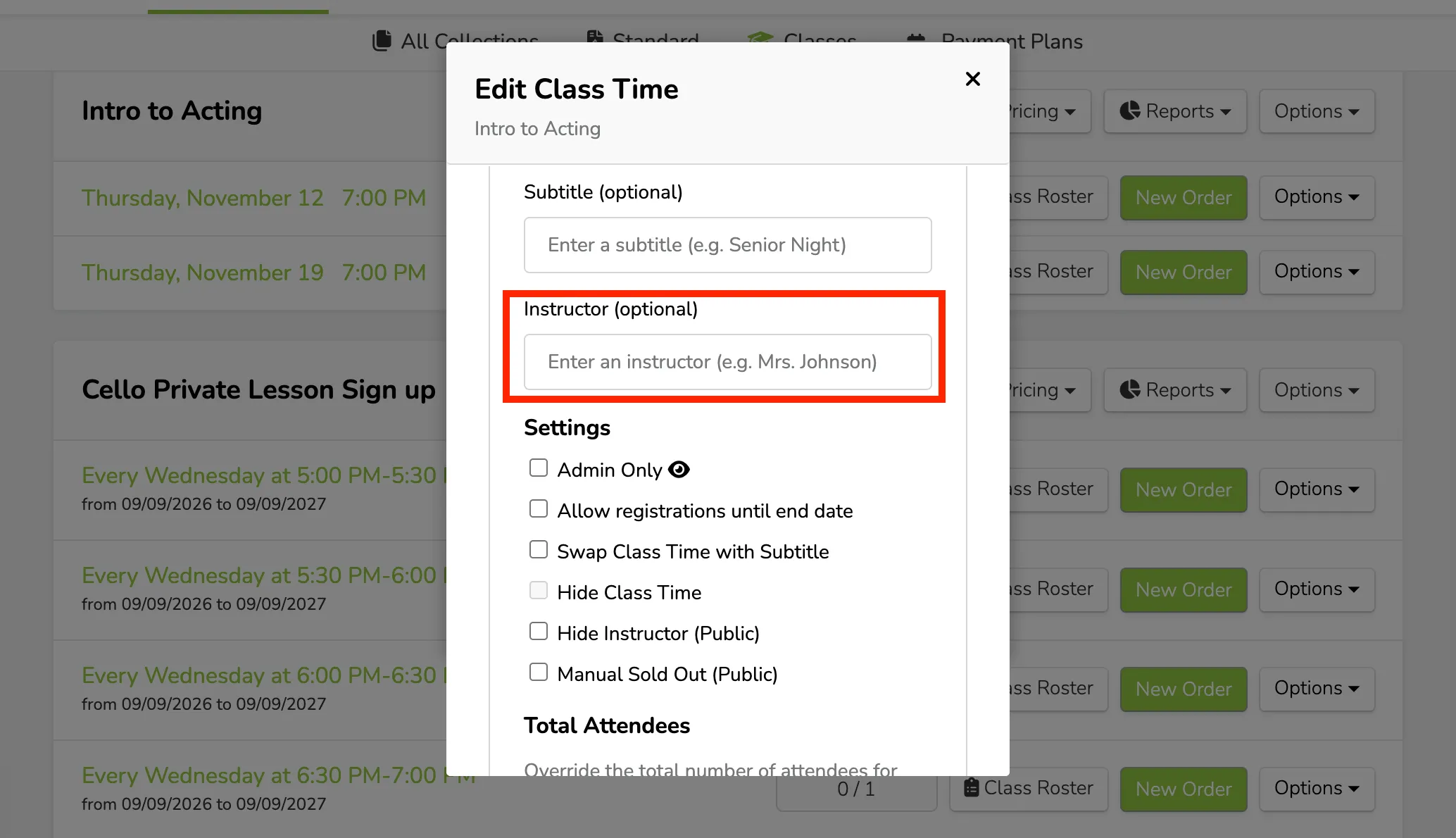
If you have multiple class times or need to note different instructors, you can easily do this under Options (next to the Class time) -> add an Instructor.
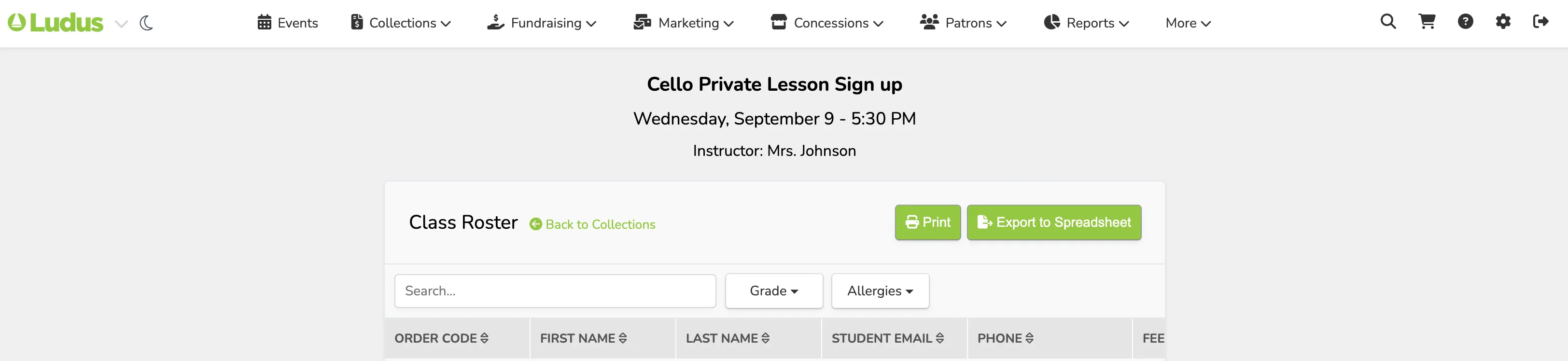
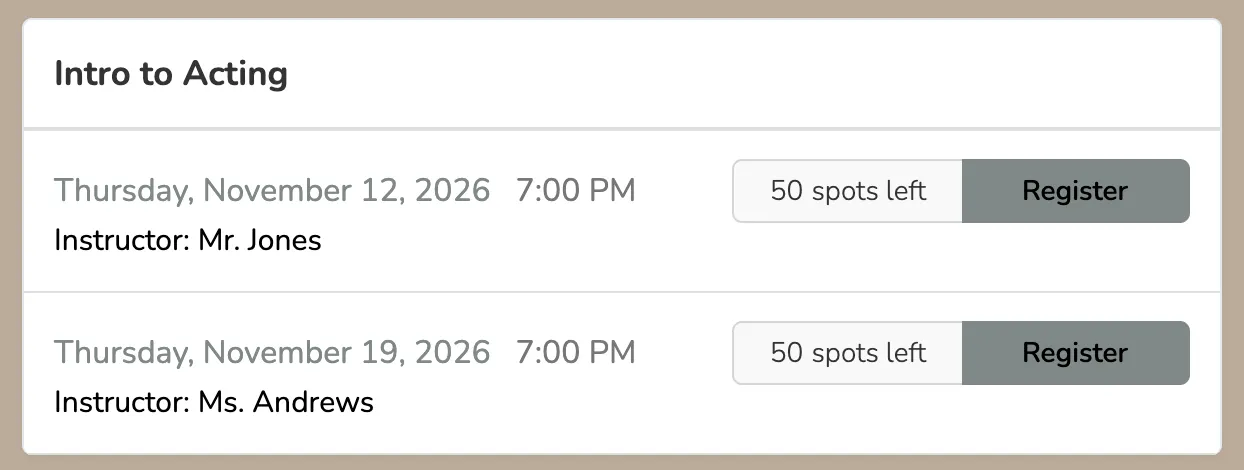
Once added, the instructor's name will appear at the top of the Class Roster list (next to the class time) and publicly next to the class.
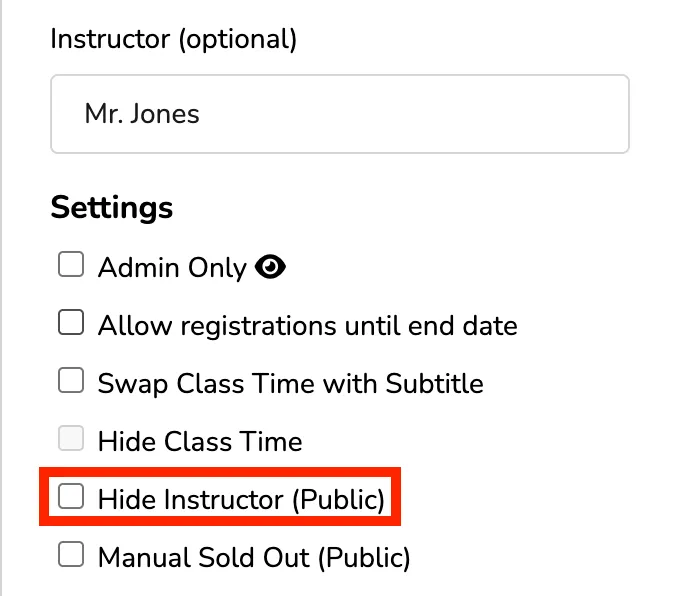
The instructor will show publicly by default, unless you choose to hide that under Settings, below where you entered the instructor.